You need a working ID card program, not just a box of plastic. Whether you are standing up employee credentials for the first time or replacing a decade-old badge system, the difference between a smooth rollout and a six-month headache comes down to one thing: treating issuance as a program, not a purchase. This guide walks enterprise security and HR leaders through the full workflow—design, personalization, and enrollment—so you can specify the right cards, avoid costly rework, and hand employees credentials they can actually use on day one.
Start With the Use Cases, Not the Card

Most programs go wrong before a single card is ordered. The buyer picks a card—usually “PVC, like the old ones”—and only later discovers it cannot open the new turnstiles, cannot clock into the payroll system, and cannot be read by the visitor kiosk. Define what the credential must do before you define what it is made of. A card that looks right on a desk but fails at the door is a liability, not a saving.
Map every job the card has to perform for the people who will carry it:
- Physical access – doors, gates, elevators, and parking.
- Logical access – PC login, VPN, and single sign-on via PIV/PKI certificates.
- Time & attendance – clock-in/out and workforce tracking.
- Visitor and contractor management – temporary, scoped credentials.
- Future multi-application – cashless, locker, or print release later.
If you only need a photo ID for visual checks, a printed card is enough. If you need a single credential that opens doors, logs into Windows, and records clock-in, you are specifying a smart card program—and the budget, timeline, and vendor questions change completely. Scoping the use cases first is what keeps an ID card issuance program from drifting into uncontrolled scope and cost.
Map the Card to Your Access-Control and HR Systems

The card is only as useful as the systems that read it. Before committing to a format, inventory every reader, door controller, and software platform the credential must touch. Three compatibility questions decide everything:
- Reader frequency – legacy 125 kHz proximity (HID Prox) versus 13.56 MHz contactless (ISO/IEC 14443, MIFARE/DESFire, Seos). The two do not interoperate.
- PACS compatibility – confirm your access-control panel supports the specific chip and application. “A MIFARE card” means little until you know the application and key scheme.
- Data flow – cardholder records should flow from HRIS to the enrollment system, not be re-keyed by hand.
Many programs now run physical cards alongside mobile credentials; the trade-offs are worth weighing early in Mobile Credentials vs Physical Cards. For the physical layer, the U.S. government’s IDManagement.gov FICAM guidance and NIST SP 800-116 Revision 1 are practical references for selecting and configuring a Physical Access Control System (PACS). A format mismatch here is the single most expensive error in an issuance program—it forces a full re-card mid-project.
Choose the Right Card Format and Material
Three decisions shape durability, compatibility, and total cost of ownership:
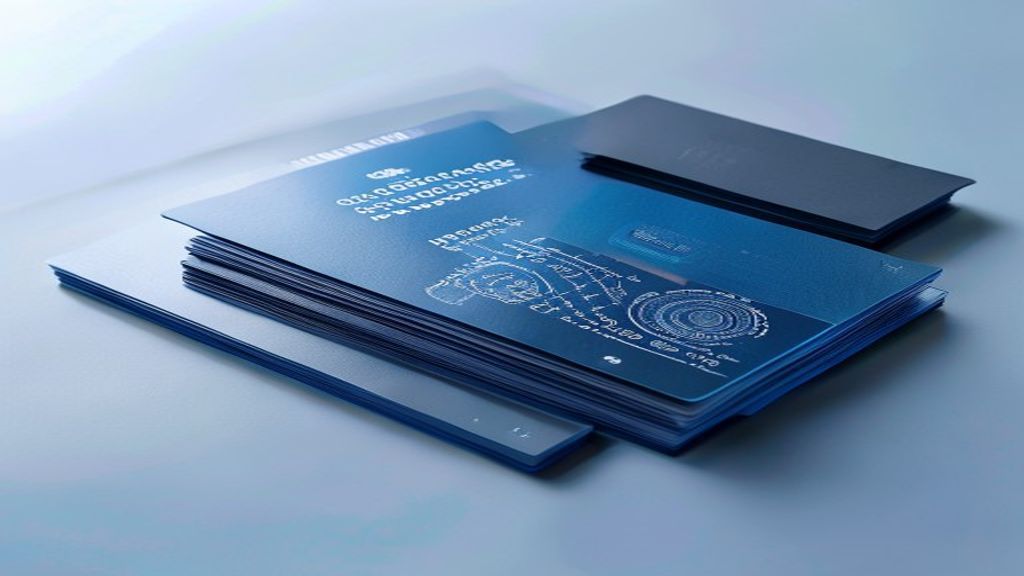
- Substrate – PVC (low cost, ~1–3 year life), composite PVC/PET (mid-life), or polycarbonate (5–10 years, heat-laminated, best for high-security and harsh use). See Polycarbonate vs PVC vs PETG for a full comparison.
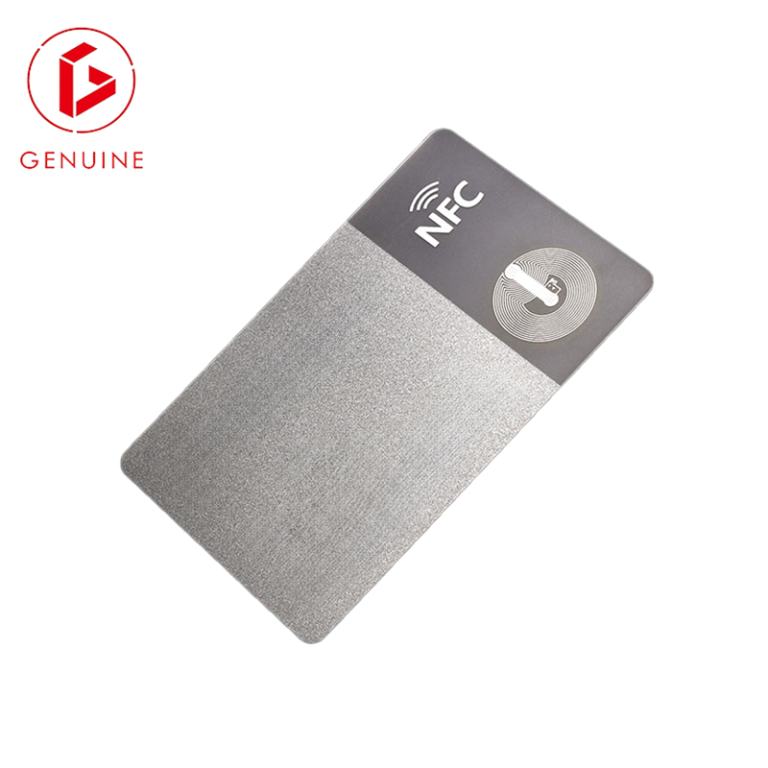
- Chip interface – contact (EMV/chip), contactless (RFID), or dual-interface (both). For enterprise programs, dual-interface future-proofs the card for logical access.
- Form factor – ID-1 (85.6 × 54 mm) is the global standard for employee cards; NIST FIPS 201-3 defines the PIV card to the ID-1 size.
For high-assurance or government-adjacent programs, choose modules evaluated against Common Criteria, and match the chip to the application in How to Choose a Smart Card Chip. Match the substrate to the environment, not the price list—a warehouse badge exposed to sunlight, lanyards, and daily flex will fail fast on thin PVC, while a polycarbonate card outlasts the employee’s tenure.
Design the Card: Data Fields, Visual Security, and Branding
Card design is a balancing act between usefulness, security, and privacy. A typical enterprise badge carries:
- Required fields – photo, full name, ID number, department/role, expiry, and a machine-readable element (barcode or QR).
- Visual security – hologram overlay, UV ink, microtext, and guilloché raise the cost of forgery without slowing legitimate use.
- Branding – color, logo, and layout reinforce identity and make fakes obvious at a glance.
The privacy rule matters most: print the minimum personally identifiable information (PII) needed at the door. Avoid home address, national ID number, or full date of birth on the card surface—keep sensitive data on the secured chip. Over-printing personal data is a compliance liability, not a feature, and it amplifies breach impact if a badge is lost.
Data Capture and Enrollment: Getting Employee Records Right
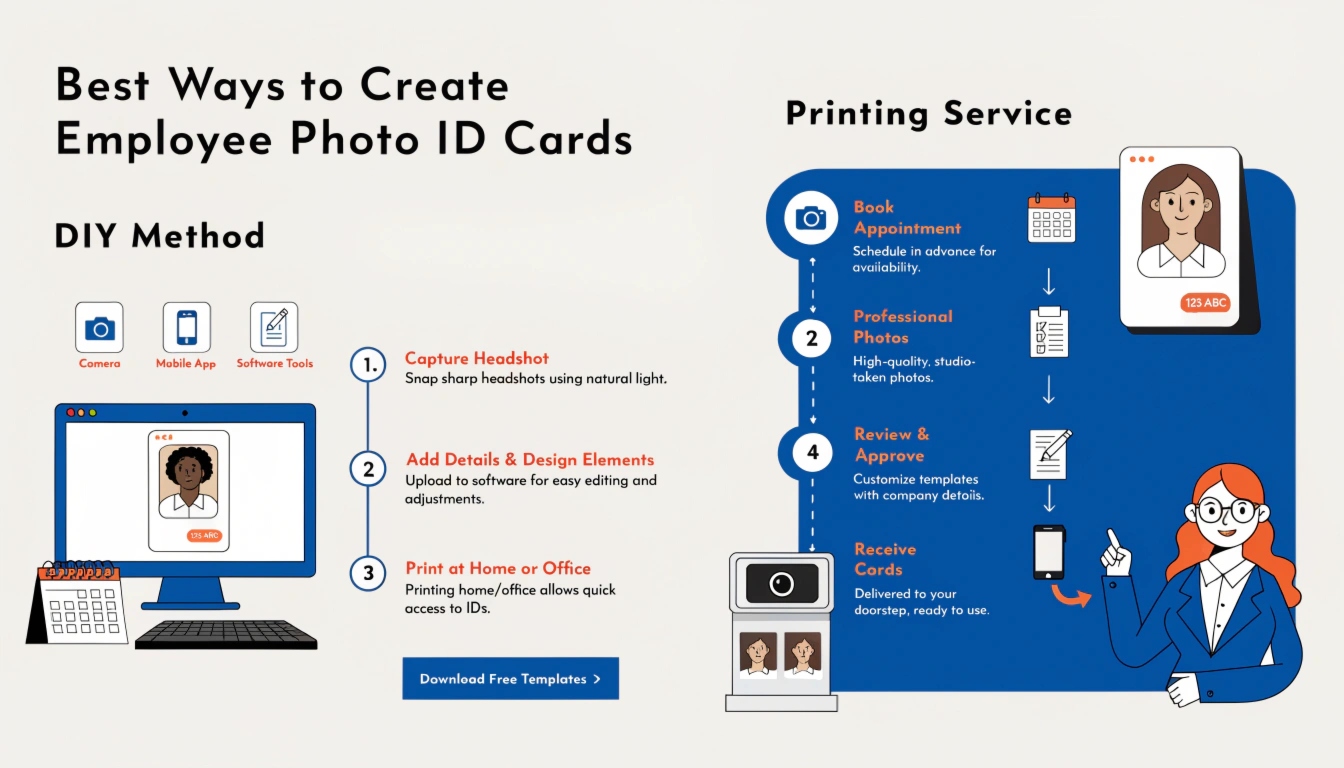
Enrollment is where data quality is won or lost. Bad data at enrollment repeats on every card you print—fix it upstream, not at the printer.
- Source of truth – pull records from HRIS, not spreadsheets; deduplicate and standardize fields before personalization.
- Photo capture – consistent lighting, neutral background, and a correctly framed face; follow recognized facial-capture guidelines referenced in the PIV biometric specification.
- Privacy by design – establish lawful basis, data minimization, and a retention schedule. For EU/UK staff, the principles in GDPR apply to both the photo and the linked record.
Plan your enrollment stations too: a centralized HR desk is simplest to control, while self-service kiosks absorb peak onboarding—but both must verify identity before a credential is produced.
Personalization: Printing, Encoding, and Quality Control
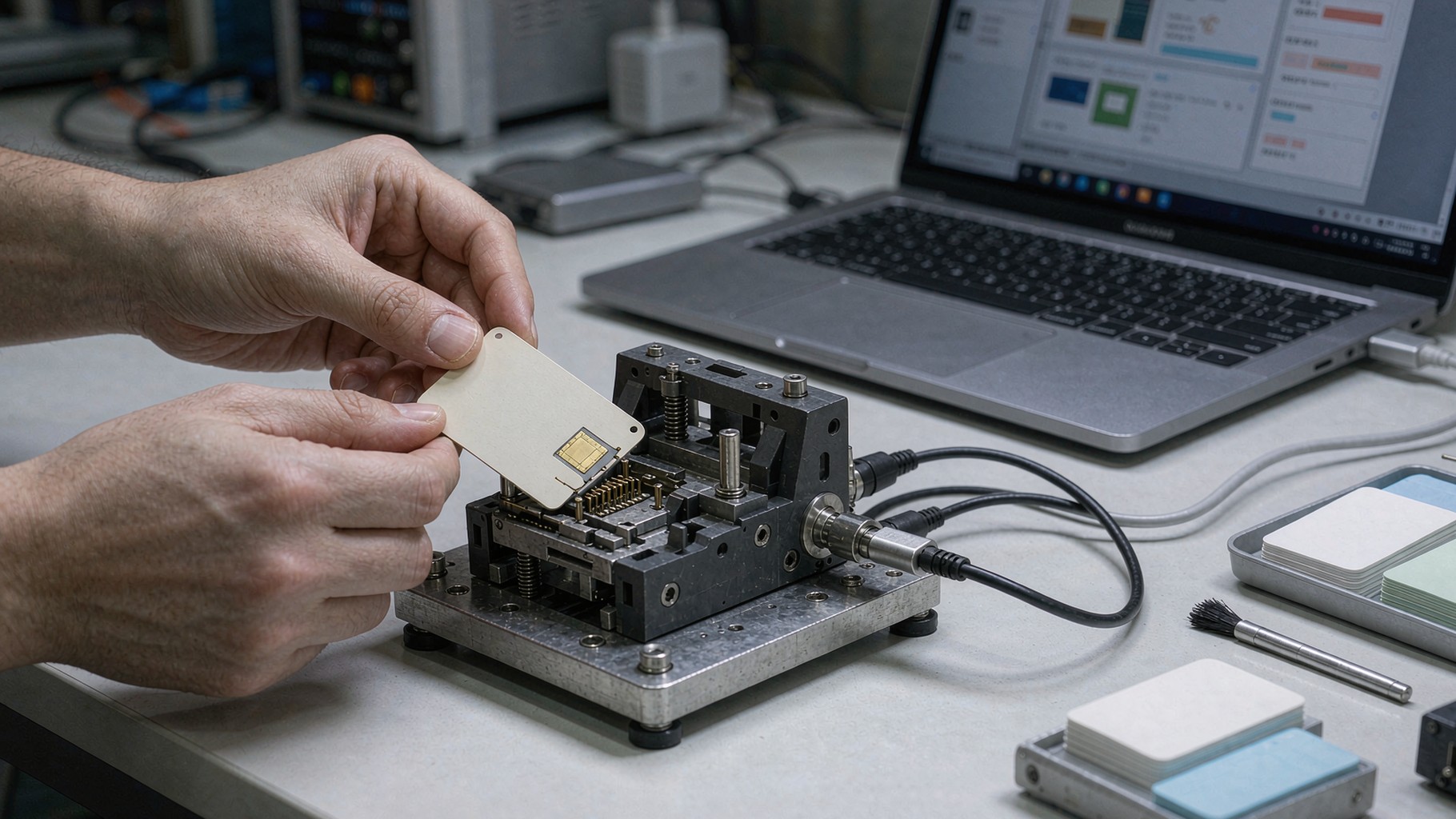
Personalization turns a blank card into a trusted credential. The method depends on your substrate and security tier:
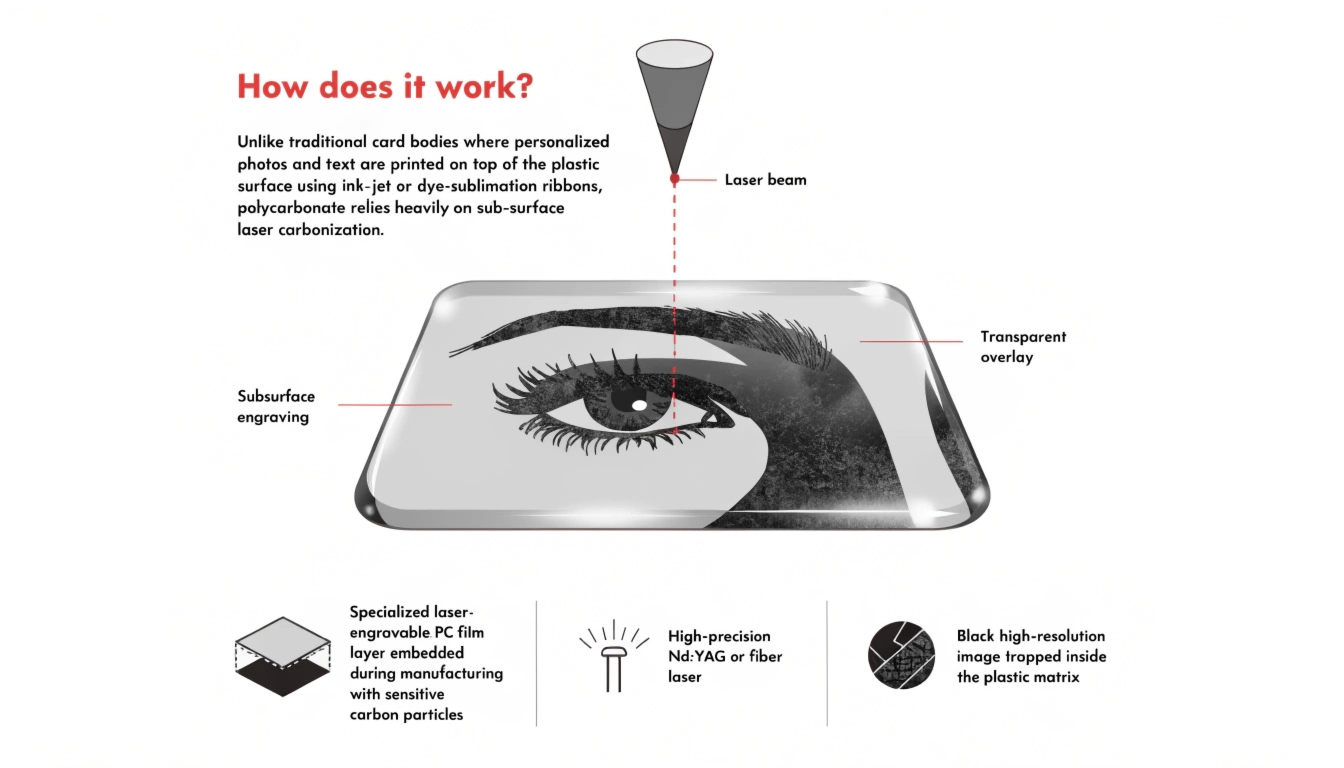
- Print – dye-sublimation (good, economical), retransfer (edge-to-edge, best for smart cards), or laser engraving (permanent, for polycarbonate). Compare methods in Card Personalization Methods Compared and the buying guidance in Card Printer Buying Guide 2026.
- Encode – write the chip/RFID application, inject keys securely, and personalize the electronic signature.
- QC – 100% electrical test (chip reads, keys valid), visual inspection, and periodic sample/destructive tests. The Secure Technology Alliance publishes sensible personalization and testing practices.
Decide in-house versus outsourced personalization early. In-house suits ongoing volume and tight data control; a factory partner suits the first batch and complex encoding. Either way, a card that prints fine but fails the door reader on day one is not personalized—it is scrap.
Issuance, Activation, and Lifecycle Management

A credential’s life does not end at the printer. Treat credentials like accounts, not objects—they need the same joiner/mover/leaver discipline as IT access.
- Secure handout – verify identity at collection and log the issue.
- Activation – enable the credential in PACS and HR on the employee’s start date.
- Replacement & revocation – lost or stolen cards are revoked immediately; leavers are revoked before their last day. Orphan and ghost cards are the top insider-risk vector.
- Renewal – batch expiring cards ahead of time; see Card Renewal and Credential Lifecycle Management.
A centralized card management system keeps this manageable. Card Management Systems and Middleware explains how to issue, suspend, and audit every credential from one console—essential once you exceed a few hundred cards.
Pitfalls to Avoid and Your Specification Checklist

The same mistakes sink issuance programs again and again. Avoid these:
- Choosing the card before the use cases are scoped.
- Assuming “MIFARE” guarantees PACS compatibility without checking the application and keys.
- Printing excess PII on the card surface.
- Skipping 100% electrical quality control.
- Having no revocation or unified management process.
- Ordering in bulk with no sample validation first.
Your RFQ should pin down each of these. Use our Smart Card RFQ Specification Template to write the requirement line by line—use cases, reader inventory, chip/interface, substrate, ID-1 dimensions, visual security, data fields, encoding/keys, QC, issuance/revocation workflow, privacy compliance, and volume/lead time. Before you brief a supplier, validate with real samples—request a sample pack and a tailored quote from our team via the contact page.
Frequently Asked Questions
- How long does an ID card issuance program take? A first rollout typically runs 4–12 weeks: 1–2 weeks to scope use cases and inventory readers, 2–4 weeks for samples and supplier qualification, and 1–4 weeks for bulk personalization and activation depending on volume.
- PVC or polycarbonate for employee cards? Choose PVC or composite for 1–3 year, low-risk programs; choose polycarbonate for 5+ year life, outdoor/harsh use, or high-security and government-adjacent programs where laminated durability matters.
- Can one card do physical access and PC login? Yes. A dual-interface smart card carrying a PIV/PKI certificate can open doors (contactless) and log into workstations (contact or contactless), consolidating physical and logical access onto a single credential.