If you have been asked to source a card printer, the first question is not which printer — it is whether you should be printing cards in-house at all. Most buying processes start with a shortlist of desktop models and end with a fleet that costs far more per card than factory personalization would, or with an outsourced contract that cannot replace a lost badge in under two weeks. This 2026 card printer buying guide works the decision in the order that actually changes the outcome: issuance model, print technology, material and chip compatibility, true cost per card, volume thresholds, and what to put in the RFQ.
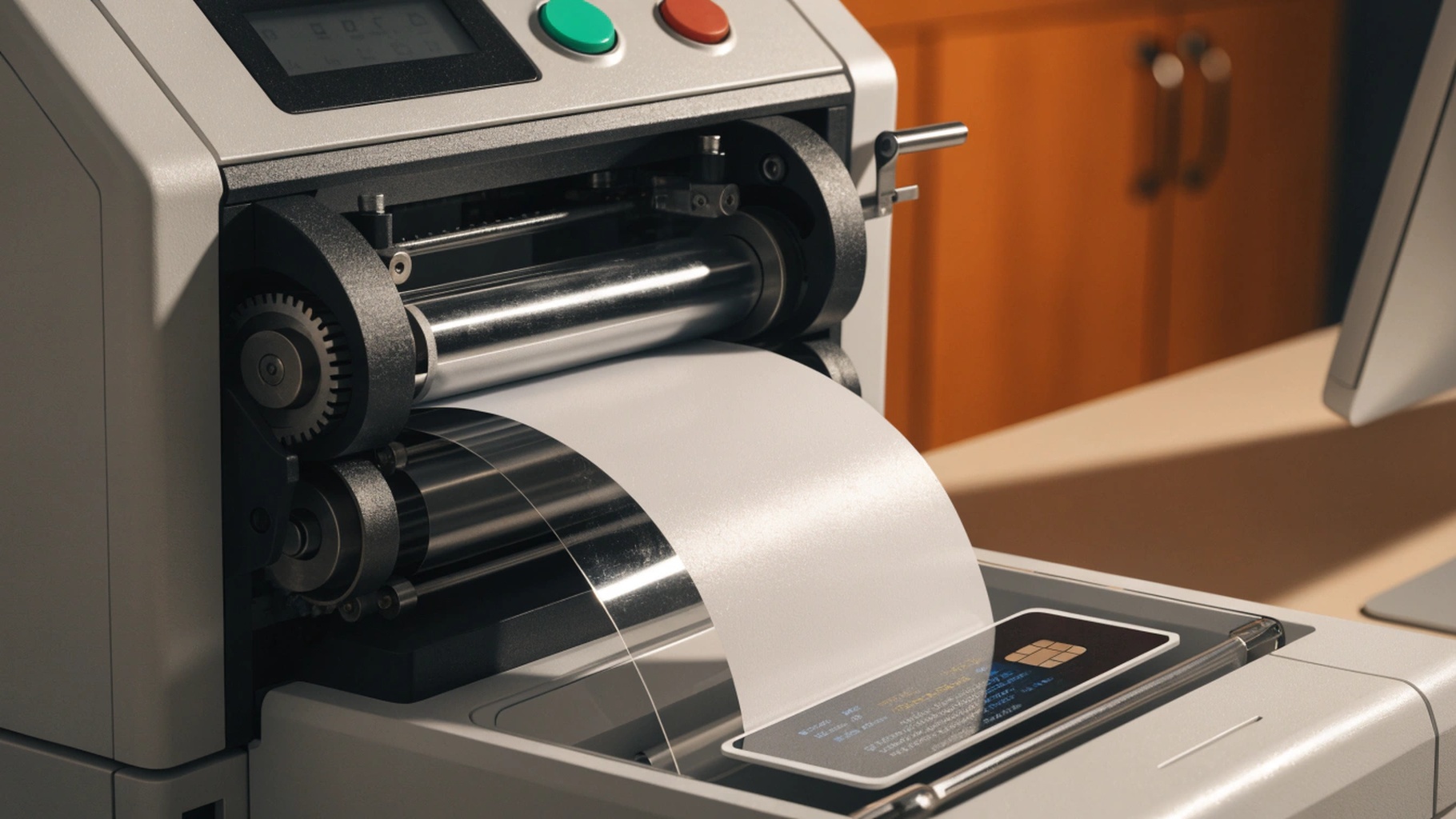
Decide the Issuance Model First — the Printer Is Only One Line Item
Before comparing models, settle who personalizes the card. The printer is a consequence of that decision, not the starting point. There are three workable models, and most organizations land in the middle:
- Centralized factory personalization — cards are printed, encoded and finished at the manufacturer. Lowest cost per card at scale and strongest process controls, but turnaround is measured in weeks.
- Distributed in-house issuance — you own printers at one or more sites. Fastest turnaround and tightest control, but you absorb hardware, consumables, operator time and blank-card custody.
- Hybrid — the factory produces the base population with pre-printed graphics and encoded chips; local printers handle walk-ins and same-day reissues.
Turnaround time, reissue rate, and who may touch personal data are usually the deciding factors — not headline annual volume. For high-assurance credentials the issuance model is a compliance question too; the FICAM credential and issuance guidance shows how mature programs frame it. We go deeper in How to Build an ID Card Issuance Program.
Print Technology Compared: Dye-Sublimation, Re-Transfer, and Inkjet
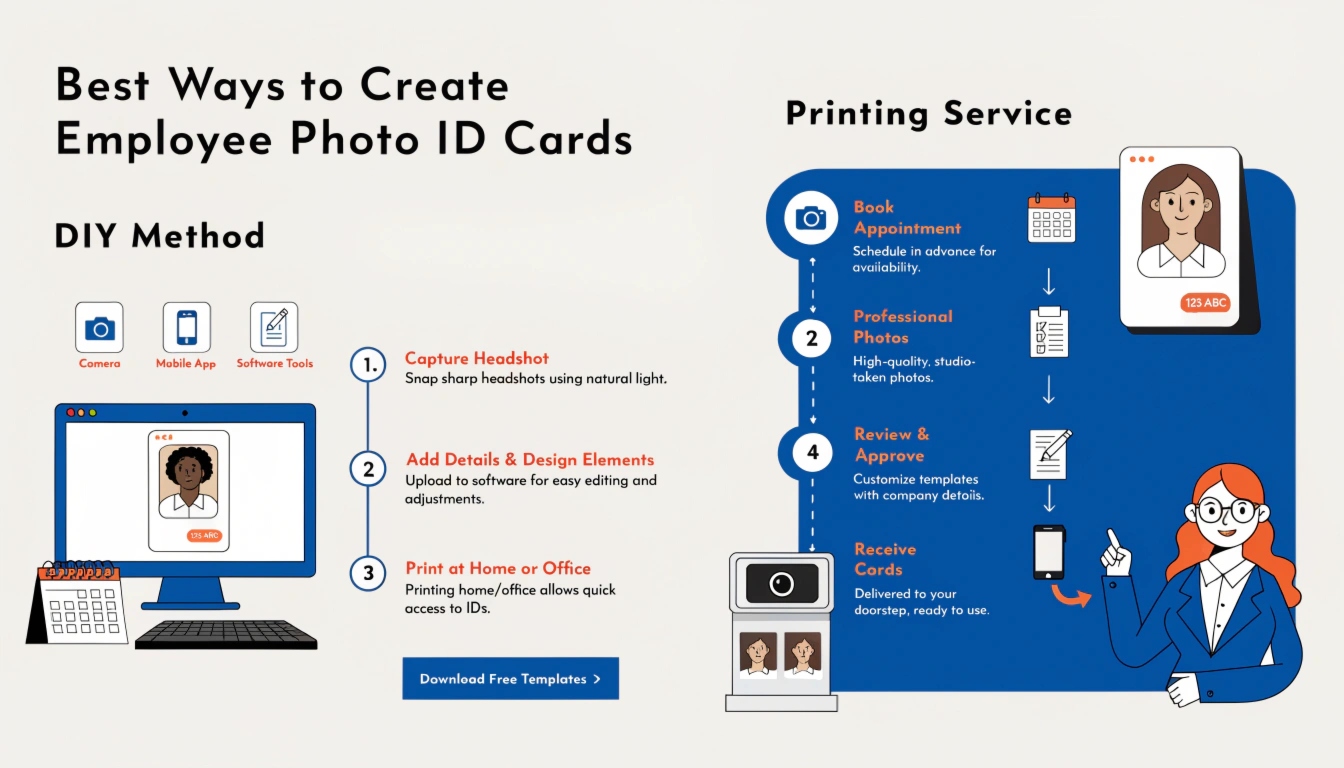
Three technologies dominate card printing, and they are not interchangeable.
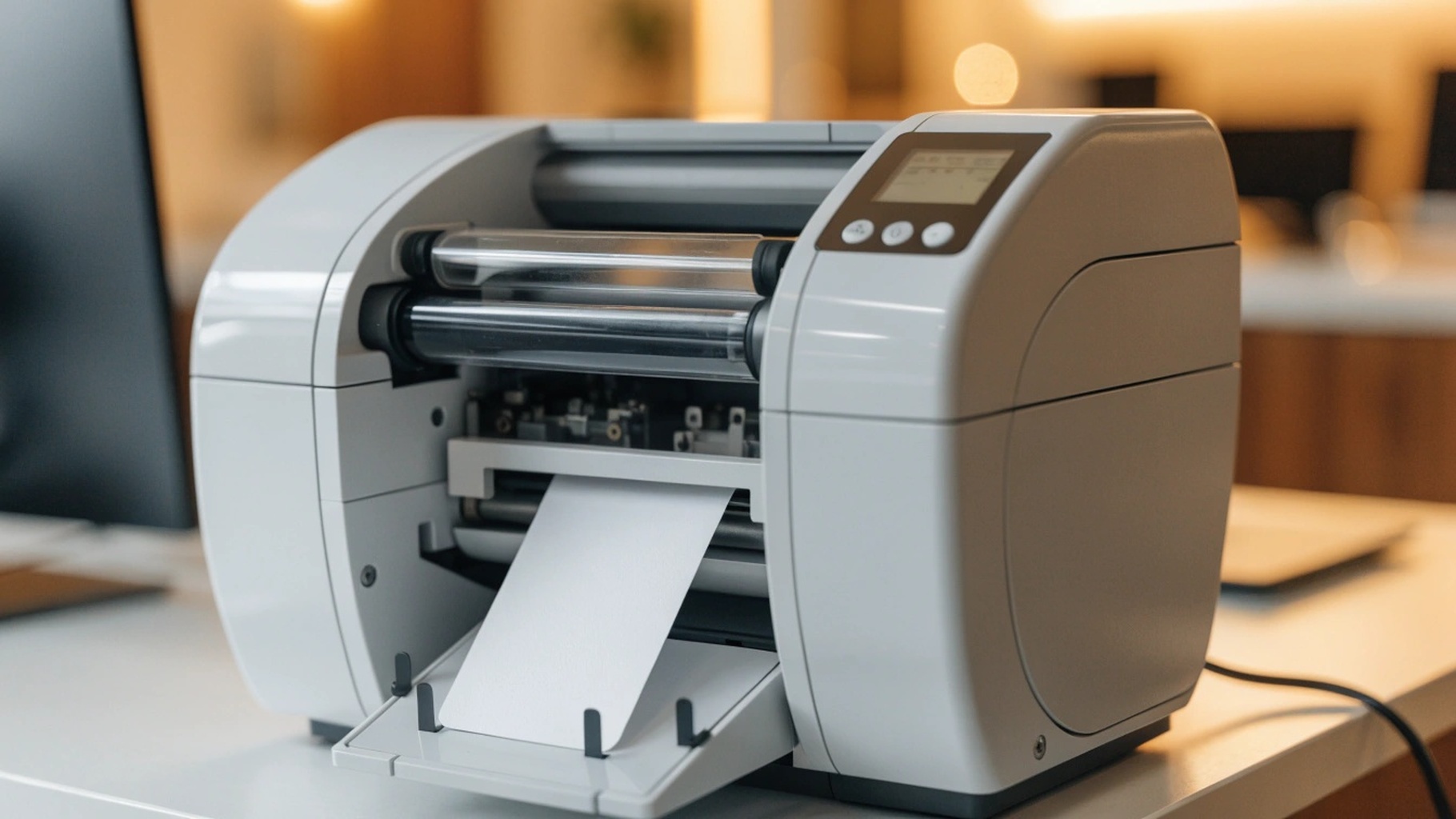
- Dye-sublimation (direct-to-card) — heat drives dye from a ribbon into the card surface. Fast and cheap per card on standard PVC. It leaves an unprinted border at the edges, and heads skip over raised areas such as a contact chip module.
- Re-transfer (reverse transfer) — the image prints onto a clear film that is heat-bonded to the card. True edge-to-edge coverage, conforms over chip modules and antennas, and is the usual choice for polycarbonate and high-durability smart cards. Costs more per card and runs slower.
- Inkjet — a niche option capable of very high resolution on specially coated stock, still uncommon for long-life credentials where abrasion resistance governs.
The durability difference matters more than the resolution difference. A re-transferred image sits beneath a film layer that resists abrasion and fading; a direct dye-sub image sits in the card surface and wears faster on cards that live in a wallet. The Secure Technology Alliance publishes accessible material on credential technologies. Full comparison: Card Personalization Methods Compared.
Match the Print Method to Card Material and Chip Layout
A printer that produces beautiful cards on blank PVC can struggle badly on a contactless smart card, because the surface is no longer flat.
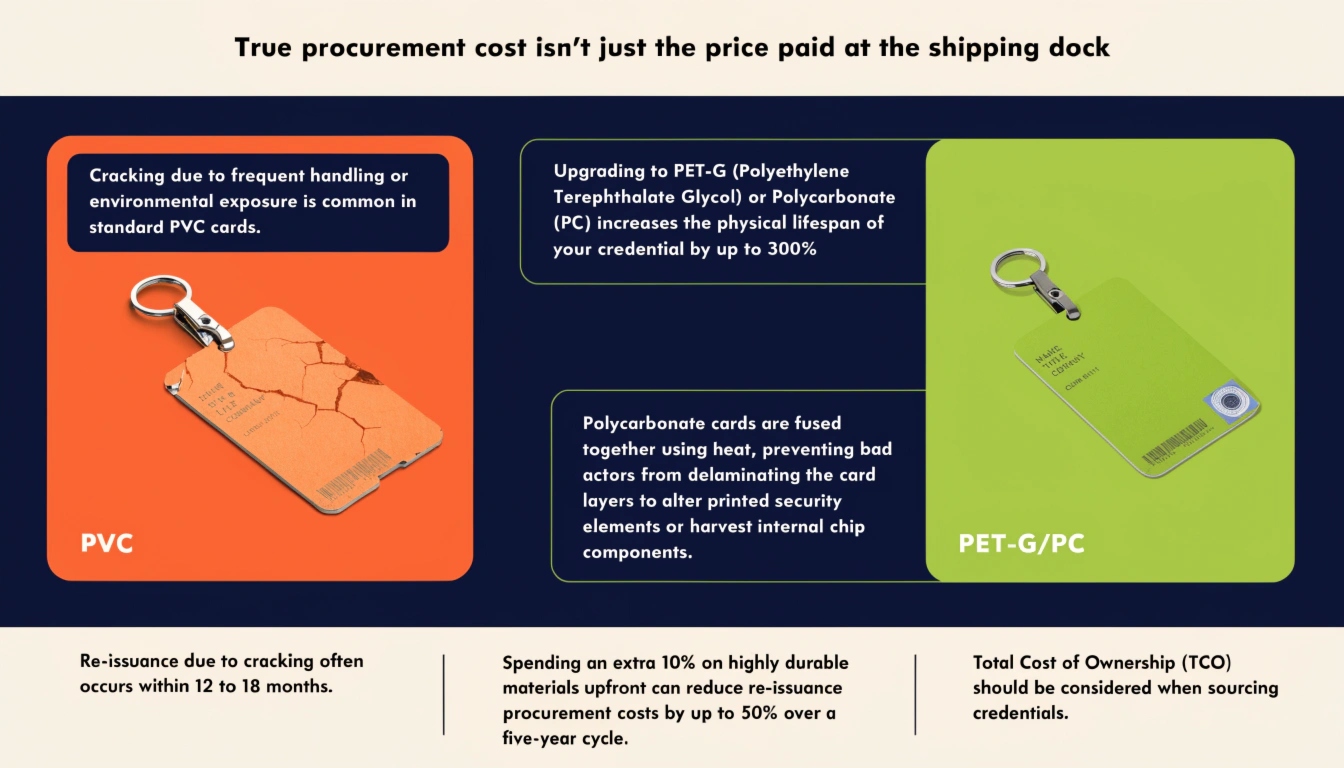
- PVC — the default for most employee and membership cards; works with both dye-sublimation and re-transfer.
- PET, PET-G and composites — better heat resistance and service life; confirm the printer temperature profile against the card coating.
- Polycarbonate — required for most government and e-passport credentials. Needs higher temperatures and is commonly paired with laser engraving; re-transfer is the safer print route.
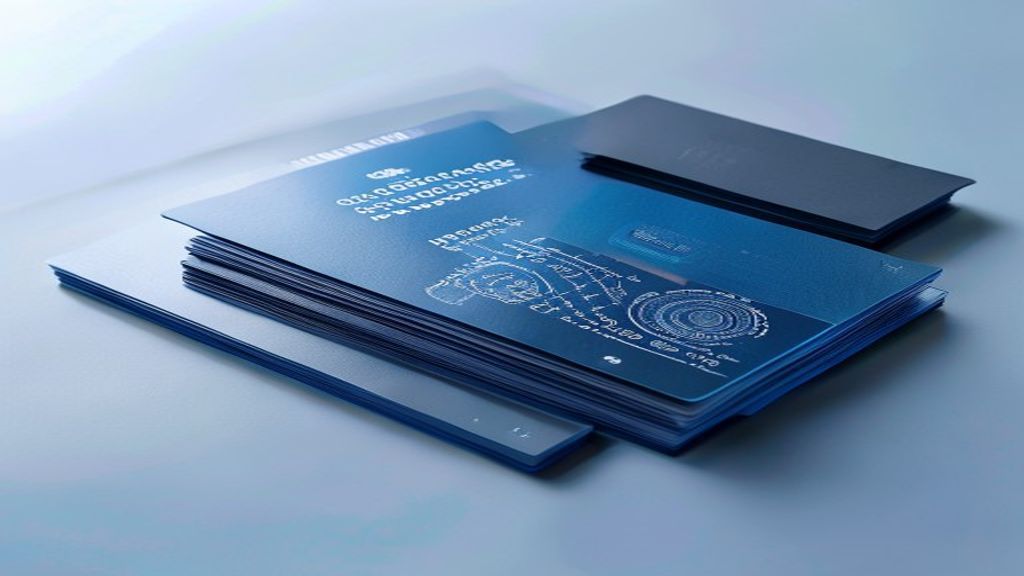
Anything embedded changes the surface: a contact chip module (ISO/IEC 7816), a contactless antenna (ISO/IEC 14443), or a holographic patch. Raised or uneven areas are where direct-to-card printing fails first, showing as voids around the module — re-transfer film bridges those gaps. ISO/IEC 7810 defines card dimensions and thickness, including the CR80 format, while ISO/IEC 14443 governs contactless behaviour. Chip specifications are standardized further through GlobalPlatform, maintained under ISO/IEC JTC 1/SC 17. See ISO/IEC 7810 Card Dimensions.
Total Cost of Ownership: What a Card Printer Really Costs Per Card
The purchase price is the smallest number in the model. Build cost per card from these:
- Printer amortisation — hardware cost over expected service life, typically three to five years.
- Consumables — YMCKO ribbons, re-transfer film, overlays. A colour ribbon is rated for a few hundred prints, so this line usually dominates.
- Blank cards — smart cards cost a multiple of blank PVC.
- Encoding modules — magnetic stripe, contact and contactless encoders are often separate options.
- Maintenance — cleaning kits, rollers, print head replacement, service contract.
- Labour — operator time per card, including enrolment and rework.
- Downtime and reprints — misprints and rejects are pure waste.
- Security overhead — locked storage for blanks, ribbon disposal, audit logging.
Consumables, not hardware, drive lifetime cost, and an idle printer still costs you — warranty, calibration and ribbon shelf life do not pause when issuance does. Model cost per card at your real annual volume, not the vendor’s rated duty cycle. That one correction changes the answer in most evaluations.
Volume Thresholds: When In-House Beats Factory Personalization
No universal break-even number exists, but these bands are a useful frame:
- Under roughly 1,000–2,000 cards per year — factory personalization almost always wins on cost per card unless same-day issuance is a hard requirement.
- Roughly 2,000–10,000 per year — genuinely contested. The outcome depends on reissue rate, number of sites, and how fast a lost card must be replaced.
- Above roughly 10,000 per year across multiple sites — in-house or hybrid usually wins, as reissue volume and courier logistics dominate.
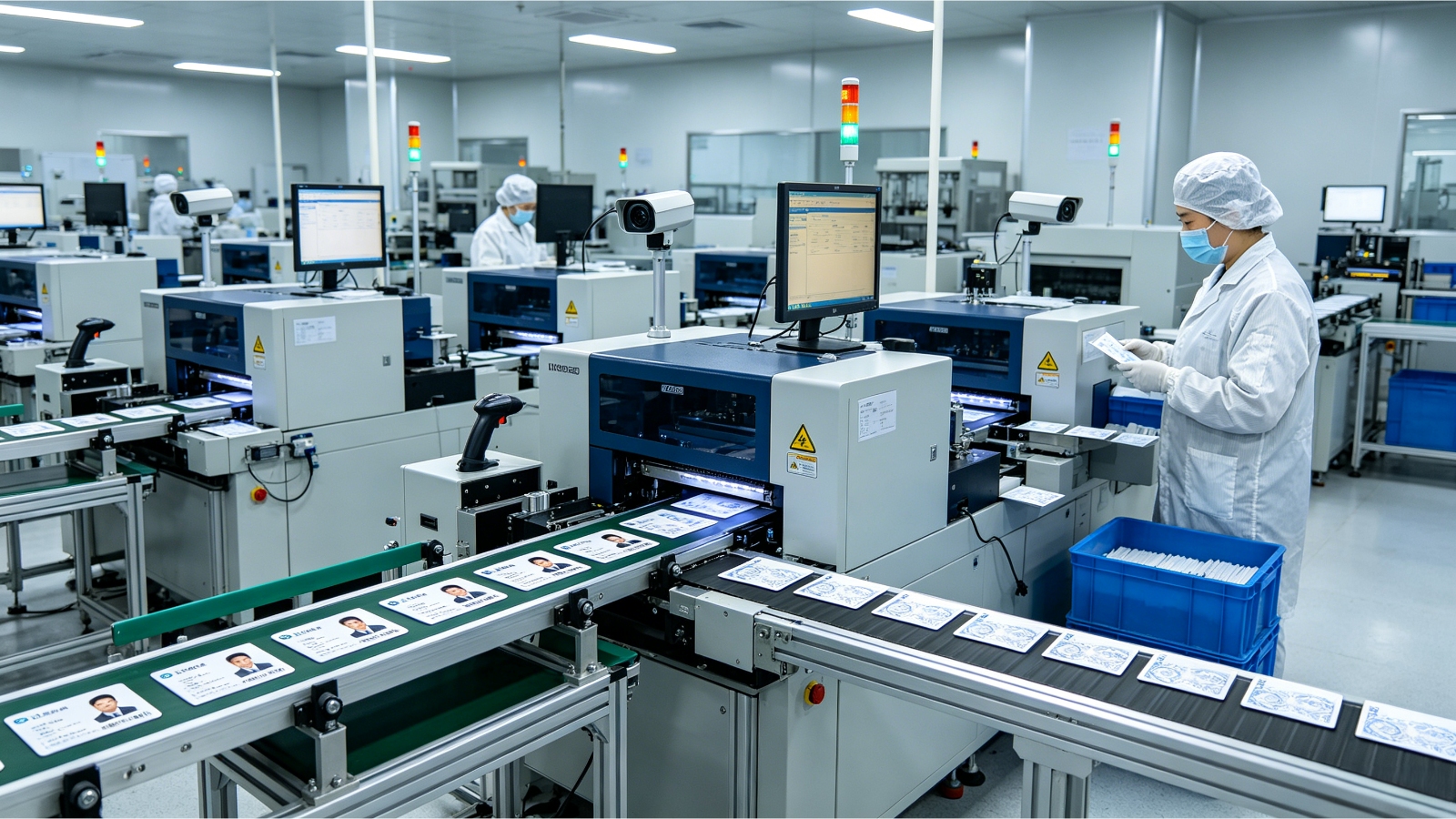
Reissue rate is the variable buyers most often forget. A 10,000-card population with 25% annual reissue is really a 12,500-card program, and the replacements are precisely the cards you cannot wait two weeks for. High turnover, seasonal workforces and multi-site operations all push toward local printing. There is a security dimension too: outsourcing means personal data leaves your network, so require secure transfer, defined retention and an audited facility.
The RFQ Checklist: What to Specify Before You Buy
Put these in the request for quotation so every vendor prices the same thing:
- Encoding — magnetic stripe (HiCo or LoCo), contact chip, contactless; inline or a separate step.
- Print technology — matched to your card material; state whether you need edge-to-edge coverage.
- Duty cycle — average and peak cards per day.
- Consumables — ribbon SKUs, rated yield, shelf life, price per card printed, single-source risk.
- Service — warranty term, response time, spare parts, loaner units.
- Physical security — lockable hoppers and trays, handling of used ribbons carrying cardholder imagery, secure erasure of printer memory.
- Integration — driver support and fit with your card management system.
- Acceptance criteria — printed samples on your actual stock, plus a defined abrasion check.
Require printed samples on your real card stock before you sign. A sample printed on the vendor’s preferred PVC tells you almost nothing about how your contactless polycarbonate card will look. How to Request and Evaluate Card Samples covers what to test.

Frequently Asked Questions
Should I buy a card printer or outsource to a factory?
Start from your issuance model, not the printer catalogue. If you need fewer than roughly 1,000–2,000 cards a year and can tolerate weeks of lead time, factory personalization almost always wins on cost per card and process control. Choose in-house only when same-day reissue, multiple sites, or data-sovereignty rules make waiting on a vendor unacceptable. Hybrid — factory for the base population, local printers for walk-ins — is the pragmatic middle for most large programs.
Which print technology is best for contactless smart cards?
Re-transfer (reverse transfer). A direct-to-card dye-sublimation head skips over the raised contact chip module and the contactless antenna, leaving visible voids. Re-transfer prints the image onto a film that is then heat-bonded over uneven surfaces, giving true edge-to-edge coverage and protecting the graphic beneath an abrasion-resistant layer. For government-grade polycarbonate, re-transfer (or laser engraving) is effectively mandatory.
What does a card printer actually cost per card?
Far more than the printer’s sticker price suggests. Consumables — YMCKO ribbons, re-transfer film, overlays — usually dominate, and a colour ribbon rated for a few hundred prints is the recurring cost you live with. Add blank smart cards (a multiple of blank PVC), encoder modules, maintenance, operator labour, and the waste from misprints. Model cost per card at your real annual volume; an idle printer still costs you in warranty, calibration and ribbon shelf life.
What must I put in the RFQ before buying?
Specify encoding (mag stripe, contact, contactless, inline or separate), print technology matched to your card material, average and peak duty cycle, consumable SKUs and price per card, service response time and loaner terms, physical security (lockable hoppers, secure ribbon and memory erasure), and integration with your card management system. Above all, require printed samples on your actual card stock plus a defined abrasion check before you sign.
Where to Start
Work the decision in order: issuance model, print technology, material and chip compatibility, real cost per card, then specification. Buyers who start with the printer model usually optimise the smallest line in the budget. Send us your annual volume, reissue rate, number of sites, card material and encoding requirements, and we will tell you plainly whether in-house printing is the right answer — and send printed samples on your actual card stock so you can judge before committing. Talk to our team via the contact page to scope your program.