Someone in your organisation has seen a demo: a card with a small fingerprint window, a green light, a door opening without a PIN pad. It looks like the obvious upgrade. Then the questions start — will it work on the readers we already own, who captures the fingerprints for 4,000 employees, can we still print a photo and a logo on it, and what does it actually cost per card? A biometric smart card is not simply a normal card with a sensor glued on; it changes your card body, your issuance workflow, and your reader assumptions at the same time. This guide walks through what fingerprint cards genuinely solve for workforce and government ID programs, where they quietly create new work, and how to structure a pilot so you learn the truth before you commit to volume.
What a Biometric Smart Card Actually Is — and What It Is Not
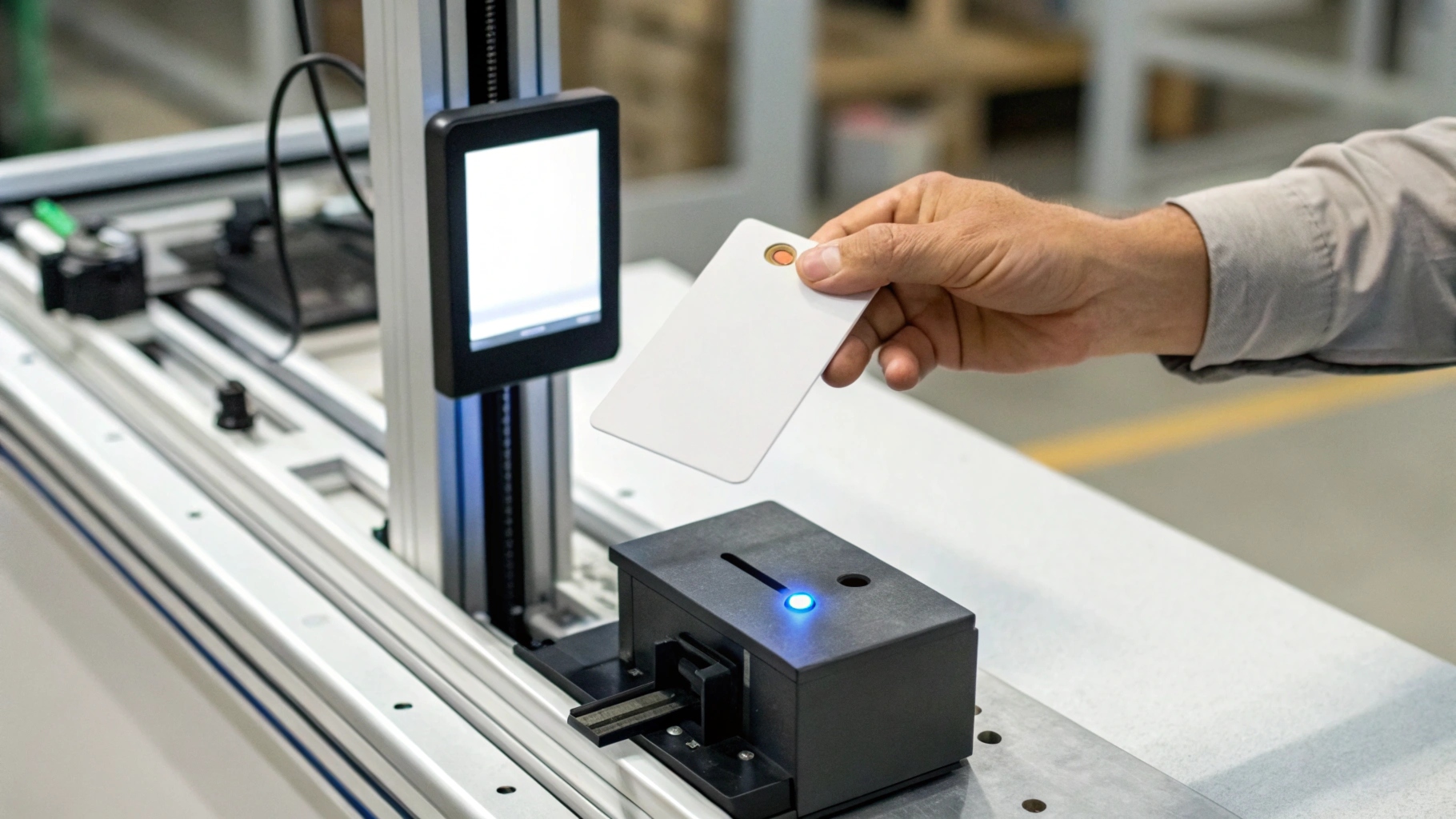
A fingerprint card is an ID-1 card that carries three additional things inside the same plastic: a small capacitive fingerprint sensor, a secure element (the chip), and matching software that runs on that chip. When the holder places a finger on the sensor, the freshly captured image is converted to a template and compared against a reference template already stored in the chip. The card then simply tells the reader “the correct person is holding me.”
That architecture has a formal name — on-card biometric comparison — and it is standardised in ISO/IEC 24787-1. The distinction that matters commercially is where the comparison happens:
- Match-on-card: the reference template never leaves the chip, and no biometric database is required. The card is the sole holder of the template.
- Match-off-card / match-on-server: the template is read from the card or fetched from a central database and compared elsewhere. This needs infrastructure — and it creates a database that must be protected.
- Sensor-at-the-door: a conventional fingerprint reader mounted at the entry point. No biometric card involved; the enrolment burden simply moves to the reader estate.
What a biometric card is not: it is not an anti-cloning measure for your existing credential technology. If your access system still reads a 125 kHz proximity number, a fingerprint sensor on the card does not fix that — the underlying credential is still trivially copied. Biometrics answer “is this the right person?”; they do not answer “is this card genuine?” For that second question you need modern cryptographic credentials, which is a separate migration discussed in our guide to moving from MIFARE Classic to DESFire.
Where Fingerprint-on-Card Beats PINs and Server-Side Biometrics
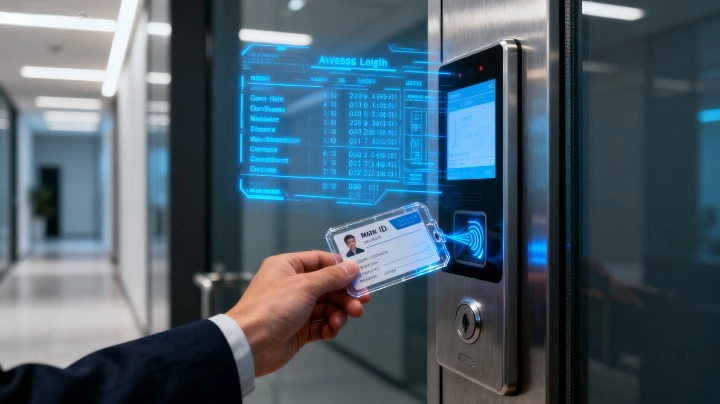
The honest business case rarely rests on technology elegance. It rests on three recurring failures that most security managers can name from memory.
PINs get shared, and shared PINs destroy your audit trail. Once two people use one credential, your access log stops being evidence. A biometric bound to the card restores the link between a badge event and a specific human — which is exactly what auditors and incident investigators ask for.
Central biometric databases carry privacy and regulatory weight. With match-on-card, the reference template stays in the chip; there is no central repository to breach, migrate, or justify to a regulator. For organisations under strict personal-data regimes, this is often the single argument that unlocks the project. The FIDO Alliance applies the same logic in the passwordless world: the biometric is a local gesture that unlocks a credential, never a secret transmitted across the network.
Reader estates are expensive to replace; cards are not. Putting the sensor in the card rather than at every door means one component per person instead of one per opening. In buildings with many controlled doors and comparatively few high-clearance staff, that maths can favour cards decisively.
Where fingerprint cards are the wrong tool: high-throughput turnstiles where a deliberate finger placement slows flow; workforces in gloves, wet or heavily soiled conditions where capture quality collapses; and populations with high turnover, where the enrolment workload never stops. In those settings, tightening credential cryptography and visual verification usually delivers more security per euro.
The Standards That Make a Biometric Card Procurable
“We want fingerprint cards” is not a specification any factory can quote against consistently. These are the reference points that turn intent into a comparable requirement:
- ISO/IEC 24787-1 — on-card biometric comparison: general principles and specifications. Cite this to require that matching happens on the card.
- ISO/IEC 19794-2 — finger minutiae data format. This is what keeps your templates interoperable instead of locked to one vendor’s proprietary encoding.
- ISO/IEC 7816-11 — personal verification through biometric methods, i.e. how the card and the outside world exchange biometric verification commands.
- ISO/IEC 7810 — the physical card standard. A sensor module does not exempt the card from ID-1 dimensions and the nominal 0.76 mm thickness your readers, printers, and slots expect.
- NIST FIPS 201-3 — the PIV standard for US federal employees and contractors, useful as a model for how biometric data on credentials is governed even outside government.
Ask each bidder to state which template format and which on-card comparison implementation they use, and to confirm both in writing. Two cards that look identical in a demo can be completely incompatible at template level — and that only surfaces when you try to re-issue a card three years later, or bring in a second supplier.
Card-Body Reality: What Changes When a Sensor Goes Inside the Card
This is the part demos never cover, and it is where card manufacturers earn their keep. Three practical consequences follow from embedding a sensor in a 0.76 mm card:
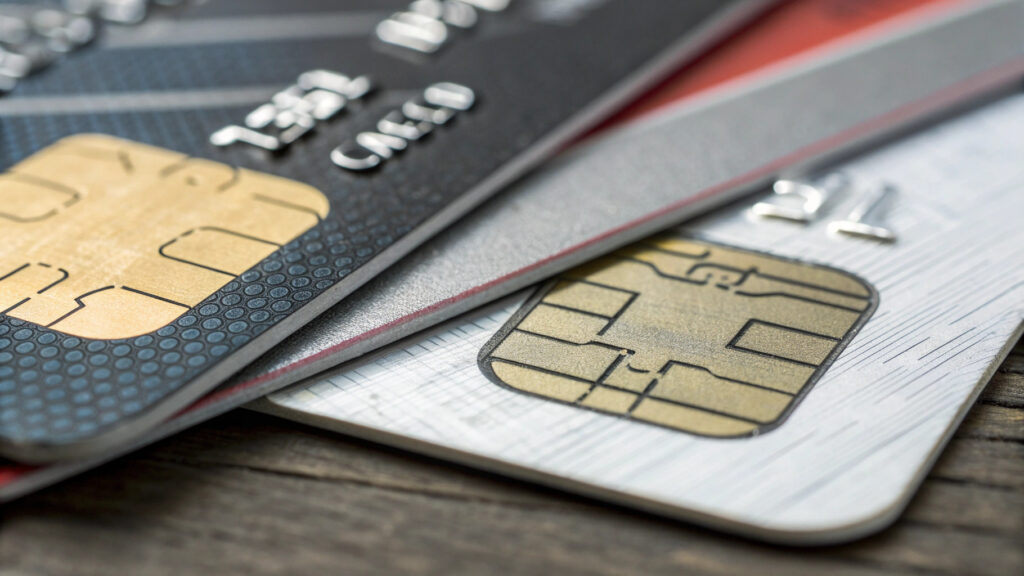
Artwork needs a keep-out zone. The sensor window must remain exposed, clean, and unlaminated. That removes usable area from your design, and it constrains where photo, logo, name field, and any holographic overlay can sit. Send your factory the layout early: a design approved without a keep-out zone will come back for rework.
Personalisation options narrow. Processes that pass the whole card surface under heat and pressure behave differently around a rigid module and an exposed window. In practice this pushes many biometric programs toward personalising the card body before or around the sensor area, and it makes the choice between dye-sublimation, re-transfer, and laser engraving more consequential than on a plain card — a trade-off we break down in card personalisation methods compared.
Flex and durability behaviour changes. A card with a rigid sensor module and a battery-free electronics stack does not bend like a monolithic plastic card; stress concentrates at the module edges. Do not accept “durable” as a specification — require measurable acceptance criteria and, where relevant, dynamic bending and torsion results for the biometric card specifically, not for the supplier’s standard card. Our guide to writing card durability testing into your contract shows how to phrase that so it is enforceable, and material choice matters even more once a module is inside the stack.
Enrolment: The Step That Quietly Decides Whether the Program Works
A standard access card is delivered pre-encoded and works the moment it is handed over. A biometric card does not: someone must place the holder’s finger on that specific card and write the reference template into that specific chip. Model this before you count card prices.
Supervised enrolment — staff enrol at a desk under witness — gives you identity assurance and a clean record of who enrolled whom. It also creates a queue: multiply your headcount by a few minutes per person and you have a staffing plan, not a footnote. Self-enrolment using an enrolment sleeve or reader lets you distribute cards and let holders enrol themselves. It scales beautifully and weakens binding assurance, because nobody witnessed which finger belonged to which person. For government and high-clearance programs, supervised enrolment is usually non-negotiable.
Then plan for the exceptions, because they are not rare: a percentage of any adult population cannot produce a usable fingerprint template — worn ridges from manual work, certain skin conditions, injuries, or simply poor capture. You need a written fallback (PIN, escorted access, or an alternative credential class) before rollout, not after the first complaint. You also need a re-enrolment path for cards that are replaced, and a revocation rule for cards that are lost — the same lifecycle discipline described in building an ID card issuance program.
Cost, Power, and Reader Compatibility Before You Commit

Three commercial realities decide whether a pilot becomes a rollout.
Unit cost is a different order of magnitude. A fingerprint card carries a sensor, a more capable secure element, and a more complex lamination process, so it sits far above a plain contactless card — expect a multiple, not a small premium. That makes biometric cards a tool for defined high-assurance populations rather than a blanket replacement for every employee badge.
Power is a real engineering constraint. A contactless-only biometric card has no battery: sensor, matching, and response all run on energy harvested from the reader field. Older or minimally powered readers may not sustain that reliably, which is why many programs specify a contact interface as well, or use a powered enrolment device. Confirm this with your actual reader models — the interface trade-offs are covered in choosing a wireless interface for your card and in our guide to dual-interface cards.
Your access software has to understand the result. A biometric card typically signals a successful on-card match; your panel and head-end must be configured to treat that as a distinct, stronger authentication event, otherwise you pay for biometrics and log an ordinary card read. Verify this with your integrator before ordering, using the same compatibility-first discipline as in the employee ID card buyer’s guide.
A Pragmatic Pilot and Procurement Checklist

Run the pilot to expose failure modes, not to confirm the demo. Use this as your checklist:
- Define the population first. Which roles, which doors, which risk justifies the premium? A biometric card for 200 high-clearance staff is a project; for 12,000 general staff it is usually a budget problem.
- Test on your own readers and panels — every reader model, including the oldest one still in service, and at the doors with the weakest power and worst mounting.
- Record enrolment metrics honestly: time per person, retries, and how many people cannot enrol at all. These numbers drive your staffing and fallback policy.
- Require template format and on-card comparison to be stated in the offer, so a second-source supply or a later re-issue does not strand you.
- Approve artwork with the sensor keep-out zone in place, and sign off a personalised physical sample — not a rendering.
- Write durability acceptance criteria and a fallback credential policy into the contract before volume pricing is agreed.
- Plan the lifecycle: re-enrolment on replacement, revocation on loss, and what happens when a sensor fails in year three.
| Decision point | Biometric card (match-on-card) | Standard card + PIN | Reader-mounted biometric |
|---|---|---|---|
| Biometric database required | No — template stays on card | Not applicable | Usually yes |
| Credential sharing prevented | Yes | No — PINs get shared | Yes |
| Per-person cost | Highest | Lowest | Low per person, high per door |
| Enrolment effort | Per card, per person | Minimal | Per person, centrally |
| Throughput at busy doors | Slower — deliberate placement | Slow if PIN entered | Slower |
| Best fit | Defined high-assurance population | General workforce | Few doors, many users |
Frequently Asked Questions
Will biometric smart cards work with the readers we already own?
Often yes at the interface level, because the card still presents itself as a standard contactless or contact smart card. The two things that break in practice are available power from older contactless readers and whether your access software recognises the on-card match result as a stronger event. Test both on your own hardware before ordering volume.
Where is the fingerprint stored — on the card or in a database?
In a match-on-card design, the reference template is stored in the card’s secure element and the comparison happens there, so no central biometric database is needed. If a supplier’s design requires templates to be exported for matching, that is a different architecture with different privacy obligations — ask explicitly which one you are buying.
Can a biometric card still be printed and personalised like a normal ID card?
Yes, with constraints. The sensor window must stay exposed and clean, so your layout needs a keep-out zone, and processes involving full-surface heat and pressure behave differently around the rigid module. Share the card construction with your printer and factory at design stage, and approve a personalised physical sample.
What happens if an employee’s fingerprint cannot be enrolled?
You need a documented fallback before rollout — typically a PIN, escorted access, or an alternative credential class for that individual. Some proportion of any workforce will fail enrolment for reasons ranging from worn ridges to skin conditions, and a program without a fallback policy stalls at exactly that moment.
Does a biometric card replace the need to upgrade our credential technology?
No. Biometrics confirm the holder; cryptography confirms the card. If you are still reading legacy low-frequency proximity numbers, adding a fingerprint sensor does not stop credential copying — plan the cryptographic migration in parallel.
Next Step: Specify Before You Pilot
As a card manufacturer since 2005, we build the card body, artwork, and personalisation around whichever biometric module and secure element your program selects — and we will tell you plainly when a standard high-security card would serve you better than a fingerprint card. If you are scoping a workforce or government ID program, send us your requirements with your reader models, target population, and artwork: we will review the layout for sensor keep-out and personalisation feasibility, and prepare samples so your pilot tests the real card rather than a datasheet.