You have already specified the card material, the chip, and the encoding — but the personalization method you choose is what quietly decides how long the printed face survives, whether the card still reads at the door on day 1,000, and how much you actually spend per card. For B2B buyers issuing employee badges, access cards, or government credentials, the choice between dye-sublimation, direct-to-card (DTC), and retransfer printing is rarely just about the sticker price. It is about matching the method to your card type, your volume, and the real cost if a card fails in the field. This guide explains how each method works, where each one breaks down, and how to pick without overspending.
Dye-Sublimation and Direct-to-Card: The Everyday Workhorse
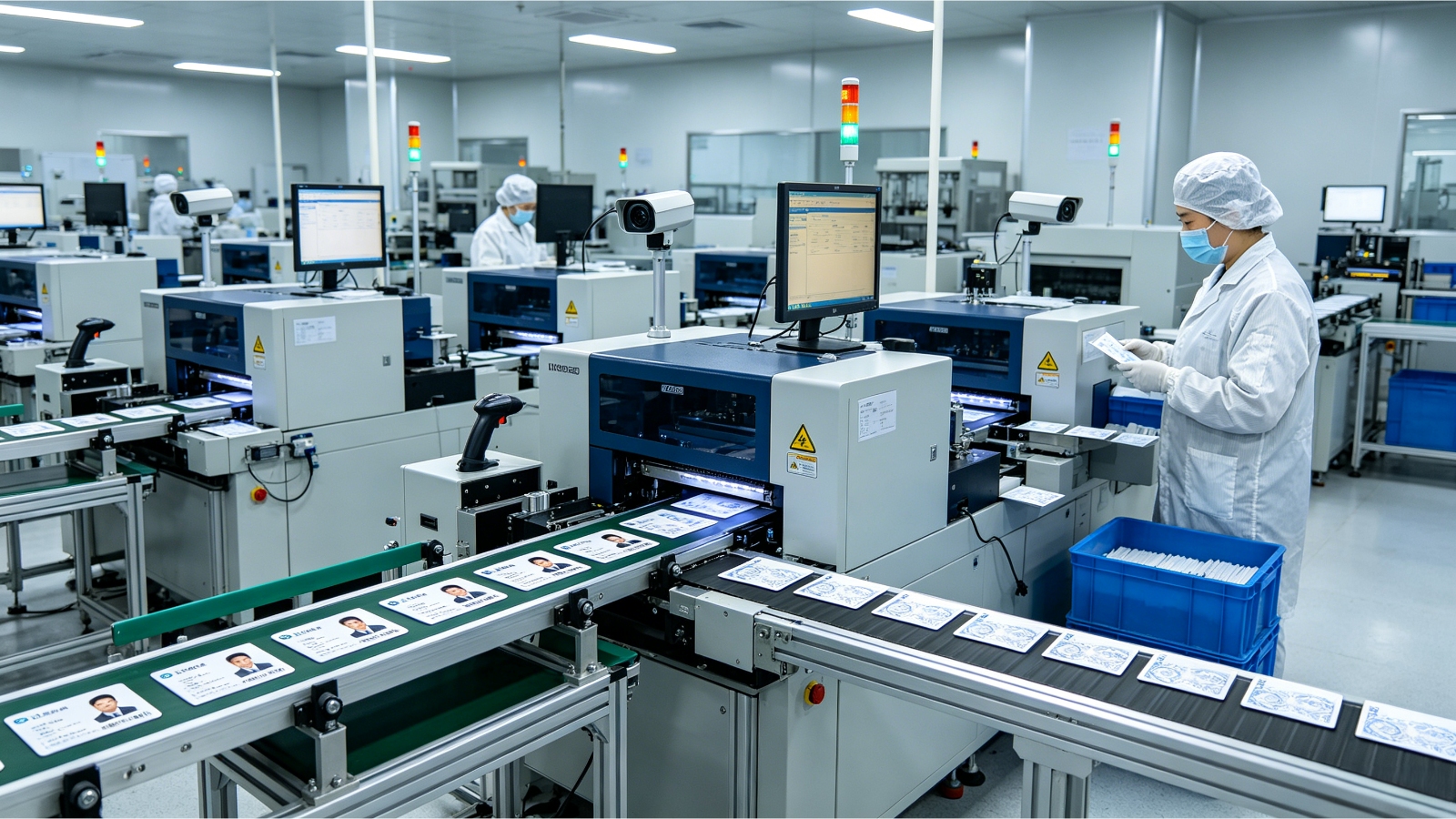
Most desktop card printers are direct-to-card (DTC) devices, and their color work is produced by dye-sublimation. A heated printhead vaporizes dye from a YMCKO ribbon (Yellow, Magenta, Cyan, Black, Overlay) so it diffuses into the card’s topcoat, giving smooth, photo-like color; the black “K” panel is then laid down as a crisp resin layer for sharp text and scannable barcodes. Because the head presses directly onto the card, DTC is fast and inexpensive per card — which is exactly why it dominates offices, schools, and membership programs.
The trade-off is physical. The head cannot print over the card’s raised edges or a smart-card chip, so you get a small white border (typically 1–5 mm) and an unprinted patch around any contacts. The dye also sits inside the topcoat rather than on top of it, so heavy friction, alcohol wipes, or direct sunlight will fade the artwork faster than a retransfer print. For most everyday badges that is perfectly acceptable — but it starts to matter the moment a card must look right and read reliably years later.
- Best for: standard PVC or composite cards, employee badges, visitor passes, student IDs, and low-to-mid volume issuance.
- Watch out for: cards with contact chips, long-life programs, and environments with frequent handling or outdoor exposure.
- Card dimensions themselves are governed by ISO/IEC 7810 (ID-1 = 85.6 × 54.0 mm), so either method still outputs a standards-compliant card — the difference is the printed surface, not the size. See the broader card printing methods and surface finishes overview.
Retransfer (Reverse Transfer): When Edge-to-Edge Coverage and Durability Win
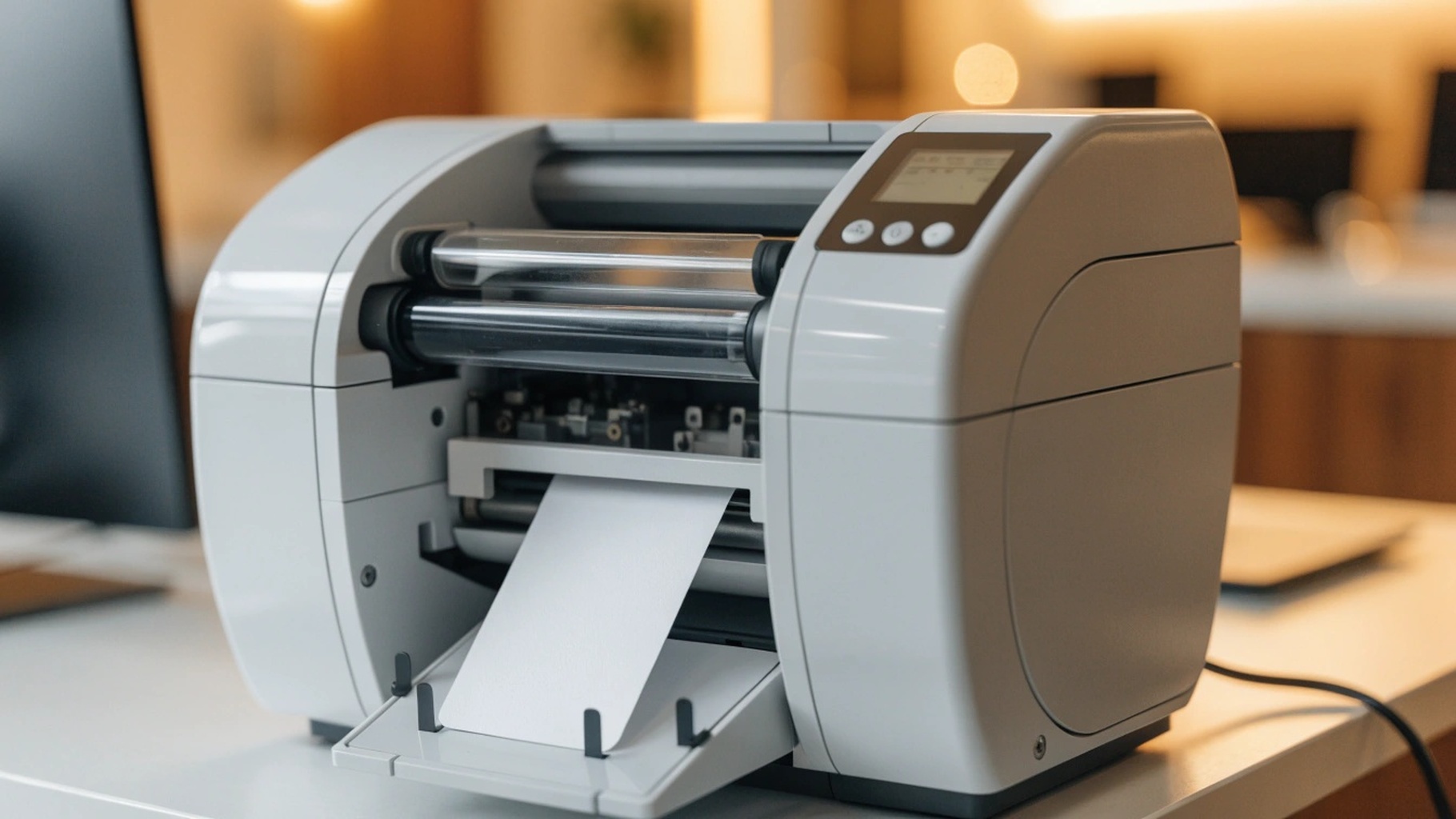
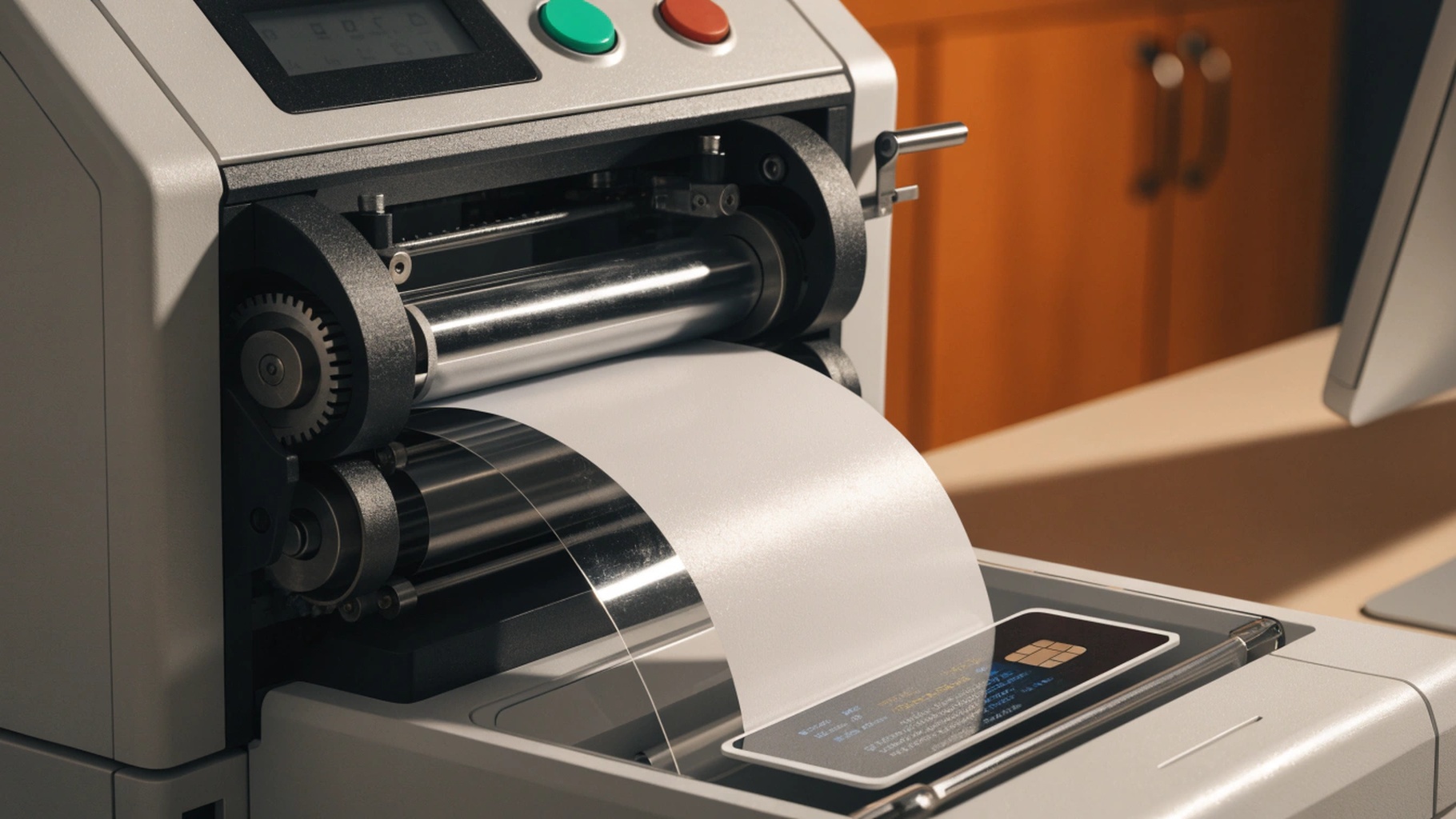
Retransfer printers flip the process. They first print the image onto a clear film, then thermally fuse that film onto the card. Because the image is applied through a conformable film rather than a rigid head, you get true edge-to-edge, borderless printing, and the artwork wraps over smart-card chips and uneven surfaces instead of avoiding them. The protective film also sits on top of the print, so retransfer cards resist abrasion, UV, and many chemicals far better than dye-sub prints.
Durability is where retransfer earns its keep. In abrasion and chemical-resistance testing aligned with ISO 24789 (the standard that defines card service-life and durability methods), retransfer prints typically outlast dye-sub prints by a wide margin, which is why issuers planning for 3–5+ year credential life standardise on it. Card lifespan itself is also shaped by the base material — our ID card issuance program guide covers how material, personalization, and enrollment fit together.
- Best for: cards with contact or dual-interface chips, high-security IDs, credentials expected to last years, outdoor or industrial use, and any program where a faded or peeling card is a security or brand problem.
- Watch out for: higher printer cost, higher cost per card (you consume both a ribbon and a film), and slower throughput. For many buyers that premium is cheap insurance against reissuance and failed reads.
Dye-Sub vs Retransfer vs DTC: A Side-by-Side Comparison
| Criterion | Dye-Sublimation / DTC | Retransfer (Reverse Transfer) |
|---|---|---|
| How it prints | Dye vaporized into the card topcoat by a head that touches the card directly | Image printed on a clear film, then fused onto the card |
| Edge coverage | White border ~1–5 mm; unprinted patch over chips/contacts | True edge-to-edge; prints over chips and uneven areas |
| Image durability | 1–3 years typical under normal handling | 3–5+ years; stronger abrasion, UV, and chemical resistance |
| Smart-chip & uneven cards | Avoids contacts; printhead wear risk over bumps | Conforms over chips and embossed features |
| Cost | Low printer cost; low cost per card | Higher printer cost; higher per-card cost (ribbon + film) |
| Throughput | Faster | Slower |
| Best for | Standard PVC badges, visitor/student cards, low–mid volume | Contact/dual-interface chips, long-life, government & outdoor credentials |
Match the Method to Your Volume, Card Type, and Risk Profile
The right answer is almost never “the cheapest printer.” It is the method that fits the card body and the failure cost. Use this short checklist as a first pass:
- Standard PVC, low-to-mid volume, budget-first → DTC / dye-sublimation in-house. This covers the majority of employee-badge and membership programs.
- Cards with contact or dual-interface chips → choose retransfer, or have the cards personalized at the factory. DTC leaves a visible patch over the chip and can wear the printhead.
- Polycarbonate (PC) credentials → note that dye-sublimation does not bond durably to polycarbonate. High-security PC cards (national IDs, e-passports) are personalized by laser engraving at the factory or issuing authority, not by a desktop printer — a process aligned with ICAO Doc 9303 for machine-readable travel documents. Plan this at the sourcing stage, not after delivery.
- Long-life, government, or outdoor/industrial use → retransfer for the durability headroom.
- High volume → weigh in-house printing against outsourced personalization; the 2026 card printer buying guide breaks down in-house vs outsourced total cost.
Rule of thumb: match the method to the card body and the risk if it fails — not to the upfront budget. A retransfer premium that prevents one reissuance wave across 10,000 cards usually pays for itself.
Frequently Asked Questions
- Can dye-sublimation print on polycarbonate cards? Not durably. Polycarbonate resists the dye-diffusion process, so PC credentials are personalized by laser engraving at the factory or issuing authority rather than by a desktop dye-sub printer.
- Which method lasts longest outdoors? Retransfer prints last longest among desktop methods; laser-engraved polycarbonate (factory-personalized) lasts longest overall and is the standard for long-life government programs.
- Is retransfer worth the extra cost? For chip cards, long-life credentials, and any program where a failed read or a faded card creates security or reissuance cost, yes. For short-lived standard PVC badges, DTC is usually the better value.
- DTC or retransfer for smart-chip cards? Retransfer. It prints over the chip area through a conformable film; DTC leaves an unprinted patch and risks printhead wear over the contact bump.
- Do payment cards use the same methods? EMV contact/dual-interface cards follow EMVCo personalization and key-management specs; the printing method is chosen alongside those requirements, with retransfer common for durable issued cards.
Still deciding between in-house printing and factory personalization for your program? Use our smart card RFQ specification template to brief a supplier precisely, or request samples and a factory quote so you can compare real per-card costs before you commit.