Your certificates look excellent. Cotton-blend stock, a crisp watermark, gold foil, a QR code in the bottom-right corner. Then a registrar calls: someone presented a copy that scanned green. Nothing about your printing failed — the verification path failed. This guide shows you how to design a certificate verification system where the paper, the code and the record actually reinforce each other, instead of quietly cancelling each other out.
Search for advice on this topic and you will find a wall of near-identical articles from QR-code platforms, all with the same conclusion: add a QR code and fraud is solved. That advice is not wrong so much as incomplete — and the gap it leaves is the exact gap counterfeiters use. If you issue diplomas, calibration certificates, conformity certificates, land titles, insurance documents or training credentials, the questions below are the ones your buyers, auditors and legal team will eventually ask you.
Why a QR Code Alone Doesn’t Prove a Certificate Is Genuine
A QR code is a pointer. It is a standardised, machine-readable way of carrying a short string of data — a URL, a serial, a signed payload — and nothing more. A QR code proves that a record exists. It does not prove that the document in your hand is the object that record describes. That distinction sounds academic until you watch it fail in practice.
There are three failure modes, and they show up in roughly this order as a programme scales:
- The straight copy. A colour photocopy or high-resolution scan reproduces the QR code perfectly. Codes are designed to be robust and readable after degradation, so a second-generation copy still resolves to the same “valid” landing page. The verifier sees a green tick on a forgery.
- The transplant. A genuine code is lifted from a real certificate and printed onto a fabricated one carrying different names, grades or test results. Unless the verification response shows enough detail to contradict the printed document, the fraud passes.
- The decorative code. Nobody scans it. In many organisations the code is treated as a trust signal in itself — its presence is read as proof. This is the most common failure of all, and it is a process problem rather than a technical one.
This is precisely why ISO 22383:2020, the international guideline for selecting and evaluating authentication solutions for material goods, treats authentication as a system with measurable performance criteria — threat model, verification environment, verifier competence — rather than as a shopping list of features. A feature you cannot verify under real conditions provides no security benefit, only cost.
The Three Layers of a Certificate Verification System That Actually Works
A verification system that holds up under pressure has three distinct layers, and each answers a different question. Confusing them is the root cause of most disappointing deployments.
- Layer 1 — the physical anchor. Answers “is this object hard to reproduce?” Delivered by substrate and print: watermark, security thread, UV fibres, intaglio, microtext, holographic overlay, chemically reactive coatings.
- Layer 2 — the machine-readable link. Answers “what does this object claim to be?” Delivered by a unique serial expressed as human-readable text plus a QR code or barcode.
- Layer 3 — the authoritative record. Answers “what does the issuer actually say about it?” Delivered by an issuer-controlled database lookup or a cryptographically signed credential.
Any two layers without the third leaves a documented attack path. The table below is the version worth pinning above a project manager’s desk.
| Layer | Question it answers | Typical implementation | What it cannot do alone |
|---|---|---|---|
| Physical anchor | Is this object hard to make? | Watermark, thread, UV fibres, hologram, intaglio | Cannot tell you who the holder is or whether the credential was revoked |
| Machine-readable link | What does it claim to be? | Serial number + QR code or 2D barcode | Copies perfectly; carries no proof of originality |
| Authoritative record | What does the issuer say? | Issuer database, signed credential | Describes a record, not the artefact presented |
The layered logic is the same one used in packaging authentication, where overt, covert and digital features are combined deliberately. If you are weighing digital-only approaches against printed features, our breakdown of holograms, QR codes and blockchain — and when to use which covers the same trade-off from the brand-protection side.
Physical Security Features That Survive a Photocopier — and How to Specify Them
Layer 1 exists to defeat reproduction, and the useful test is brutally simple: can a good office scanner and a colour laser printer reproduce this feature convincingly? Anything that lives purely in the printed image — a logo, a guilloche pattern, a gold-coloured ink block — will copy. Features that survive live either inside the substrate or outside the visible spectrum.

| Feature | Defeats a photocopier? | Who can verify it | Tooling needed |
|---|---|---|---|
| True (mould-made) watermark | Yes | Anyone | A light source |
| Embedded security thread | Yes | Anyone | A light source |
| UV-reactive fibres or inks | Yes | Front desk | 365 nm UV lamp |
| Holographic overlay / hot-stamp foil | Yes | Anyone | Tilt under light |
| Microtext | Yes | Trained checker | 10× loupe |
| Chemically reactive coating | Yes (anti-tamper) | Forensic / lab | Reagent pen |
| Guilloche, rainbow print, logos | Weak | Trained checker | Reference sample |
The mistake buyers make is specifying features as adjectives. “High-security paper with a watermark” is not a specification — it is a wish. Specify each feature as a test that a receiving inspector can perform and record. For example: “the watermark shall be a two-tone mould-made watermark, visible in transmitted light at 45 cm, and shall not be reproducible by reflective colour copying”. That sentence can be accepted or rejected on arrival. The adjective cannot.
Two further practical points. First, match the feature to the verifier: a reagent pen is useless if the person checking is an HR officer with twenty seconds and no training. Second, keep at least one feature covert — undisclosed in public documentation and reserved for your own forensic examination — so you retain a check that a counterfeiter cannot design around. For deeper background on substrate selection see our guide to choosing certificate paper, and for the physics of transmitted-light features, our complete guide to watermark paper. If your programme uses card-format credentials as well, holographic overlays and micro-text follow the same overt/covert logic.
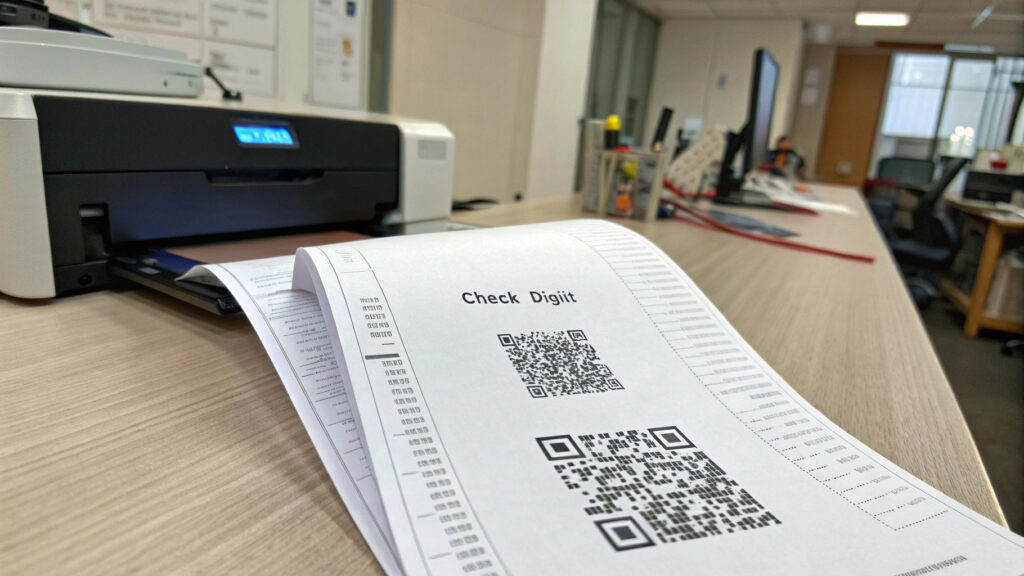
Serialisation: Designing the Number That Binds Paper to Record
The serial number is the join key between your printed document and your database. It is also the part most often designed by whoever set up the spreadsheet, which is why it is so frequently the weakest link in an otherwise sound certificate verification system.
- Do not use sequential numbers as the public identifier. If certificate 100234 is valid, an attacker will try 100235. Sequential serials let anyone enumerate your entire register, harvest valid numbers and confirm which ones exist. Keep a sequential internal ID if your finance team needs one, but publish a high-entropy random identifier.
- Include a check digit or check character. It costs nothing and it catches transcription errors before they become “the system says my certificate is fake” support tickets.
- Print the serial twice — human-readable and machine-readable. If the code is damaged, the verifier can still type the number. If the paper is worn, the code still scans.
- Bind the number to the sheet physically. Sequential numbering boxes, laser marking or intaglio numbering are far harder to alter cleanly than a digitally printed number on plain toner.
- Reconcile spoilage. Every blank you destroy, void or reprint must be logged against its serial. Unreconciled blanks are the single most common source of “genuine” fraudulent documents, because the paper really is yours.
If your certificates sit inside a wider supply chain — conformity certificates travelling with goods, for instance — consider expressing the identifier in a resolvable, standards-based form. The GS1 Digital Link standard defines how a single 2D code can carry a structured identifier that resolves to different destinations for different audiences, which avoids the trap of hard-coding one company URL onto a document with a twenty-year life.
Online, Offline, and Degraded-Mode Verification: Planning for the Real World
Verification demos always happen on good Wi-Fi. Verification reality happens at a border post with no roaming, in a rural examination office, or on a corporate network that blocks unknown domains. Design the offline path first and treat the online lookup as the convenience layer — the reverse order strands your verifiers exactly when the stakes are highest.
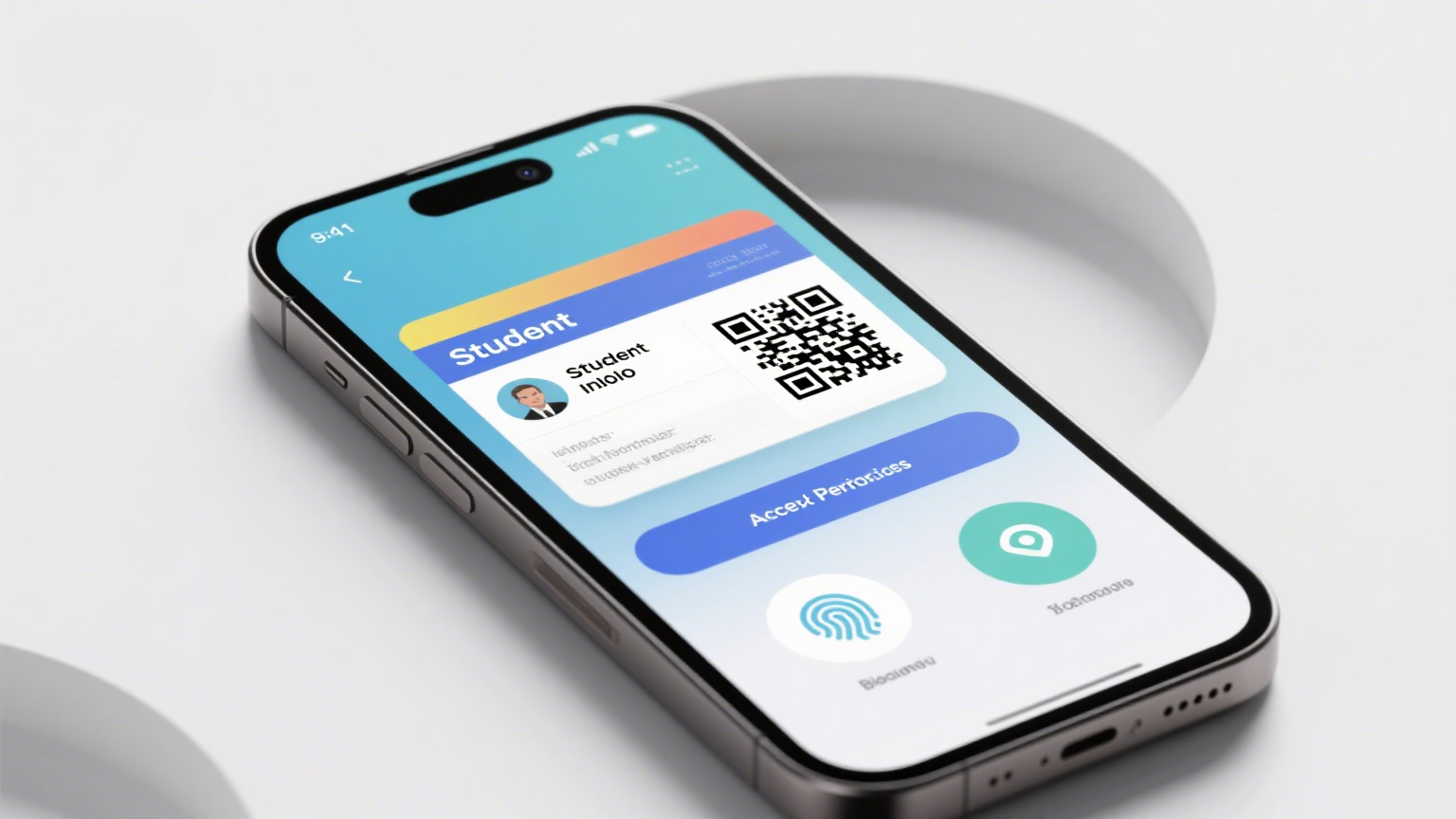
There are three modes worth designing explicitly:
- Online lookup. The code resolves to an issuer-controlled page that returns the current status. This is the only mode that reflects revocation — a certificate withdrawn after a disciplinary finding or a failed re-test. Its weakness is availability and the fact that a convincing fake verification page is easy to build, so publish the exact domain your verifiers should expect.
- Signed offline payload. Instead of a URL, the code carries the credential data plus a digital signature that a verifier app checks against your published public key. No network required. The W3C Verifiable Credentials Data Model v2.0, which became a W3C Recommendation in May 2025, is the mainstream framework for exactly this pattern. The cost is payload size: ISO/IEC 18004:2024, the QR code symbology standard, defines four error-correction levels, and the higher the correction level you choose for print robustness, the less data the same physical symbol can hold. Prototype the printed symbol at final size before you freeze the data schema.
- Degraded mode. No phone, no network, no app. The verifier has only their eyes, the document and perhaps a UV lamp. This is where Layer 1 earns its budget, and it is why a purely digital verification strategy is a poor fit for documents that circulate physically for decades.
Write the degraded-mode procedure down and put it on the back of the certificate or on your public verification page: what to look at, in what light, and who to contact if it fails. A verification feature that has never been explained to the people who verify is decoration.
Privacy, Access Control, and Your Pre-Launch Checklist
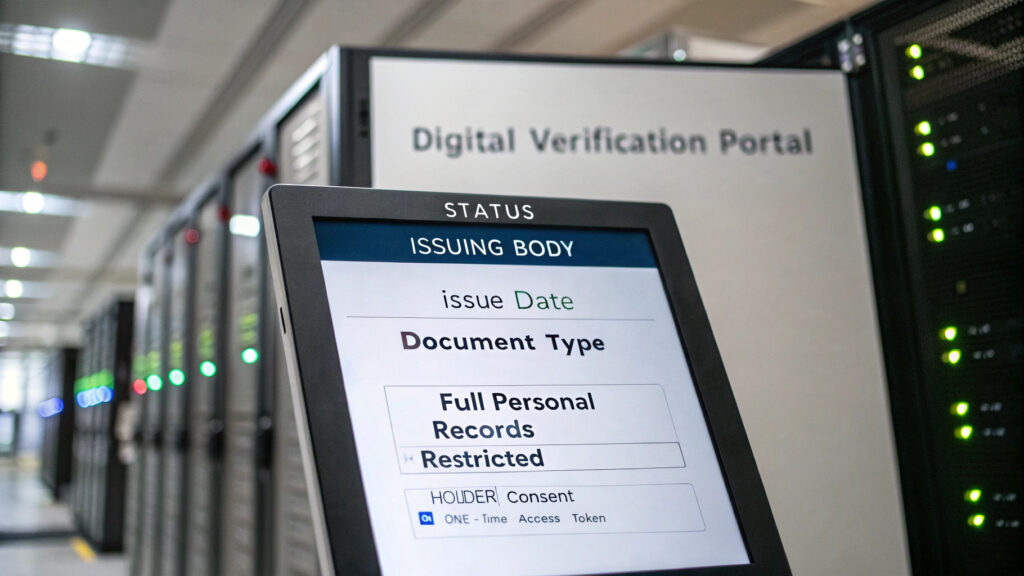
Here is the failure that quietly creates the largest liability. A verification portal is a lookup service pointed at a register of real people. Build it carelessly and you have published a scrapeable database of names, dates of birth, national identifiers and grades — and handed it to the same fraudsters you were trying to stop.
Apply data minimisation: the response should contain the least information that still answers the verifier’s question. In most cases that is a status, the issuing body, the issue date and a document type — not the holder’s full personal record. Where a verifier genuinely needs more, gate it behind holder consent, a one-time access token generated by the holder, or a registered-verifier account. Under the EU General Data Protection Regulation and comparable regimes, publishing more personal data than the purpose requires is a compliance exposure regardless of how convenient it is.
Run through this before launch:
- Threat model written down: who forges these, why, and with what equipment.
- At least one substrate-level feature that a copier cannot reproduce.
- At least one covert feature not described in public documentation.
- Every physical feature written as an acceptance test, not an adjective.
- High-entropy, non-sequential public identifier with a check digit.
- Serial printed both human-readable and machine-readable.
- Blank stock reconciled: issued, voided, spoiled, destroyed.
- Verification response minimised; sensitive fields behind consent.
- Rate limiting and anti-enumeration on the lookup endpoint.
- Revocation path defined, tested, and reachable within one working day.
- Offline and degraded-mode procedure documented and published.
- Domain for the verification page published in advance so verifiers can spot a spoofed one.
- Retention policy: how long records stay online after expiry, and what a lapsed record returns.
If you cannot tick items 2, 3 and 7, no amount of software will close the gap — the counterfeit will simply be printed on paper you cannot distinguish from your own.
Frequently Asked Questions
Does a QR code on a certificate prove authenticity?
No — not on its own. It proves that a matching record exists in whatever database the code points to. Because a QR code can be photocopied or transplanted onto a different document, authenticity of the physical artefact still depends on features that cannot be reproduced by copying.
Can a QR code on a certificate be cloned?
Yes, trivially. QR codes are an open, published symbology and are engineered to remain readable after wear and reproduction. Cloning is a photocopy. The defence is not to hide the code but to make the substrate it is printed on hard to reproduce, and to return enough detail in the verification response that a transplanted code contradicts the printed document.
Do we need blockchain for certificate verification?
Usually not. Blockchain addresses one specific problem — proving a record has not been altered without trusting a single custodian. If your institution is itself the trusted issuer and will exist for the life of the credential, a well-run database or a signed verifiable credential achieves the same practical outcome with far less operational overhead. It also does nothing about the physical copying problem.
Can we retrofit verification onto certificates already issued?
Partially. You can publish a lookup service keyed on existing serial numbers, which helps with transplant and fabrication attacks. What you cannot retrofit is Layer 1 — documents already in circulation keep whatever physical security they were printed with. Most programmes run a transition period: new issues on upgraded stock, legacy documents verified by record only, with a documented cut-off date.
How long should verification records stay online?
For as long as the credential is likely to be relied upon — which for an academic or professional qualification is a working lifetime. Decide this deliberately and publish it, because a lookup that silently returns “not found” for a genuine 1998 diploma damages the holder and your institution equally. Distinguish clearly between not found, expired and revoked.
What is the difference between verification and authentication?
In everyday use they overlap, but the distinction is useful: authentication asks whether the object is genuine, and verification asks whether the claims on it are true and current. A well-designed programme does both — the physical layers authenticate the artefact, the record layer verifies the claim.
Getting a Verification-Ready Certificate Specification
Most buyers arrive with a design and a budget. The ones who avoid an expensive reprint arrive with a threat model and a verification plan, then let those drive the substrate and feature choices. If you are at the specification stage, we can help you turn requirements into an acceptance-testable document — and send physical samples so your inspection team can practise the checks before the first production run.
GENUINE has manufactured security paper, certificates and secure credentials for government, institutional and brand-protection programmes since 2005. Browse our certificate paper and security paper capabilities, or contact our team with your document type, annual volume and verification environment. We will come back with a feature set matched to who actually does the checking, and a sample pack you can test against a photocopier yourself.