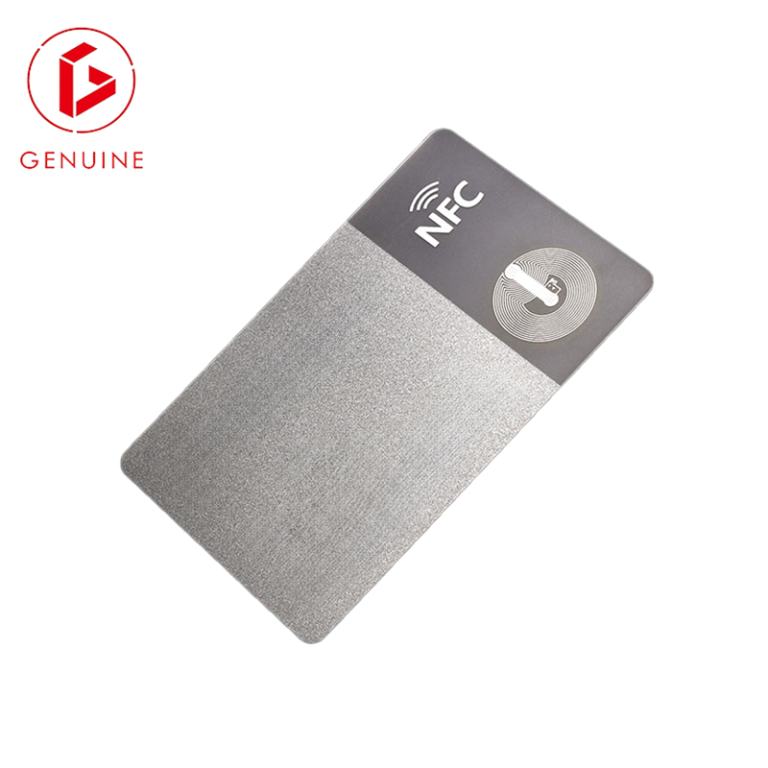
You asked for “standard cards.” The box arrives, and half of them jam in the badge reel, the rest slide out of the holder, and two will not read in the legacy reader that worked fine last year. None of that is bad luck—it is a dimensions mismatch. A card is not “standard” until its length, width, thickness, and corner radius all sit inside the tolerance band that your readers, printers, and holders were built around. This guide walks procurement and security teams through the one standard that governs all of it: ISO/IEC 7810.
What ISO/IEC 7810 Actually Defines

Buyers often treat “card size” as a self-evident thing. It is not. The global baseline is ISO/IEC 7810, the standard that defines the physical characteristics of identification cards—length, width, thickness, and corner radius—and the tolerances around each. Every payment, access, and ID program on the planet inherits its form factor from this document. The standard describes several formats; the one you care about almost always is ID-1 at 85.6 × 54.0 mm, the same rectangle as a credit card.
ISO/IEC 7810 does not stop at the rectangle. It also fixes the nominal thickness at 0.76 mm with a tight defined tolerance (commonly ±0.08 mm), and the corner radius at 3.18 mm. Those three numbers—length, width, thickness, radius—are what make a card interchangeable across millions of readers and printers. The current edition is ISO/IEC 7810:2019, and it is the reference you should cite in any specification that someone else will have to meet.
CR80 — The De Facto Standard Size

In industry shorthand the ID-1 rectangle is called CR80, and it measures 85.6 × 54.0 × 0.76 mm. When a supplier says “standard card,” they almost always mean CR80. It is the default for employee ID, access control, membership, and payment cards because every off-the-shelf reader, holder, lanyard reel, and desktop printer is tooled to it. If you specify nothing else, you will receive CR80—and that is usually correct.
The risk is not the default; it is assuming the default when your program has a constraint. A card that must survive a 10-year government issuance, carry a dual-interface inlay, or drop into a pre-existing holder estate has dimension requirements that “standard” does not fully capture. That is where the next two numbers—thickness and corner radius—earn their place in the RFQ.
CR79 and the Other Sizes You May Actually Need

CR80 is the default, but two alternatives show up constantly in real programs:
- CR79 (83.9 × 52.6 mm) — about 1.7 mm narrower and 1.4 mm shorter than CR80. It is used when a card sits inside a larger housing, a clip, or a laminate that eats the edge, or where a slightly smaller footprint improves retention in a tight slot.
- CR100 — a larger format used where more print area is needed, such as event, photo, and visitor badges.
The trap is mixing them. A CR79 will often read fine in a contactless or chip reader, but it can rattle or fall out of a CR80 holder and can mis-seat in a friction-fed printer. If your estate already has CR80 holders, do not quietly switch to CR79 without re-qualifying the whole chain.
| Format | Dimensions (mm) | Typical use |
|---|---|---|
| CR80 (ID-1) | 85.6 × 54.0 | Payment, access, employee and government ID |
| CR79 | 83.9 × 52.6 | Cards seated in a holder or housing; clip and laminate applications |
| CR100 | Larger format | Event, photo and visitor badges needing more print area |
Why Thickness Is the Silent Deal-Breaker
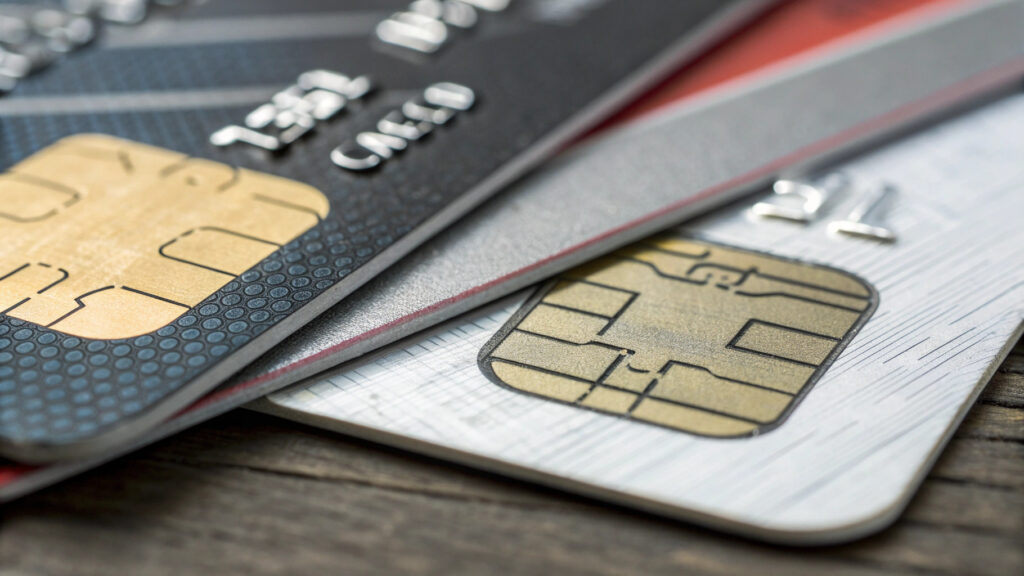
Length and width get the attention; thickness breaks programs. ISO/IEC 7810 specifies a 0.76 mm nominal thickness with a tight tolerance. A mono-body PVC card sits right there. But most production ID and access cards are composite: a PVC or PETG core laminated with a PET or PETG overlay for durability, which typically lands at 0.82–0.84 mm. Reader transport mechanisms and printer rollers are tuned to a band—too thick jams, too thin slips and mis-picks.
This is why a card that “looks standard” can still fail in the field. A dual-interface inlay, an extra security layer, or a thicker overlay all push the card toward the top of the tolerance band. Before you approve a composite construction, confirm the finished thickness against both your encoder and your reader’s published spec. Material choice drives this directly—see our comparison of polycarbonate, PVC, and PETG for government ID, and how ISO/IEC 10373 durability testing verifies the result.
Corner Radius and Edge Quality (the Detail That Jams Printers)

ISO/IEC 7810 sets the corner radius at 3.18 mm. It sounds trivial until a batch arrives with square or inconsistent corners and your desktop printer starts skewing and jamming. Sharp corners catch in the transport; corners that vary card-to-card cause feed errors and misregistration during personalization. The corner radius is a manufacturing-quality signal, not a cosmetic choice.
Edge quality matters for another reason: a burr, a delaminating overlay, or a chipped corner is where a card begins to fail. When you inspect incoming stock, the corner is the first place to look—alongside thickness. Both are covered in our guide to requesting and evaluating card samples before you order.
How to Specify Dimensions in Your RFQ (Copy-Ready Block)

Vague dimensions are how programs drift. Put the following fields in every card RFQ so two factories quote the same physical object:
- Format: ID-1 (per ISO/IEC 7810)
- Length × width: 85.6 × 54.0 mm (state tolerance, e.g. ±0.08 mm)
- Thickness: 0.76 mm mono, or 0.82–0.84 mm composite (state which)
- Corner radius: 3.18 mm
- Material: PVC / PETG / polycarbonate / composite (see material guidance)
- Interface (if any): contact (ISO/IEC 7816), contactless (ISO/IEC 14443), or dual
- Golden sample: reference a measured, approved physical sample, not just the text spec
The last line is the one buyers skip. Lock the approved dimensions into a golden sample before mass production, and make that sample the contractual reference for incoming inspection. It turns “approximately standard” into something you can actually reject a bad batch against. For the bigger picture on rolling this into a program, see our guide to building an ID card issuance program, and for dual-interface cards specifically, our note on contact-plus-contactless construction.
Frequently Asked Questions
Is a credit card the same size as a CR80?
Yes. Both follow the ISO/IEC 7810 ID-1 format at 85.6 × 54.0 mm. Banking cards are additionally governed by ISO/IEC 7813, but the rectangle is the same one your ID and access cards use.
Can a CR79 card work in a standard CR80 reader?
For contactless or chip reading, usually yes—the antenna and chip sit well inside the smaller footprint. The problems appear in the physical chain: a CR79 can rattle in a CR80 holder and mis-seat in a friction-fed printer. Qualify the whole chain before mixing formats.
What thickness do dual-interface cards need?
Plan for 0.76–0.84 mm. The embedded inlay adds height, so confirm the finished thickness against both your encoder and your reader’s transport spec before approving the build.
Why do my cards jam in the printer?
The usual causes are a corner radius outside 3.18 mm, thickness outside the reader/printer band, or warped cards from poor storage. Measure a problem batch against ISO/IEC 7810 before blaming the hardware.
Do ISO/IEC 7810 dimensions apply to metal or wood cards?
The standard targets plastic ID-1 cards. Metal, wood, and other specialty cards are often non-conforming on thickness or edge, so verify physical fit in your readers and holders before any bulk order.
Get a Sample Before You Commit
Dimensions are cheap to get right on paper and expensive to fix in a 50,000-card shipment. Send us your target format, thickness, and interface, and we will return a measured pre-production sample you can qualify against your own readers and holders. Request a sample and spec review from GENUINE—we will flag dimension risks before they reach your loading dock.