You are sitting on thousands of magstripe or legacy proximity cards, a building full of readers, and a mandate to move to contactless credentials—or to DESFire-based smart cards—without locking a single authorized person out. The tempting move is to “just swap everything over a weekend.” In practice, that instinct is what triggers the helpdesk flood, the compliance gap, and the facilities manager’s worst week. This guide gives B2B security and integration buyers a workable card migration project plan: a phased, reversible cutover that keeps operations running while you modernize—covering inventory, coexistence technology, cutover waves, communication, risk, testing, and cost.
Why a “Big Bang” Cutover Usually Fails
A big-bang cutover replaces every credential and reader at once and removes your safety net in the same stroke. If a batch is mis-encoded, if a controller’s firmware rejects the new card, or if personalization data does not match the record, you have no fallback credential left to fall back on. Most failed rollouts we see do not fail because the technology was wrong—they fail because there was no pilot, no reversible step, and no time to learn from the first mistakes.
A phased cutover is not slower; it is the only approach that lets you reverse a mistake before it reaches your entire population. You trade a single dramatic weekend for a series of small, controllable, undoable steps. For most organizations, that trade is the difference between a smooth upgrade and an incident report.

Start With an Honest Inventory: What You Are Actually Migrating
Before you can size the project or the budget, you need a credential register. Document, by site and by system:
- Card types in circulation—magnetic stripe, 125 kHz proximity, contact (ISO/IEC 7816), and 13.56 MHz contactless (MIFARE, DESFire).
- Reader and controller models, firmware versions, and which interfaces each actually supports—not just what the datasheet claims.
- Cardholder counts per location, and the systems each credential unlocks: physical access, time & attendance, vending, print release.
Count before you commit: undocumented reader firmware is the single most common cause of a failed first wave. A reader quietly running three-year-old firmware may not support the new card’s contactless negotiation, and you will only discover it on day one of the rollout. If you want to understand how card construction differences affect what your readers can actually read, our breakdown of how smart cards are made is a useful primer.

Choose the Coexistence Technology: Dual-Interface Cards and Readers
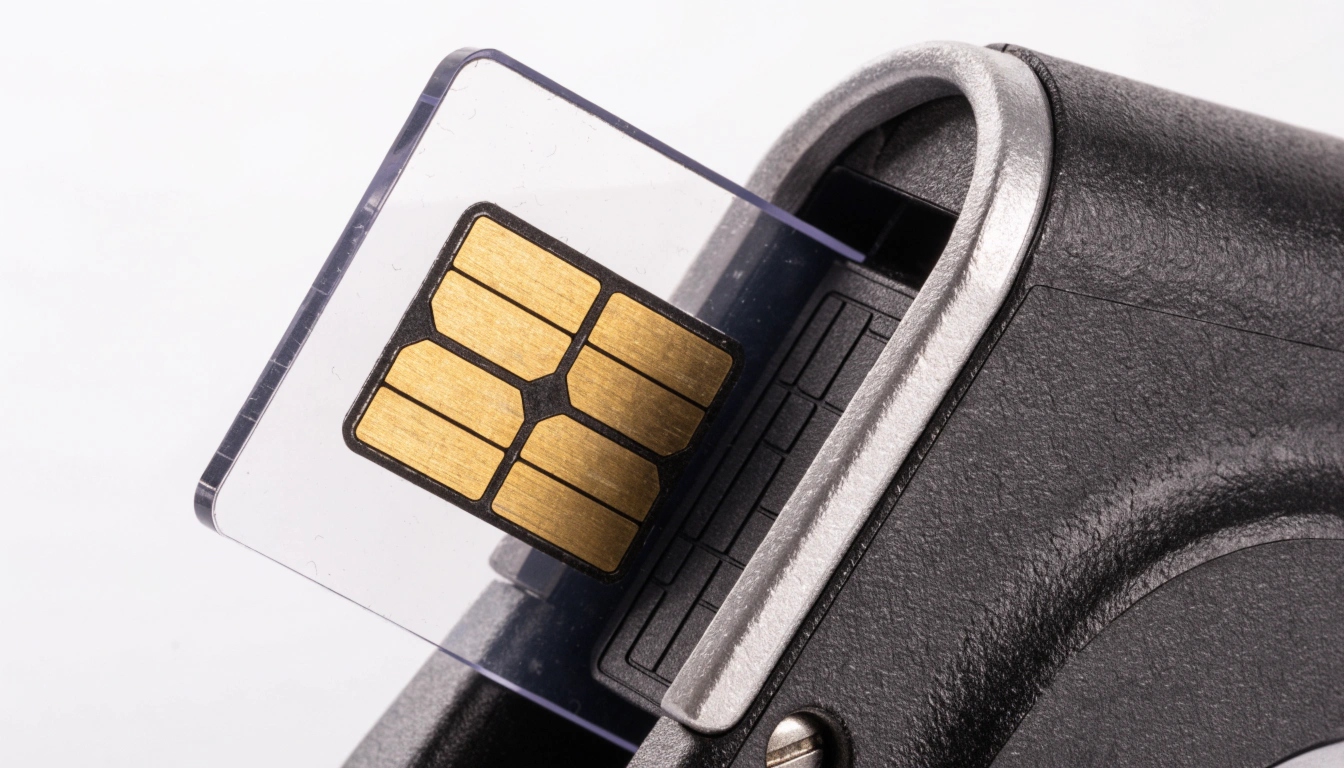
The technical enabler of any phased cutover is coexistence. A dual-interface card carries one chip that is accessible both through the contact pad (ISO/IEC 7816) and through the contactless antenna (ISO/IEC 14443), and it can retain the magnetic stripe for your oldest readers. Pair it with readers that accept both the legacy credential and the new one during the overlap window, and you can issue new cards to one wave at a time while old cards still work everywhere else.
For the contactless side, DESFire EV2/EV3 has become the de facto secure choice for government and enterprise programs because of its key management, file structure, and tamper-resistant design—see NXP’s MIFARE DESFire EV3 overview. The card specification ecosystem is governed by bodies such as GlobalPlatform, which keeps the secure-card framework consistent across vendors. Dual-interface cards plus dual-read windows are what make a reversible migration possible—without them, you are back to big-bang by default.
Design the Phased Cutover: Waves, Overlap Windows, and a Hard Stop
Divide your population into waves by site, department, or risk tier—never all at once. Each wave follows the same shape:
- Pilot on one low-risk site to prove the reader firmware, encoding, and enrollment flow.
- Open a dual-read overlap window where readers accept both old and new credentials.
- Issue and enroll the new cards for that wave.
- Reach a written hard-stop date, after which the old credential is declined for that wave only.
Every wave needs a written hard-stop date. An open-ended “both accepted” window quietly becomes permanent and defeats the entire migration. Keep waves small enough that a rollback is trivial and large enough to be efficient—typically a floor, a building, or a single department. When you plan reader compatibility, our guide to employee ID card reader compatibility walks through the matrix you should build before ordering.
Communication and Change Management: Don’t Let the Rollout Outrun the Message
In migration projects, technology fails less often than messaging. Three audiences need a clear, timed message:
- Cardholders: when to expect the new card, what to do with the old one, and who to call if entry fails.
- Helpdesk: enrollment scripts, spare-stock levels, and a known workaround for the top three failure modes.
- Facilities and security: the install schedule, the wave calendar, and escalation contacts.
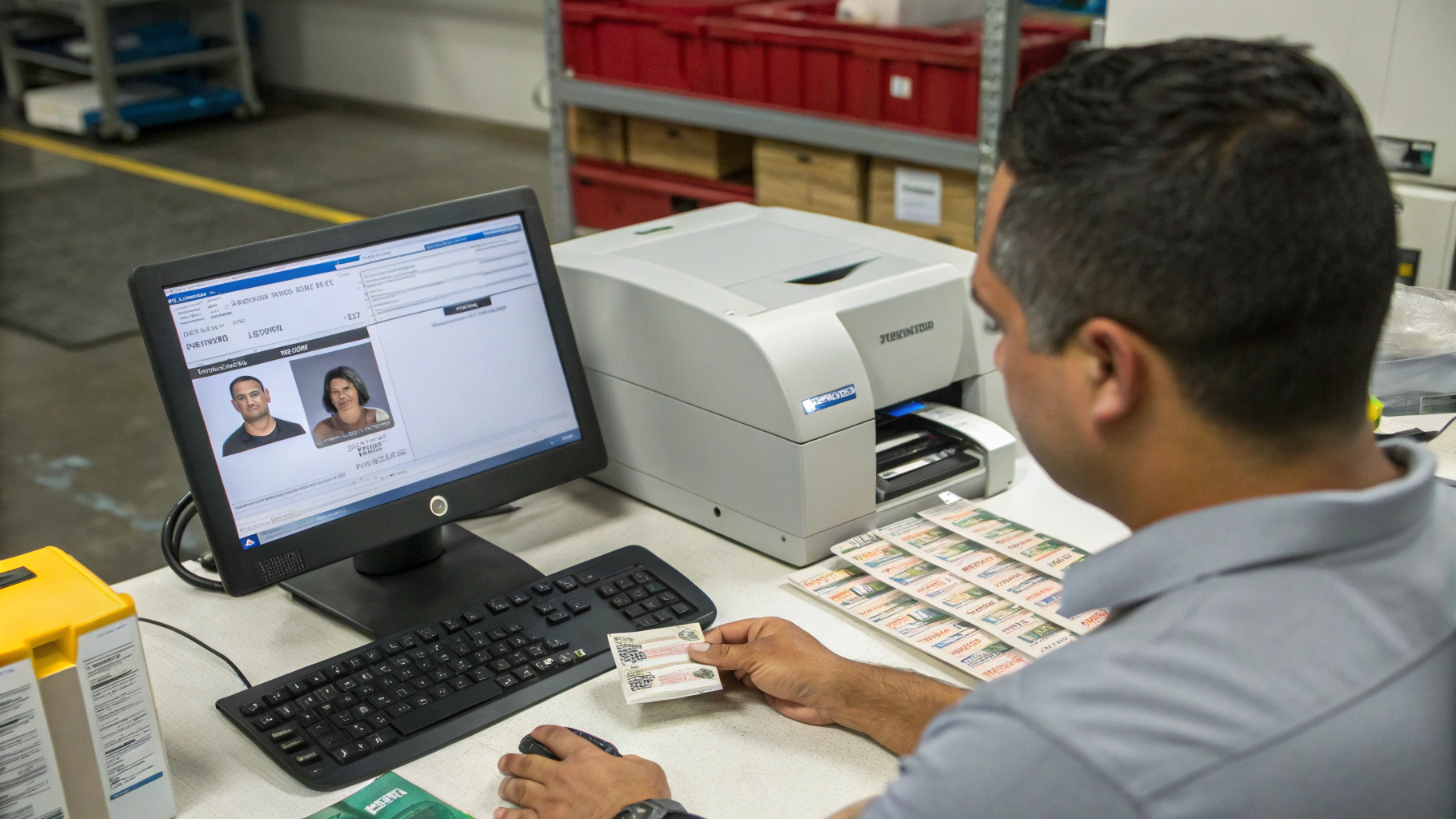
Communicate the cutover, not just the card—most “technology failures” are actually users who never knew their old card would stop working. Build a one-page comms plan per wave and send it twice: once a week before, once the day before. A missed message causes more failed entries than a firmware bug ever will.
Build a Risk Register and a Rollback Plan
A migration without a risk register is a migration waiting for its first surprise. The risks that actually bite:
- Reader firmware that does not support the new card’s contactless negotiation.
- Encoding or key mismatch between the card and the controller.
- A supply delay that strands a wave halfway through.
- User resistance and lost-card churn during the overlap.
For each risk, record an owner, a likelihood, a mitigation, and a rollback trigger. Rollback means re-enabling legacy credential acceptance on the controller—define the trigger before wave one, not during an incident, because rollback decided under pressure is rollback that does not happen. Keep the register live: close risks as waves complete and add new ones as you learn.

Acceptance Testing Before, During, and After Each Wave
Do not mass-issue on trust. Sample a pilot batch and run acceptance tests before each wave:
- AQL sampling against your written specification.
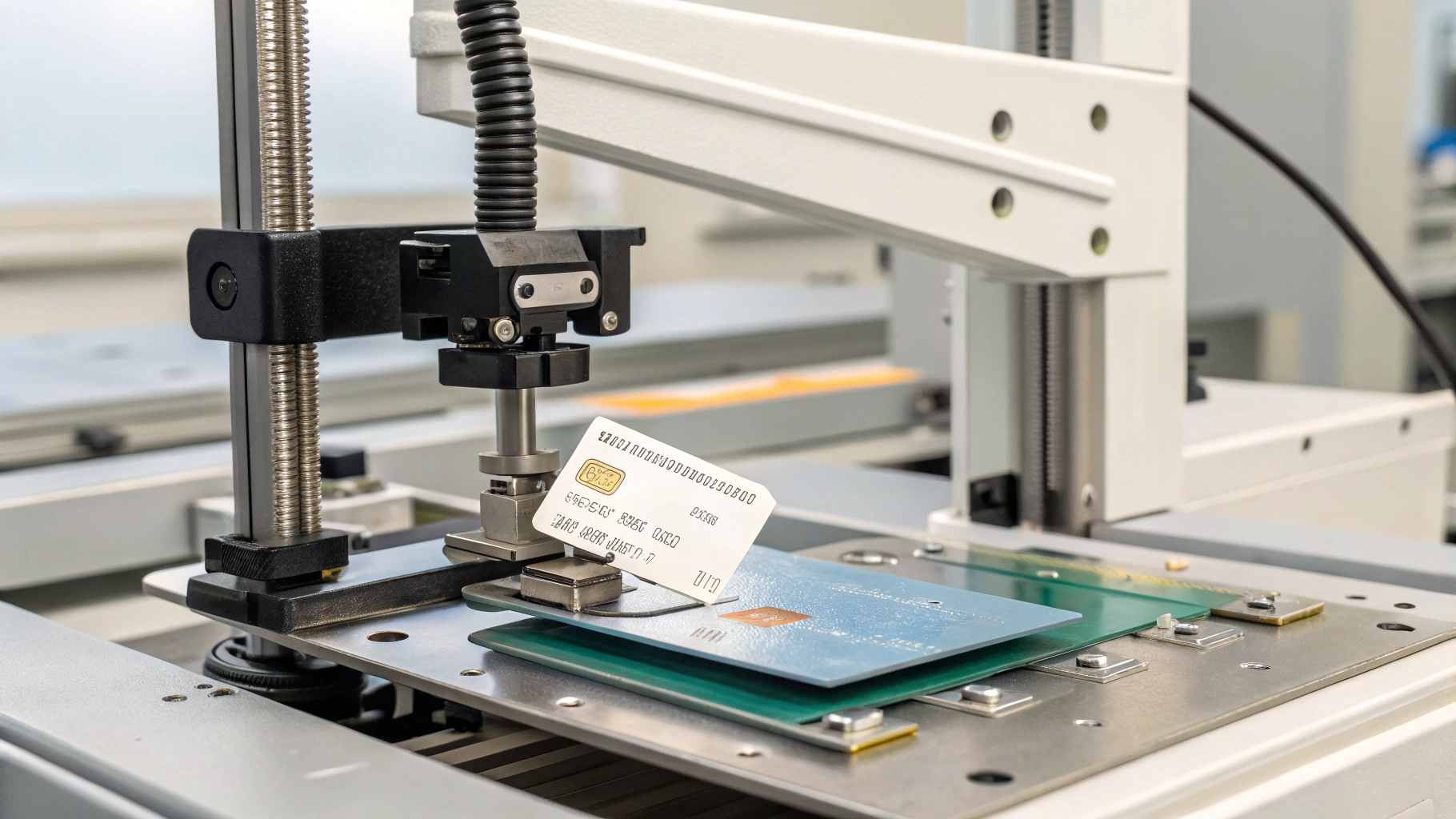
- Electrical and contactless read tests on the actual reader models in the field, not a lab bench.
- Durability checks aligned with ISO 10373 test methods (bending, temperature, chemical resistance).
- Personalization accuracy—name, ID number, and encoding all match the source record.
Test on the real reader fleet, not a bench sample: lab-passing cards fail on three-year-old firmware. Our guide to smart card sample testing lays out the exact checks to put in your acceptance protocol.
Cost Drivers and Budgeting for the Program
A migration budget has more line items than the cards themselves:
- Cards: dual-interface cards cost more per unit than magstripe, but you avoid a separate reader rip-out.
- Reader upgrades or replacements for controllers that cannot be firmware-updated.
- Labor: issuance, enrollment, re-issues, and helpdesk overtime.
- Waste: cards mis-encoded, lost, or damaged before activation.
Budget a 5–10% reissue buffer per wave—issuance error and lost-card churn are predictable, not exceptional. And weigh the cost of not migrating: unsupported readers, lost compliance evidence, and a credential platform you can no longer source. Phase the spend wave by wave so the program pays for itself in avoided incident cost as it goes.
Selecting a Card Manufacturing Partner for Migration Batches
Your supplier is a logistics partner in the cutover, not just a printer. Ask specifically:
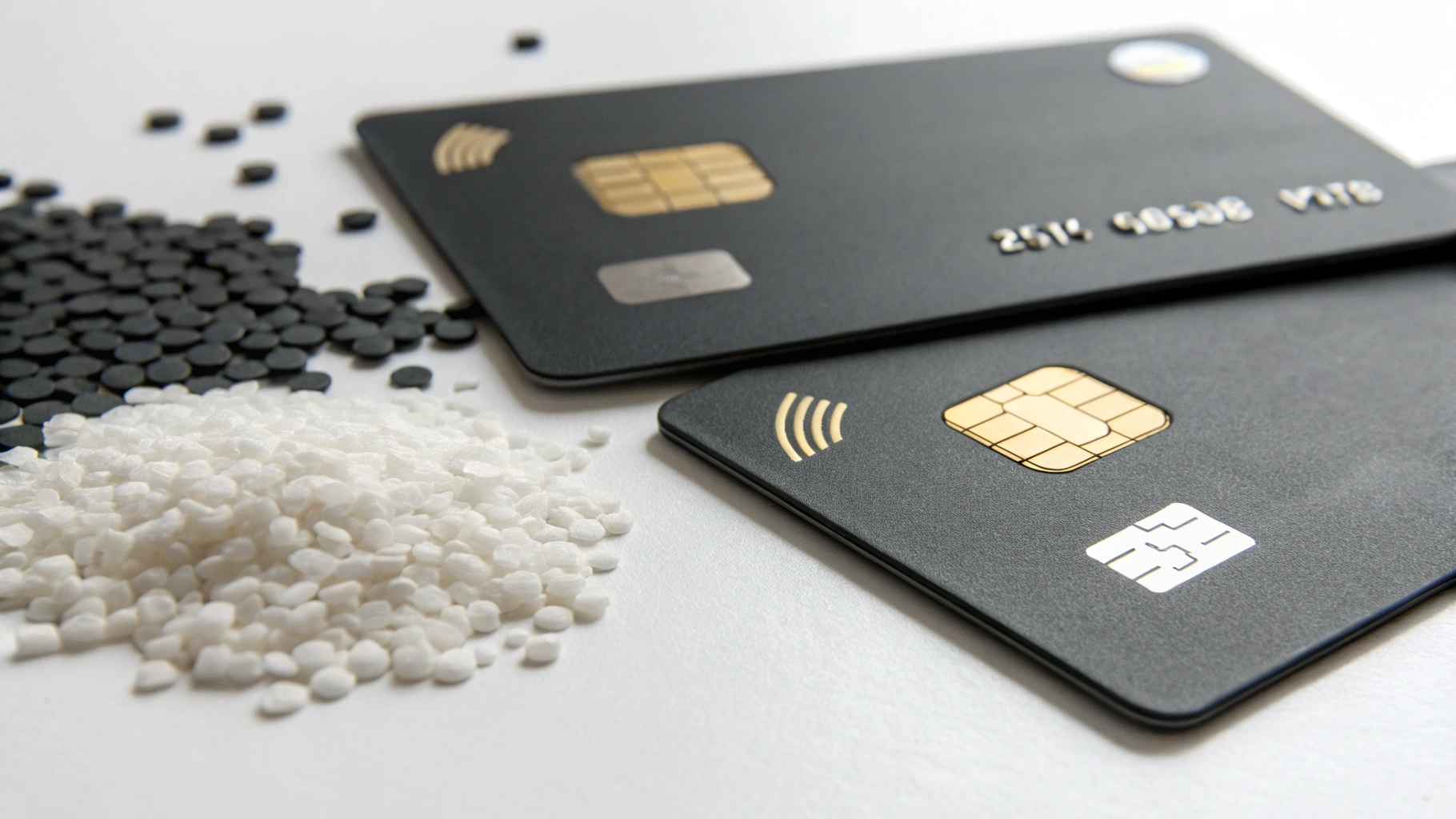
- Dual-interface capability and the specific chips they support (DESFire EV2/EV3, and so on).
- Encoding and personalization capacity, and whether they can match your existing key scheme.
- Batch traceability and test reports per lot, so a failed wave is traceable to a cause.
- Lead time and a sample policy so you can qualify them before the pilot, not during it.
Your partner must be able to supply mixed old and new batches on a single PO during the overlap—otherwise you force a big-bang by logistics. Build the RFQ from our smart card RFQ specification template so nothing slips between the cracks.

Frequently Asked Questions
How long does a card migration take? It depends on population and reader sprawl, but phased programs commonly run three to twelve months from pilot to final hard-stop. The overlap windows—not the card printing—usually set the pace.
Can we keep the magnetic stripe? Yes—dual-interface cards retain the magstripe for legacy readers. Drop it only after the last legacy reader is retired, not before.
What about visitors and temporary cards? Issue temporary contactless or dual-interface cards and include them in the wave plan; do not handle them as an afterthought.
Do we need to re-enroll everyone at once? No—only re-enroll as each wave cuts over, keeping the legacy credential active until then. That is the whole point of phasing.
Plan the Cutover, Then Let the Technology Take Care of Itself
A card migration is a project, not a purchase. The buyers who get it right treat the cutover as a reversible, wave-by-wave program with honest inventory, dual-interface coexistence, disciplined communication, a live risk register, and field-tested acceptance criteria. Get those right and the technology takes care of itself.
If you are scoping a migration this quarter, we can help you qualify cards and readers on a pilot batch. Request a sample and a migration quote, and we will send a specification checklist sized to your sites—so your first wave is a proof, not a gamble.