“Please encode our cards” is the most expensive sentence in a card program. The factory can print and ship a thousand cards in days — but only if your personalization and encoding data arrives in a form it can act on the first time. A clean, well-specified data file is what turns a vague request into a first-pass delivery, and a sloppy one into a re-run that costs you weeks and a reprint fee. This checklist shows B2B buyers exactly what to send, how to structure it, and how to avoid the data mistakes that stall orders.
Why a clean data file decides whether your card order ships on time

Most card-order delays are not manufacturing problems — they are data problems. When a factory receives a spreadsheet with ambiguous columns, merged cells, or a note that says “use the usual encoding,” it cannot proceed by guessing. Every clarification cycle adds days, and for government, enterprise, or campus programs tied to a fixed go-live date, a bad data file is a direct schedule risk.
The hidden cost is re-personalization. If 5% of a 10,000-card batch is encoded against the wrong application or printed with a malformed serial, the entire affected segment usually has to be reprinted. That is why the U.S. NIST guidance on PACS credential management (SP 800-116r1) treats the data and issuance records as a controlled part of the credential lifecycle, not an afterthought. A disciplined file up front is cheaper than a recall later — a point we also cover in our guide to building traceability into your card order.
What your personalization package actually contains
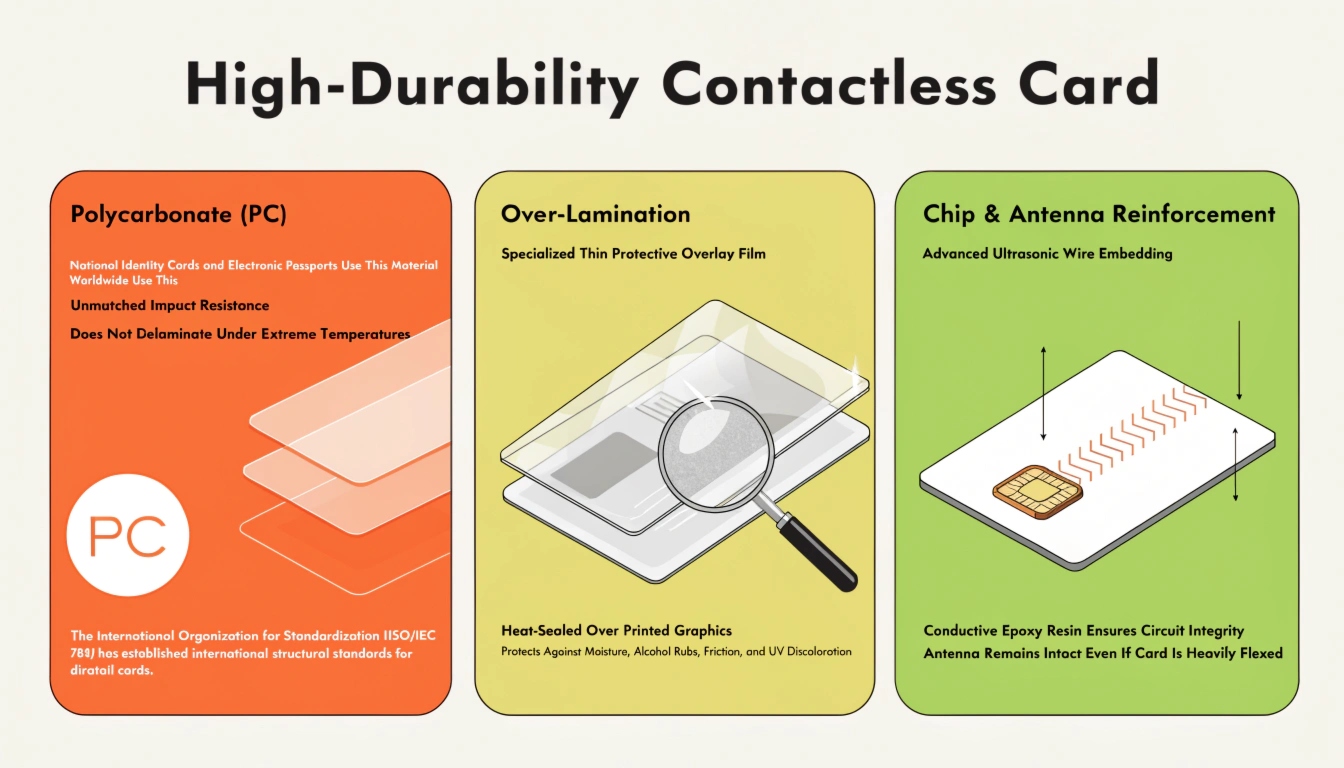
Buyers often picture “the data file” as one spreadsheet. In reality, a complete personalization package is several coordinated artifacts:
- Identity and printed fields — cardholder name, employee or member ID, department, role, and any visible text.
- Printed identifiers — human-readable serial number, barcode, or QR code value.
- Chip UID and application data — the file structure written to the chip, defined by ISO/IEC 7816-4 for contact cards.
- Cryptographic material — keys, diversifications, or certificates for secure credentials.
- Artwork and assets — card design, photo files, and signature references.
- Encoding and print specification — the written rules the factory follows.
The data file is only one part of the package. Pairing it with a written encoding specification is what prevents assumption-driven errors — the factory should never have to infer your intent from a column header.
Choosing the right file format: CSV, Excel, or a secure portal
How you deliver the bulk records matters as much as what they contain:
- CSV (recommended for the record set) — portable, diff-friendly, and easy to validate programmatically. Define the delimiter, character encoding (UTF-8), and quoting rules in a one-page data dictionary.
- Excel — comfortable for humans, but hidden formulas, merged cells, and styling drift silently break automated parsing. If you use it, export a clean CSV before sending.
- Secure portal or SFTP — the right channel for keys and any personally identifiable information (PII).
For the bulk record set, a flat CSV with a documented schema beats a styled spreadsheet — and keys never travel in the same file as cardholder names. Handling that data responsibly aligns with the controls described in ISO/IEC 27001 for information security management. The underlying print methods are explained in our overview of card personalization techniques.
The data schema checklist: fields every buyer should define
Before you send anything, confirm your schema defines at least these fields:
- Chip UID — the immutable chip identifier (where relevant).
- Printed serial number — human-readable, unique, and checksummed where possible.
- Cardholder name — split into first/last so layouts and sorting behave.
- Department / organizational unit — drives visual and logical grouping.
- Role / access level or template ID — maps the card to the right encoding profile.
- Expiry date — in ISO 8601 (YYYY-MM-DD) to avoid locale confusion.
- Photo filename — a reference, not an embedded blob.
- Status flag — active, suspended, or revoked.
Define one canonical key that joins every system — usually the printed serial or the chip UID — so printing, encoding, and your access-control database stay in sync. Where keys are involved, the schema decisions tie directly into our smart card key management guide.
Encoding specifications the factory needs from you

“Encode it like last time” is not a specification. The factory needs explicit answers:
- Chip family and operating system — for example Java Card, or an NXP MIFARE DESFire EV3 contactless chip.
- Interface — contact (ISO/IEC 7816), contactless (ISO/IEC 14443), or dual-interface.
- Application and file structure — application identifiers, file identifiers, and access conditions, per ISO/IEC 7816-4.
- Data model — NDEF records versus a proprietary application, and which fields are readable versus protected.
- Key responsibility — are keys pre-loaded via a key ceremony, or injected by the factory?
Never assume a “standard” encoding. Explicitly state the application ID, file identifiers, and which records are readable versus protected — GlobalPlatform publishes the card content and key-management frameworks most secure programs build on. For the full standard breakdown, see our card encoding standards guide.
Handling cryptographic keys and sensitive data safely

For any secure credential, key handling is where programs succeed or fail:
- Use split-knowledge, dual-control key ceremonies so no single person holds the full key.
- Transmit keys over a secure channel — a portal or SFTP — never by email or inside the CSV.
- Define key diversification and KMC ownership up front, referencing NIST SP 800-78-4 for approved algorithms.
- Respect data-protection law — if you process EU subjects’ data, the GDPR applies to how you collect and transfer it.
Keys and cardholder PII must never share a file or a transport channel. Separation is a baseline control, not a nicety — and it is the same principle behind the key-management discipline covered in our buyer’s guide.
Pre-send QA: validation to run before you submit

Run these checks on the file before it leaves your hands:
- Row count matches the physical card quantity you ordered.
- Required fields are non-empty and correctly formatted — dates in ISO 8601, no stray commas breaking CSV columns.
- UIDs and serials are unique — deduplicate before sending.
- A control total or checksum is agreed with the factory for reconciliation.
- One record is test-encoded on a sample card and verified in your own reader environment.
Run a “first record” dry-run: encode one card and confirm it reads correctly in your environment before the full batch runs. Ordering sample cards before the bulk order is the cheapest insurance against a systemic encoding error, and it pairs naturally with the shipment inspection checklist you will use on delivery.
The handoff checklist and acceptance criteria

Send these artifacts together as a single, versioned handoff:
- The data file (CSV) plus a one-page data dictionary.
- The encoding specification document (application, file structure, key responsibility).
- Key material via the secure channel, referenced — never embedded.
- Artwork and photo assets with the exact filenames your data references.
- Agreed acceptance criteria and a signed sample as the baseline.
Treat the data file handoff like a controlled document: version it, obtain factory acknowledgement, and keep a signed sample as the acceptance baseline. This is the same discipline that protects you at delivery, which is why we pair it with our receiving and acceptance checklist and the structure of a smart card RFQ template.
Want a head start? We provide a tested personalization data-file template and can encode a small sample batch so you can validate end-to-end before committing volume. Contact our engineering team with your encoding specification, or request sample cards to run your first-record dry-run.