Biometric smart cards are moving from pilot projects to production roadmaps in government ID, enterprise access, and financial credential programs. For B2B buyers, the appeal is simple: a card that can prove you are you without relying on a central database, a phone, or a password. But before you add fingerprint-on-card to your next specification, you need to know where the biometric data actually lives, which standards matter, and what questions to ask your supplier.
What exactly is a biometric smart card?
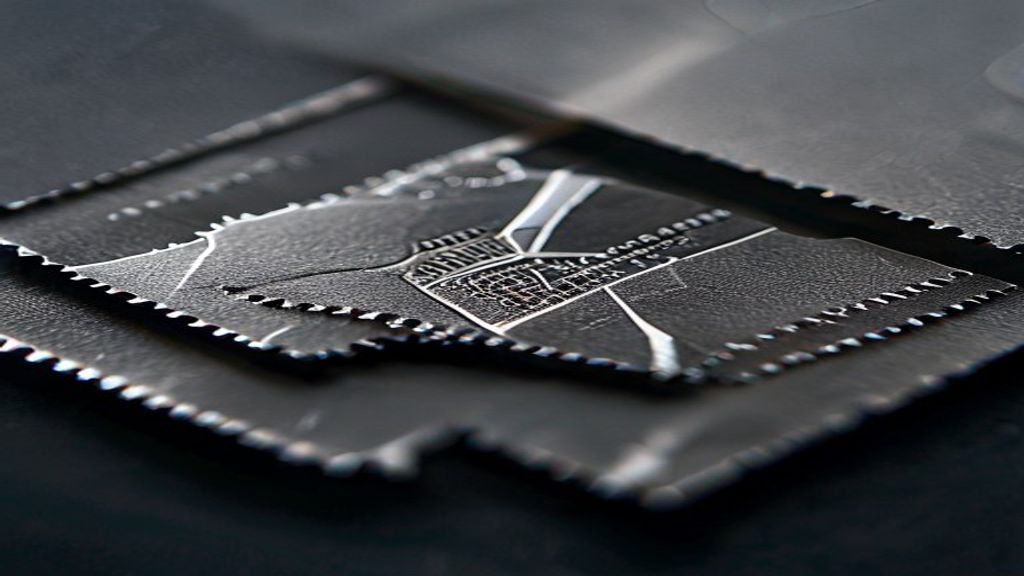
A standard smart card stores cryptographic keys, certificates, or access credentials and releases them when the right PIN, password, or contactless handshake is presented. A biometric smart card adds a fingerprint sensor and a secure microcontroller that can capture and compare a fingerprint on the card itself.
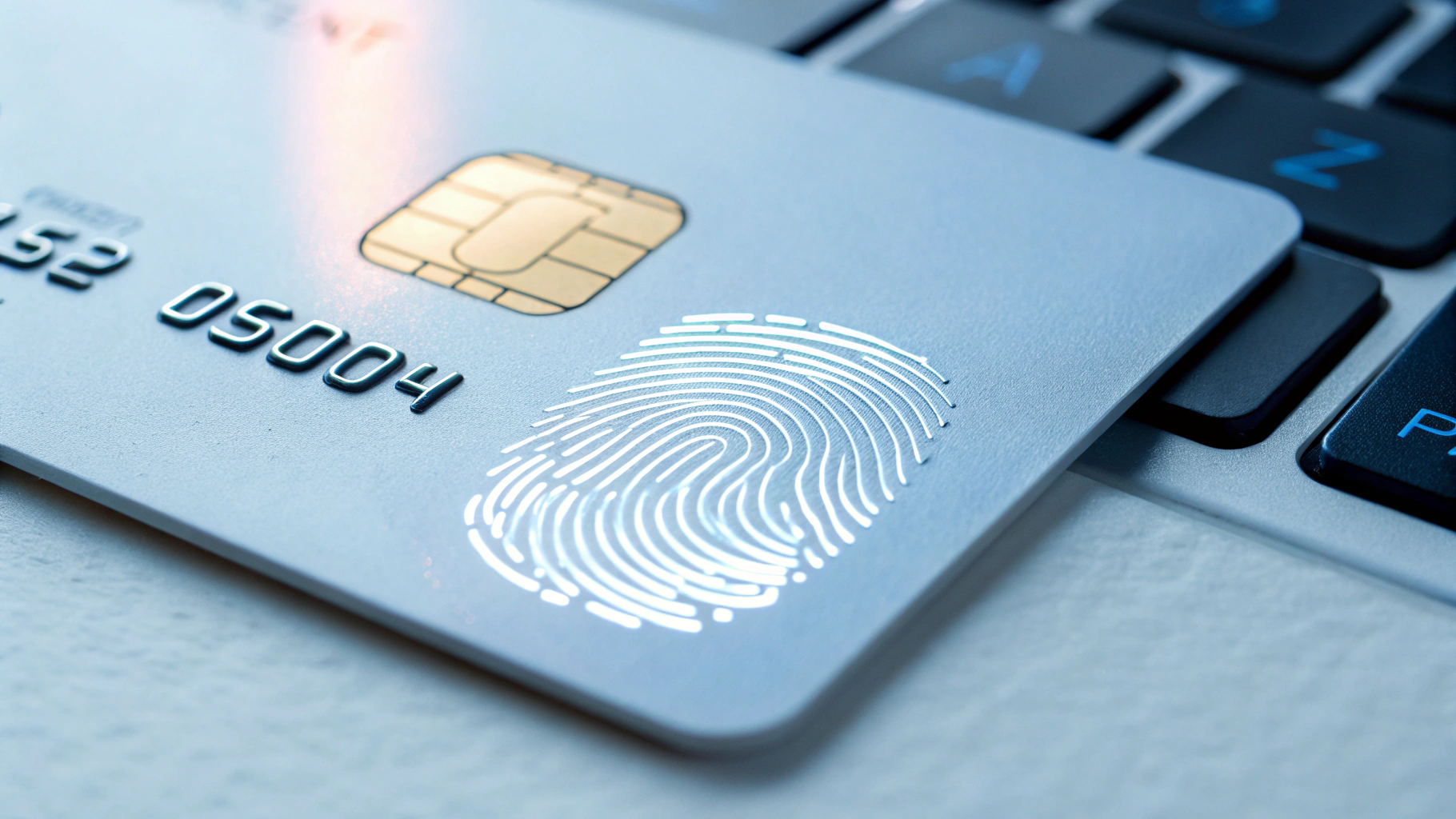
Rather than authenticating “something you know” or “something you carry,” the card authenticates “something you are.” The most common form today is fingerprint-on-card: a small sensor sits on the card surface, and the card’s own chip decides whether the live print matches the stored template before it will unlock the credential.
That local processing is the defining difference. The authentication decision is made on the card, not by an external reader, server, or mobile app. If you are evaluating platforms, our guide to smart card operating systems explains how Java Card, MULTOS, and native OS options affect what a biometric applet can do.
How fingerprint-on-card actually works
The process has two phases: enrollment and verification.
- Enrollment. The user places a finger on the card sensor during a trusted personalization session. The sensor captures the print, extracts a compact mathematical template of key minutiae points, and writes the encrypted template into the card’s secure element. The original image is discarded.
- Verification. Each time the card is used, the sensor captures a fresh print. The secure microcontroller runs a matching algorithm against the stored template. Only if the match succeeds does the card release its credential or sign a transaction.
This is called match-on-card, and it changes the security model. The fingerprint template never leaves the card. There is no biometric database to breach, no network path to intercept, and no third-party server holding millions of prints. ISO/IEC 19794 defines the biometric data interchange formats that help devices and cards agree on how that template is structured, which is why it is worth specifying in procurement documents.
Most B2B buyers also require liveness detection: algorithms or sensors that distinguish a real finger from a silicone cast, printed image, or other spoof. Without liveness, fingerprint-on-card is only slightly better than a static PIN.
Where biometric smart cards earn their keep — B2B use cases

Biometric smart cards are not right for every credential program, but they solve a specific set of B2B problems well:
- Government and national ID. ICAO guidelines for electronic passports and many national e-ID programs already incorporate biometric data. A fingerprint-enabled ID card or e-passport data page raises the barrier against impersonation and forged documents.
- Enterprise access control. Employees cannot forget, share, or lend a fingerprint. Biometric employee badges remove help-desk PIN resets while closing the “tailgating credential” problem that plagues standard cards. If your program uses HID or OSDP readers, our guide to HID smart cards and credentials for access control covers compatibility considerations.
- Banking and payment. EMVCo contactless cards with on-card biometrics allow higher-value contactless transactions without entering a PIN, improving both convenience and fraud resistance.
- Healthcare. Provider ID cards and terminals that require a biometric match help satisfy identity-assurance requirements while reducing the risk of card sharing.
The common thread is any program where the cost of a stolen, shared, or cloned credential is higher than the cost of upgrading the card.
Standards and certifications you should ask for
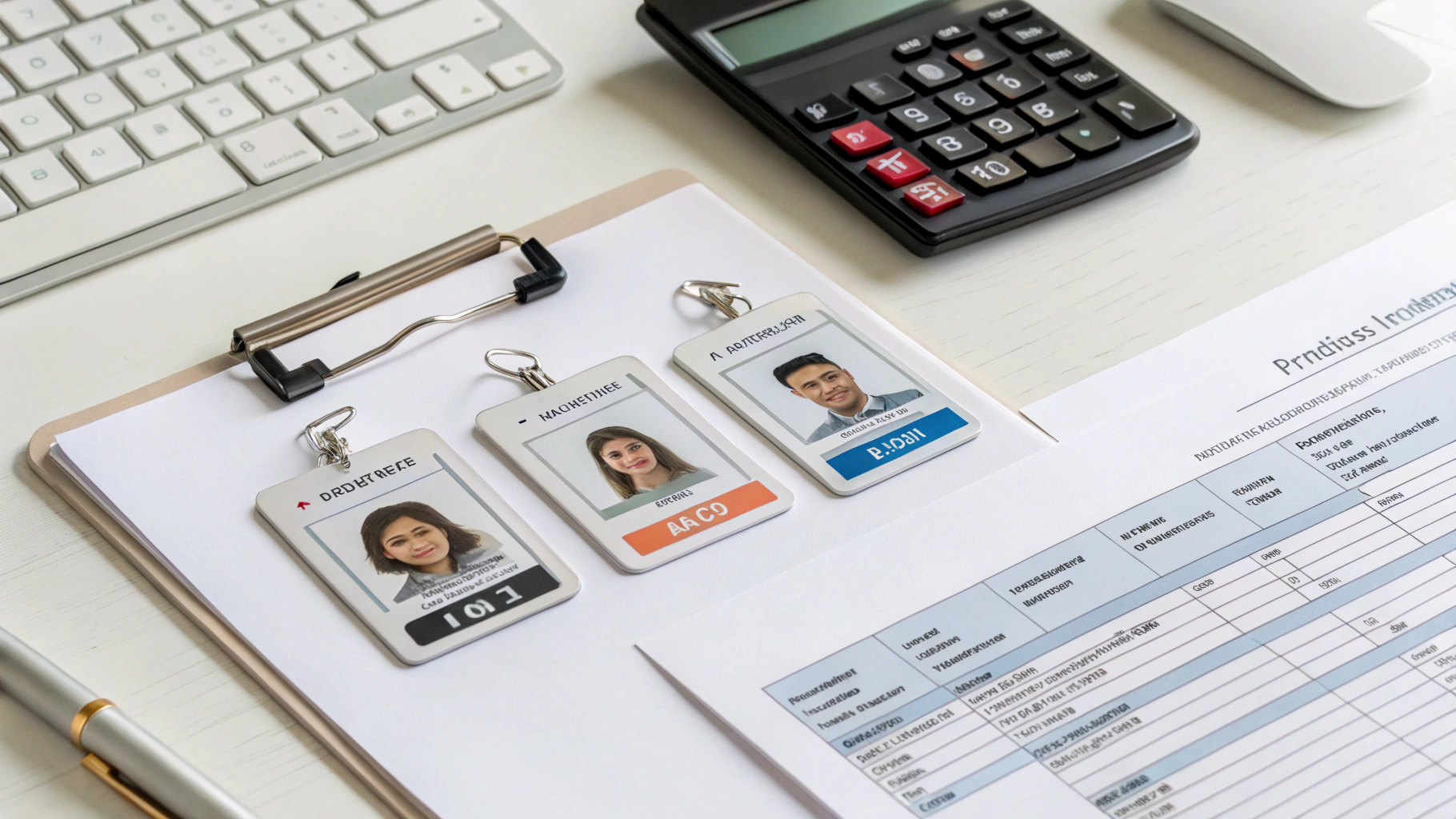
A biometric smart card is only as trustworthy as the standards behind it. Before you specify, make sure your supplier can document compliance with the certifications that match your use case:
- ISO/IEC 7816 — the electrical interface and protocol family for contact smart cards.
- ISO/IEC 19794 — biometric data interchange formats, critical for template interoperability.
- ISO/IEC 24787 — the on-card biometric comparison framework that defines how the match is performed inside the secure element.
- Common Criteria / EAL — independent security evaluation of the chip and operating system.
- EMVCo specifications for payment credentials.
- FIDO Alliance standards if the card will participate in FIDO-based authentication workflows.
We break these down in more detail in our guide to smart card certifications decoded, including how Common Criteria, EMVCo, and FIPS map to real buyer requirements.
Privacy, data protection, and the questions buyers ask
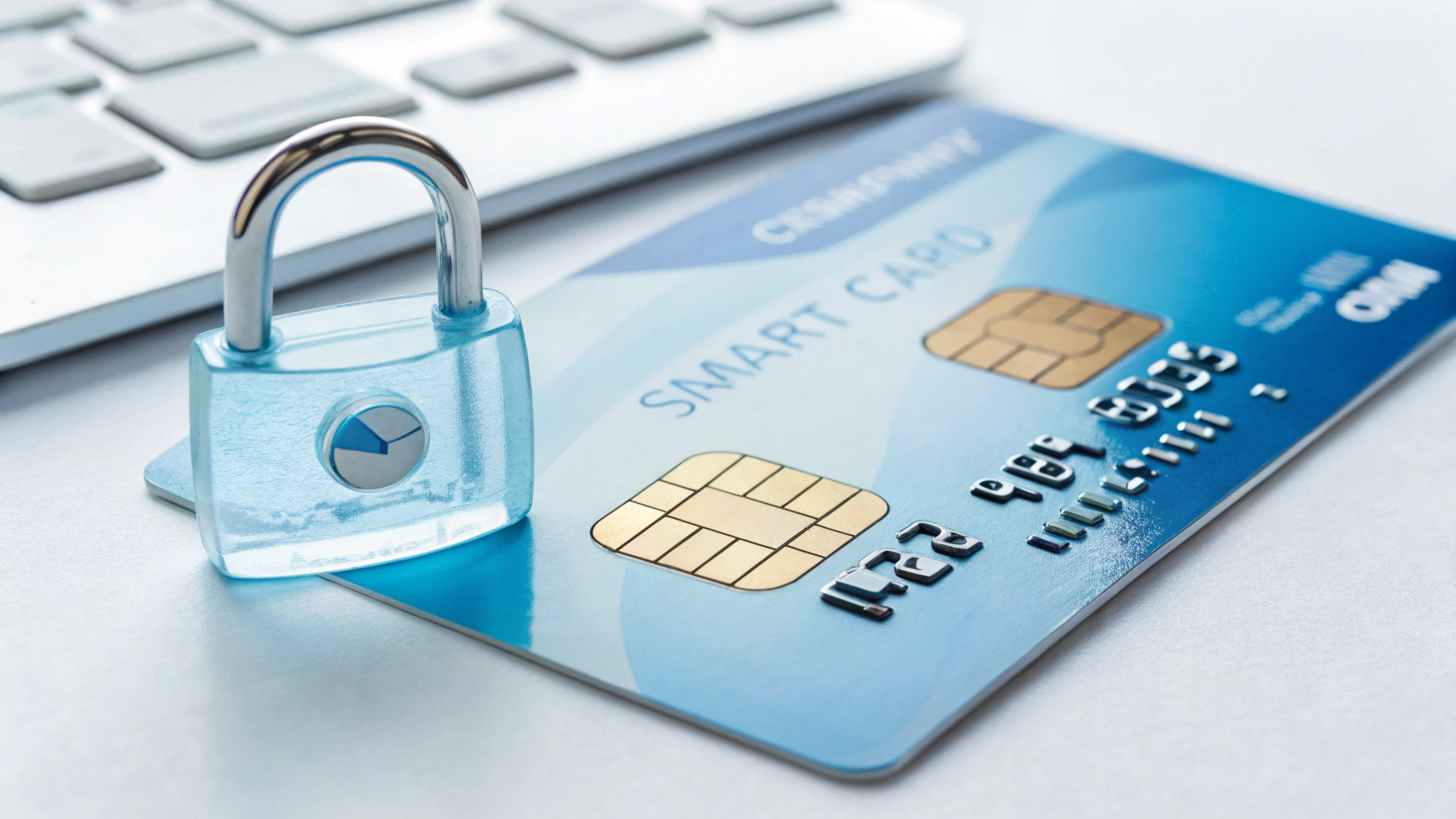
The first question most procurement and legal teams ask is: “Where is the fingerprint stored?” With true fingerprint-on-card, the answer is: only inside that individual card’s secure element. The card stores a mathematical template, not a photograph. The template cannot be reverse-engineered into a fingerprint image, and it cannot be read back out by a reader or backend system for matching elsewhere.
This design directly supports data minimization principles. Because there is no central biometric database, a single breach cannot expose millions of prints. For programs governed by GDPR or similar frameworks, on-card matching simplifies impact assessments and can reduce the scope of regulated personal data.
End-of-life is the other privacy angle buyers miss. Ask your supplier how a returned or expired card is erased and destroyed. A proper program includes secure destruction of the chip and, if needed, certificate revocation before the card leaves your custody.
Questions to ask your supplier before you specify
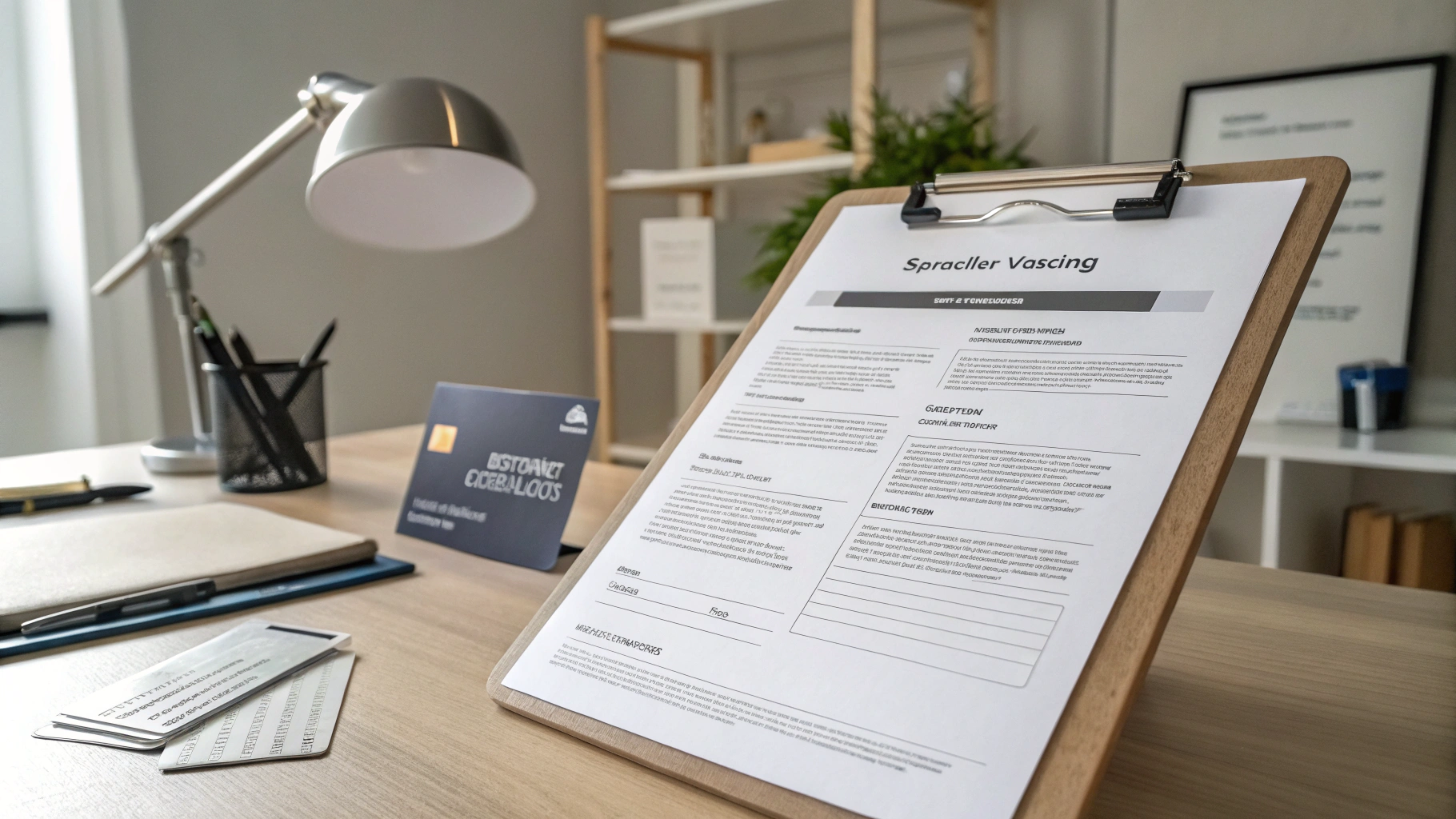
Biometric cards are more complex to specify than plain PVC badges. Treat the buying process as a small systems-integration project, not a commodity card order. Here are the questions that separate a reliable supplier from a risky one:
- Which secure element and OS? The chip determines EAL level, applet support, and whether your issuer keys can be loaded safely. Confirm compatibility with your preferred smart card operating system.
- Whose sensor and matching algorithm? Sensor size, power consumption, and liveness detection vary widely. Ask for independent test data, not just marketing claims.
- What certifications are already in place? Request certificates for ISO/IEC 7816, ISO/IEC 19794, Common Criteria / EAL, EMVCo, and any country-specific schemes such as ICAO for travel documents.
- How is personalization and key injection handled? Biometric enrollment requires a trusted environment. Understand whether the supplier offers secure personalization as a service.
- What is the false-accept and false-reject rate? These numbers determine user experience and security. Balance them for your environment: a high-security facility tolerates more false rejects than a payment card program.
- What are MOQ, lead time, and sample policy? Request engineering samples and run pilot enrollment with real users before locking the specification.
For a ready-to-use structure, download or adapt our smart card RFQ specification template. It includes the exact fields buyers forget to include in biometric-card tenders.
FAQ
What is the difference between match-on-card and match-on-server?
Match-on-card compares the live fingerprint with the stored template inside the card’s secure element. Match-on-server sends the biometric data to a backend system for comparison. Match-on-card is privacy-friendlier because the template never leaves the card.
Does a biometric smart card store my actual fingerprint image?
No. The card stores a mathematical template extracted from the print during enrollment. The original image is discarded, and the template cannot be reconstructed into a usable fingerprint image.
Which industries are adopting biometric smart cards today?
Government ID, enterprise access control, banking and payment, and healthcare are the largest B2B adopters. The common driver is a need for strong identity assurance without relying on passwords or phones.
What standards should I require in an RFQ?
At minimum, reference ISO/IEC 7816, ISO/IEC 19794, and ISO/IEC 24787. Add Common Criteria / EAL, EMVCo, or FIDO specifications depending on your use case.
Can biometric smart cards work with existing HID or OSDP readers?
Often yes, but only for the contactless access-credential part. The biometric verification happens on the card, so the card can still present a standard credential to the reader once the finger match succeeds. Confirm format, frequency, and key management with your reader supplier.
Ready to move from evaluation to specification? Contact GENUINE for engineering samples, personalization guidance, or a specification review tailored to your biometric smart card program.