“Send us smart cards” is one of the most expensive sentences in a procurement process. Two cards that look identical on a lanyard can hide silicon that reads at 4 cm or 10 cm, shrugs off a cloning attempt or folds under one, and either locks you to a single vendor or lets you load a payment applet next year without a re-issue. The chip — not the plastic — decides all of that. This guide gives B2B buyers a practical framework to read a supplier’s chip specification and match the silicon to the job your card actually has to do.
Why “just send me smart cards” is not a specification
Buyers rarely see the chip. They see a CR80 card with a gold contact or a wavy logo and assume “a smart card is a smart card.” It is not. The secure microcontroller inside sets the memory, the interface, the cryptographic ceiling, and the upgrade path. When the RFQ says only “smart cards, 5000 pcs,” one of two things happens: you over-specify and pay for 144 KB and EAL6+ you never use, or — far more commonly — you under-specify and discover in the field that the cards cannot hold your certificate, fail a mutual-authentication handshake, or cannot be key-diversified per holder.
The fix is cheap and written: add a one-line chip specification to your RFQ. It costs nothing at tender stage and prevents the far larger cost of a re-issue or a credential breach. Treat the chip as a line item, not a default.
Memory — how much EEPROM your application actually needs
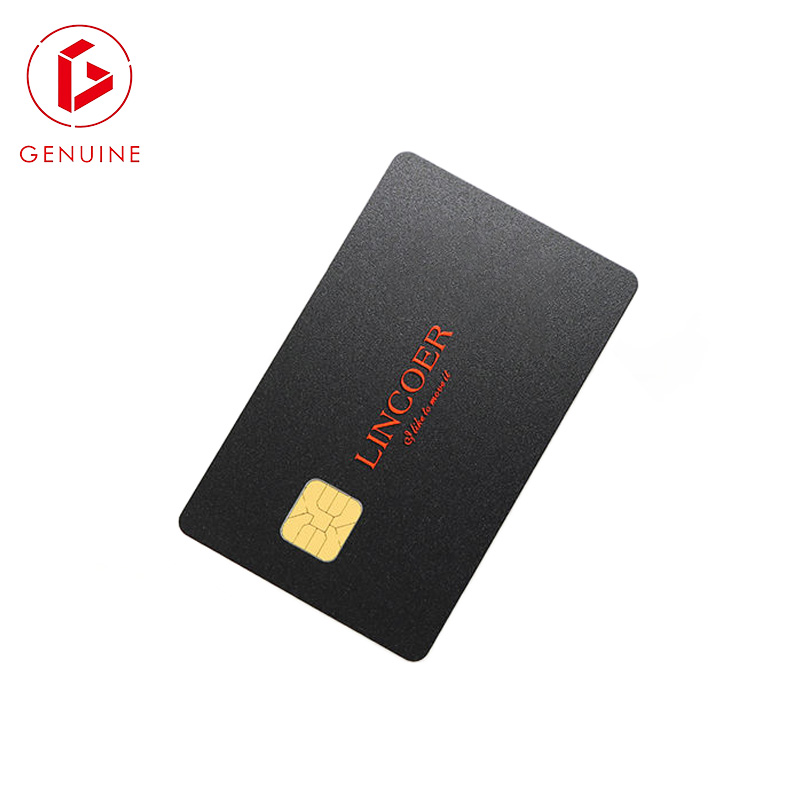
EEPROM is where applets, keys, and credentials live. “More is better” is a myth that inflates unit cost; the right answer is tied to what you will actually load.
- Access control only — a UID plus a few protected sectors needs only kilobytes. A CSN-only card uses almost none; a MIFARE DESFire EV3 credential typically starts around 4–8 KB.
- Digital ID / e-passport / PKI logon — you must store a private key, a certificate, and often run on-card matching, which pushes you into the 32–144 KB range.
- Payment or multi-application — a Java Card operating system plus two or three applets needs 72–144 KB or more.
- Match-on-card biometrics — a fingerprint template adds further kilobytes on top of the ID applet.
Specify EEPROM in kilobytes against the applets you will actually load, not the marketing maximum on the datasheet. A buyer who sizes memory to the application avoids both wasted spend and the embarrassing “the certificate does not fit” failure at personalization.
Interface — contact, contactless, or dual
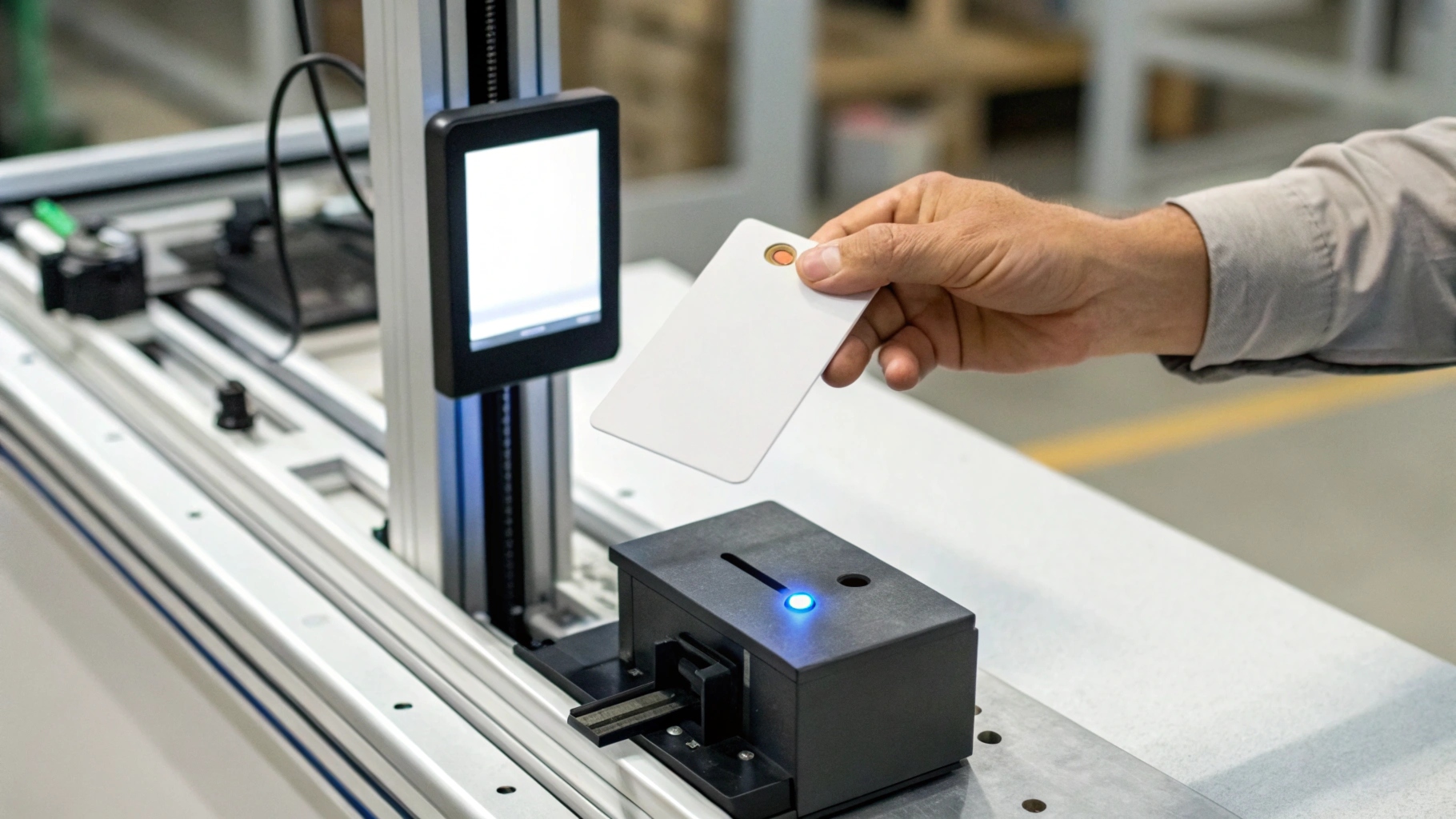
The interface is decided by where the card meets the reader, not by what sounds modern.
Contact (ISO/IEC 7816) cards are inserted into a reader — common for banking, PIN-entry terminals, and high-assurance government use where physical insertion is part of the trust model. Contactless (ISO/IEC 14443) cards are tapped, dominating access control, transit, and employee ID because the read is fast and hands-free. Dual-interface cards carry one chip with both interfaces, the natural choice when a single credential must serve access, payment, and PC logon. Our dual-interface guide and the RFID vs NFC vs BLE comparison go deeper on the trade-offs.
Pick the interface by the reader the card will meet every day, not by the newest acronym on the supplier’s brochure.
Security architecture — secure element, crypto, and key management
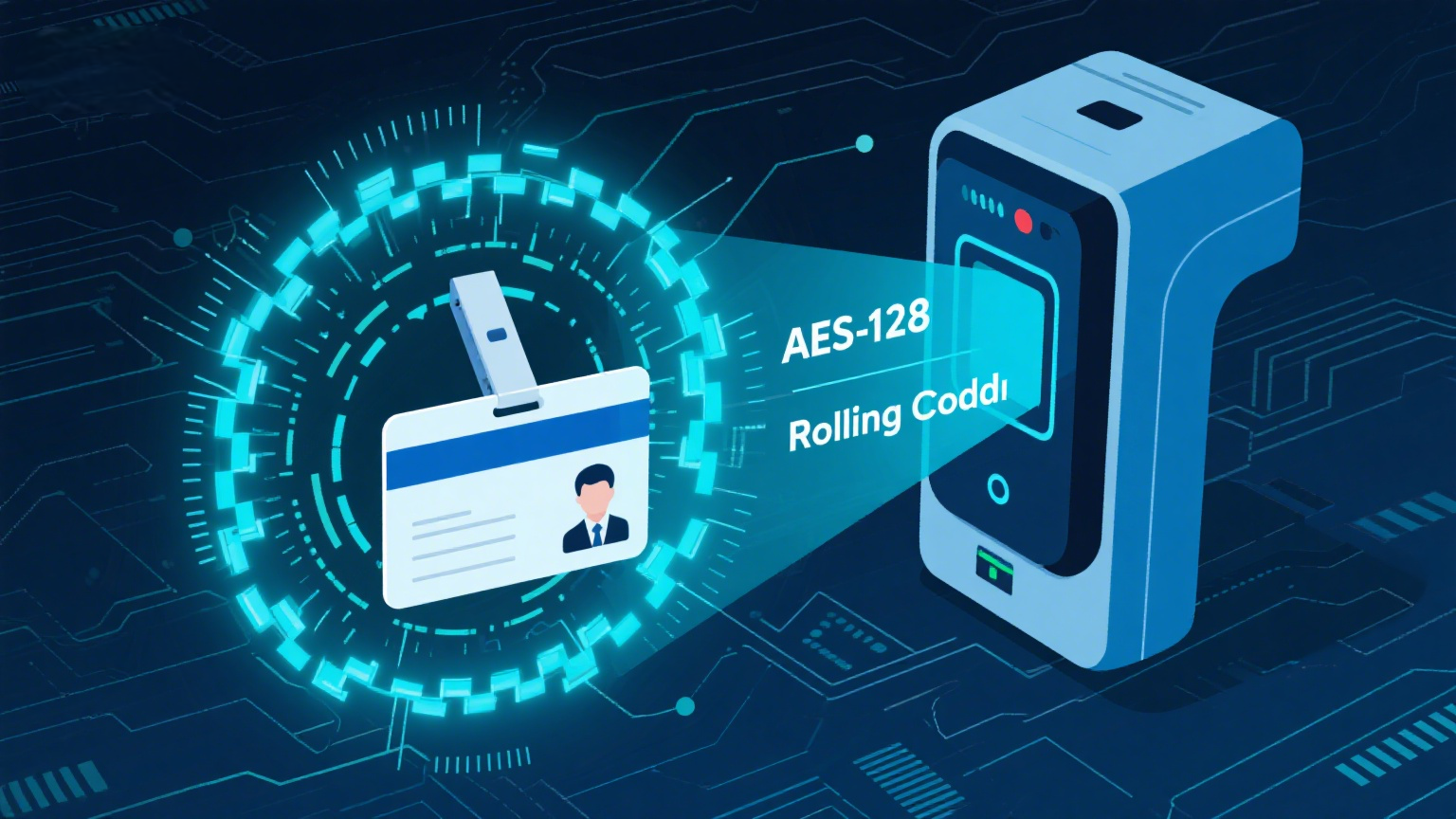
A secure element is a tamper-resistant microcontroller — typically certified to Common Criteria EAL5+ — where private keys are generated and never leave the chip. That hardware floor matters, but it is not the whole story.
A MIFARE DESFire EV3 credential, for example, enforces mutual authentication and uses per-card diversified keys with AES-128, so a copied UID alone gets an attacker nothing. A Java Card platform adds isolated applets managed through GlobalPlatform secure domains. The catch: with a general-purpose secure element, key-management responsibility shifts to you. A secure element only protects you if keys are diversified and the backend enforces mutual authentication — a “secure” card in a misconfigured system is still a cloned credential.
Operating system and applets — Java Card, GlobalPlatform, and avoiding lock-in

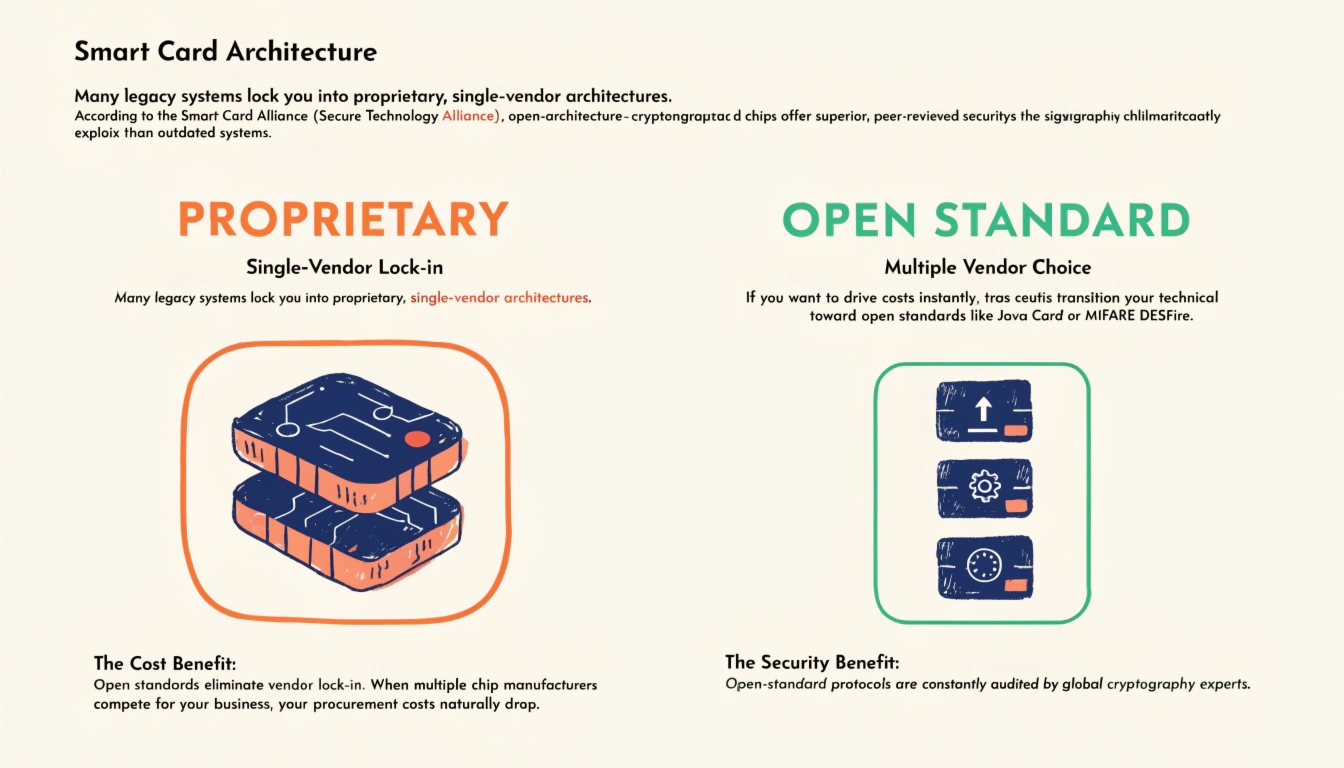
If your program will ever grow — add a payment function, a building-access applet, a PKI logon — the card operating system decides whether that is a software load or a full re-issue. Java Card lets applets run across silicon from different vendors; GlobalPlatform standardizes how those applets are loaded, locked, and lifecycled.
The risk is proprietary lock-in: a vendor-specific OS or applet format means only that supplier can ever service the card. Demand Java Card and GlobalPlatform conformance in the RFQ so a future applet load does not require a new card supplier. Our multi-application card guide shows how that flexibility pays off when one credential replaces three.
Certifications and supply assurance to demand in the RFQ
A chip claim is only as good as the paper behind it. For B2B and institutional programs, ask for — and file — the following:
- Common Criteria certification (EAL level) for the chip itself.
- EMVCo approval if the card will touch payment.
- FIPS 140 / FIPS 201-3 for U.S. government and many enterprise programs — see the NIST FIPS 201-3 publication.
- ISO/IEC 7816 and ISO/IEC 14443 conformance for the contact and contactless interfaces — the standards are maintained by ISO/IEC JTC1 SC17 and defined in ISO/IEC 14443-1.
- Secure supply-chain attestation — traceability from wafer to card, so a chip without a chain of custody is flagged as a counterfeit risk.
Require written certification evidence and a secure-supply attestation in the contract; a chip without a traceable chain of custody is a counterfeit risk, not a saving. The factory-direct vs reseller guide explains how to verify the source before you commit volume.
Frequently asked questions
Can one chip serve both access control and payment?
Yes — with a dual-interface secure element running separate applets under Java Card / GlobalPlatform. The multi-application guide walks through the isolation and total cost of ownership.
Is more EEPROM always better?
No. Memory you never load is cost you never recover, and it can even complicate qualification. Size EEPROM to the applets you will deploy.
Is contactless less secure than contact?
Not by itself. A contactless card with a secure element, mutual authentication, and diversified keys is strong; contact adds the physical assurance of insertion. The interface is a usability choice — the security comes from the architecture.
How do I avoid being locked to one supplier?
Specify Java Card and GlobalPlatform conformance and open applet standards. Then any compliant vendor can load and manage your cards.
Which certifications actually prove the chip is secure?
Look for Common Criteria EAL5+ on the chip, EMVCo for payment scope, and FIPS 201-3 for U.S. government programs — backed by the supplier’s written evidence.
Choosing the chip is the cheapest point in the program to get it right. Send us your intended applets and reader list and we will return a written chip specification and a sample card built to it — so the first 5,000 cards are the right ones. Talk to our card engineers.