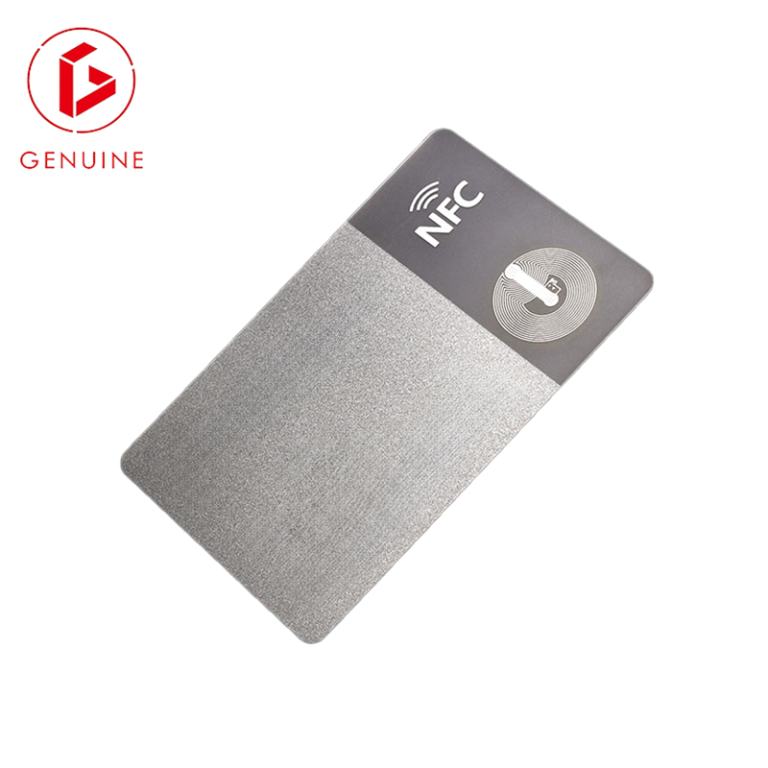
You have been given the mandate: issue ID cards to 2,000 employees across six sites before the end of the quarter. The reflex is to buy a printer and a box of blank cards. That reflex is also why most internal card programs run months late and quietly leak credentials for years afterwards. An ID card issuance program is a workflow — enroll, personalize, encode, issue, revoke — not a purchase. This guide walks enterprise security and facilities leads through the five decisions that separate a program that ships on time from one that becomes a permanent liability.

Start with scope, not shopping
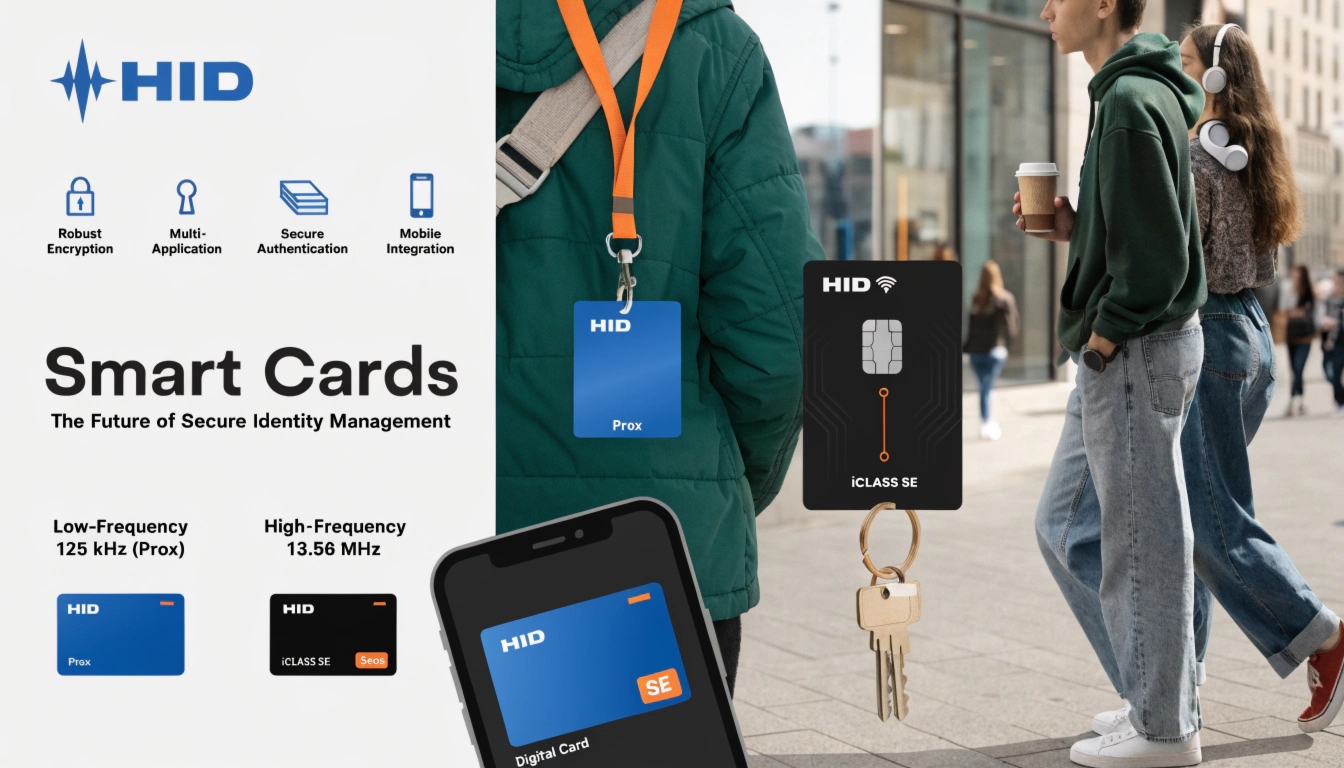
Before you spec a single card, map the program. How many credentials, across how many sites, for which roles — employees, contractors, visitors, temporary staff? What does each card actually open: a turnstile, a server room, a printer, a VPN? And, critically, what reader ecosystem already exists on the doors? Most enterprises sit on a mix of modern 13.56 MHz contactless (ISO/IEC 14443) readers and legacy 125 kHz proximity hardware that quietly refuses to read anything newer.
Lock the reader ecosystem before you buy a single card — a credential your readers cannot decode is just printed plastic. This is the single most expensive mistake in card programs, and it is entirely avoidable if scope comes first. If you are still matching chips to panels, our employee ID card compatibility guide breaks down the reader-first procurement order.
Get enrollment data right — the invisible root cause of re-issues
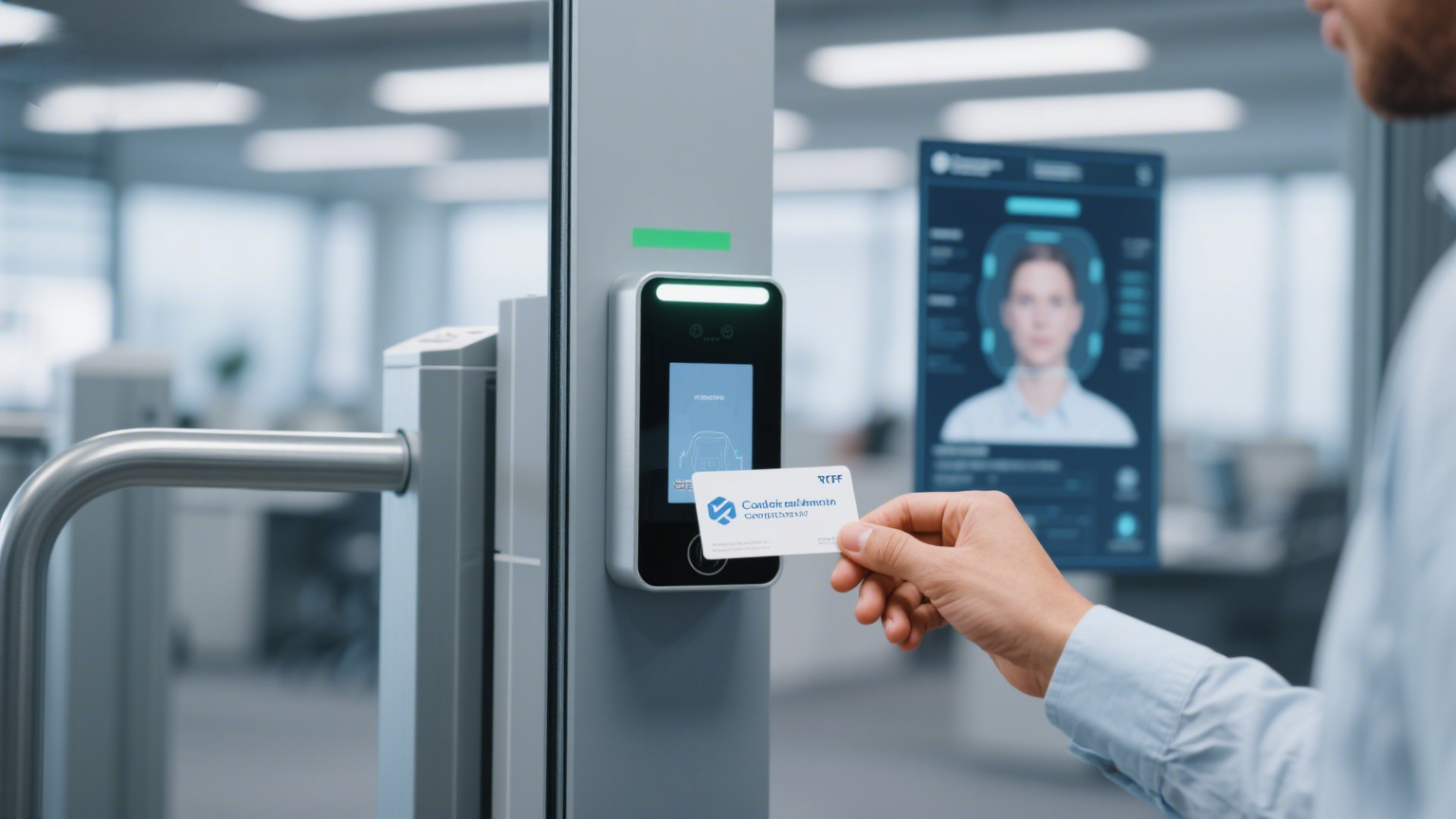
The card that fails is rarely the card. It is the data behind it. A program that pulls names, photos, roles and IDs from a dozen uncoordinated spreadsheets will print wrong names, expired roles and duplicate numbers — and then re-issue a third of its cards in the first month.
Define one source of truth (usually HR). Standardize the photo: resolution, background, crop and a consistent filename scheme. Build a dedupe rule so “J. Smith” and “John Smith” do not become two credentials. Most re-issued cards are not defective — they carry wrong, stale or duplicate data because enrollment was treated as an afterthought. Treat enrollment as the first production step, not the paperwork that happens around it. For the access-control context these records feed into, NIST’s physical-access-control guidance (SP 800-116 Rev. 1) is the reference most enterprise security teams align to.
Choose a personalization model — central vs desktop
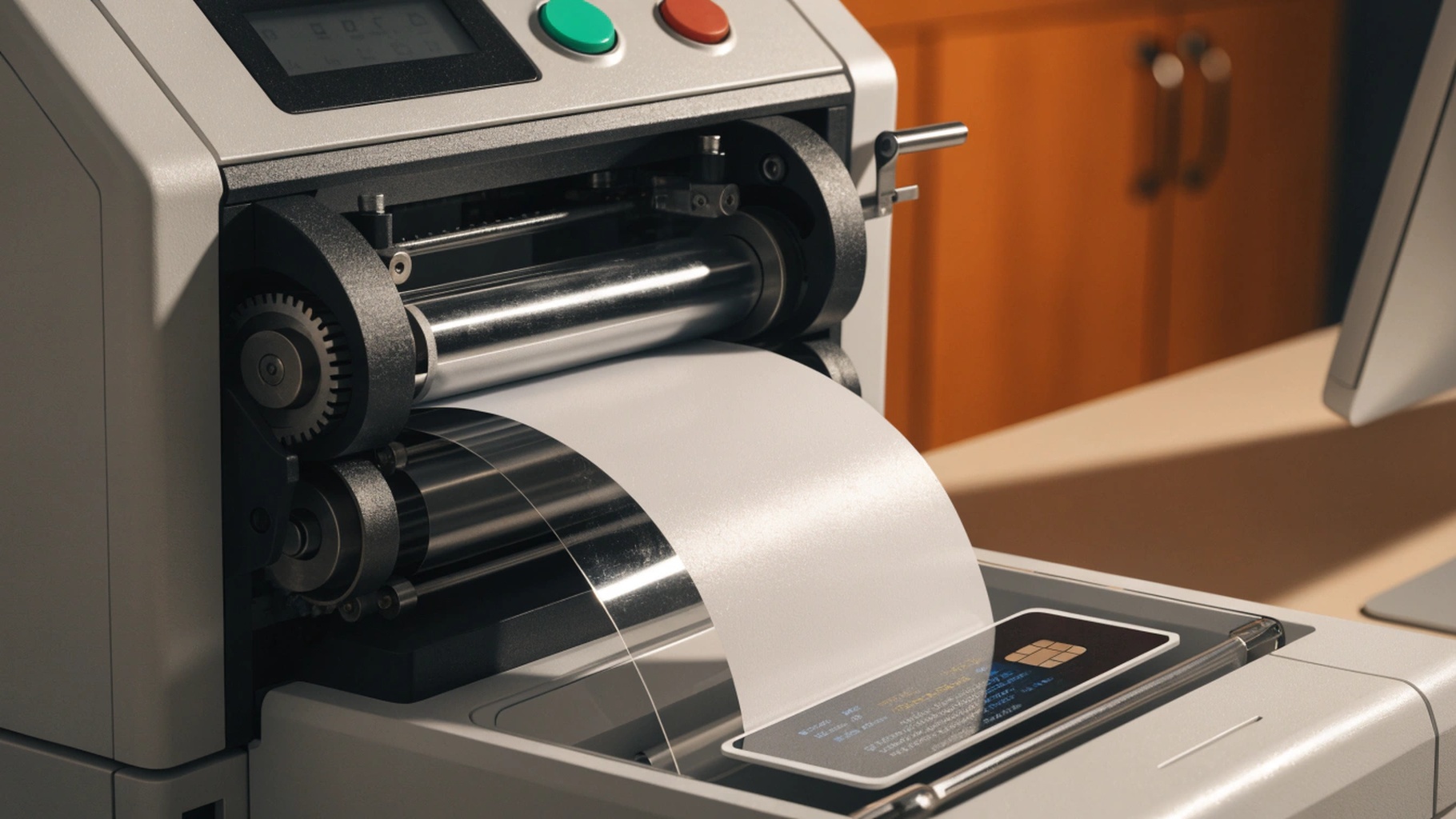
“Personalization” is the step that turns a blank card into your card: print, encode, laminate. You have two operating models. Central issuance sends card data to a secure facility that prints and encodes in bulk, then ships finished cards. It is secure (blank cards never sit in an open office), consistent, and scales to tens of thousands — but it adds lead time and a shipping step. Desktop issuance puts a printer at (or near) each site. Instant turnaround for replacements, full local control — but every site now holds blank stock, ribbon and a machine that must be patched and audited.
Neither is universally right. Pick central issuance when volume is high and sites are many; pick desktop when replacement speed matters more than per-card cost. Our comparison of dye-sublimation, re-transfer and laser personalization explains which print method survives a three-year deployment.
Encoding and credential standards you must align
A printed card is decoration until it is encoded. Match the technology to the reader you locked in at step one: contact chip (ISO/IEC 7810 defines the physical card; contact chips follow ISO/IEC 7816), contactless (ISO/IEC 14443), or magnetic stripe — and decide the data format before anyone prints.
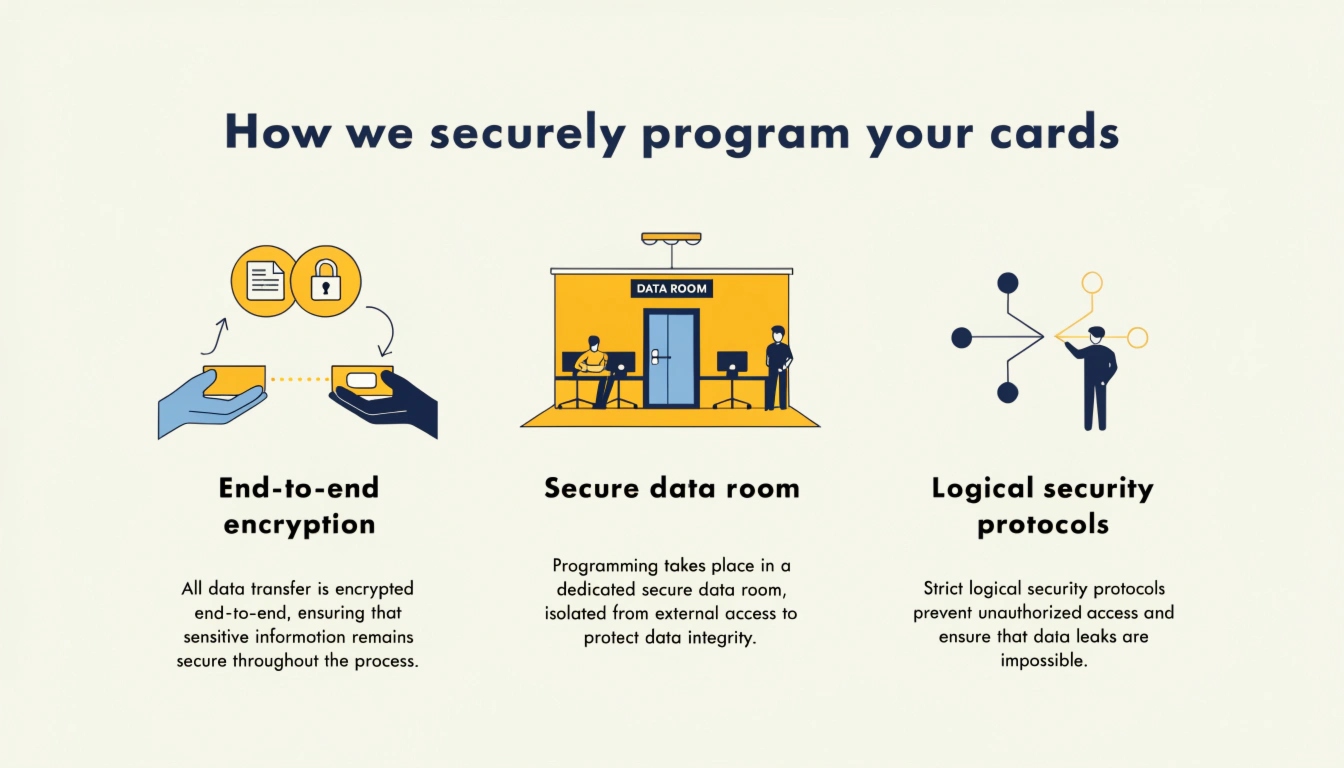
Beware the 26-bit Wiegand default. 26-bit Wiegand gives you only 255 facility codes and 65,535 card numbers; share a facility code across sites and you guarantee duplicate IDs that open doors they should not. If your access-control vendor recommends 26-bit “because it is standard,” ask what happens at site seven. Pre-programming cards at the factory (rather than encoding them on a desktop writer) also removes a common point of failure and keeps encoding consistent across a rollout — see how wireless interfaces map to card use cases before you commit a format.
Lifecycle control — revocation, reissue and SLAs
Issuing the card is the easy half. Controlling it afterwards is where programs win or fail. Every termination, role change or lost card is an event that must reach the reader — fast. Define the revocation path: who triggers it, how quickly the credential is deactivated across all sites, and how the change is logged. Set a reissue SLA (lost card replaced within 24–48 hours) and an expiry policy (contractors’ cards expire automatically). Destroy returned cards; a drawer of “old badges” is a credential library for anyone who finds it.
A card that is still valid in the reader after its owner left is a ghost credential — the most common way former employees keep building access. Lifecycle discipline, not card quality, is what keeps the building safe after year one.
Keep an audit trail and prove compliance
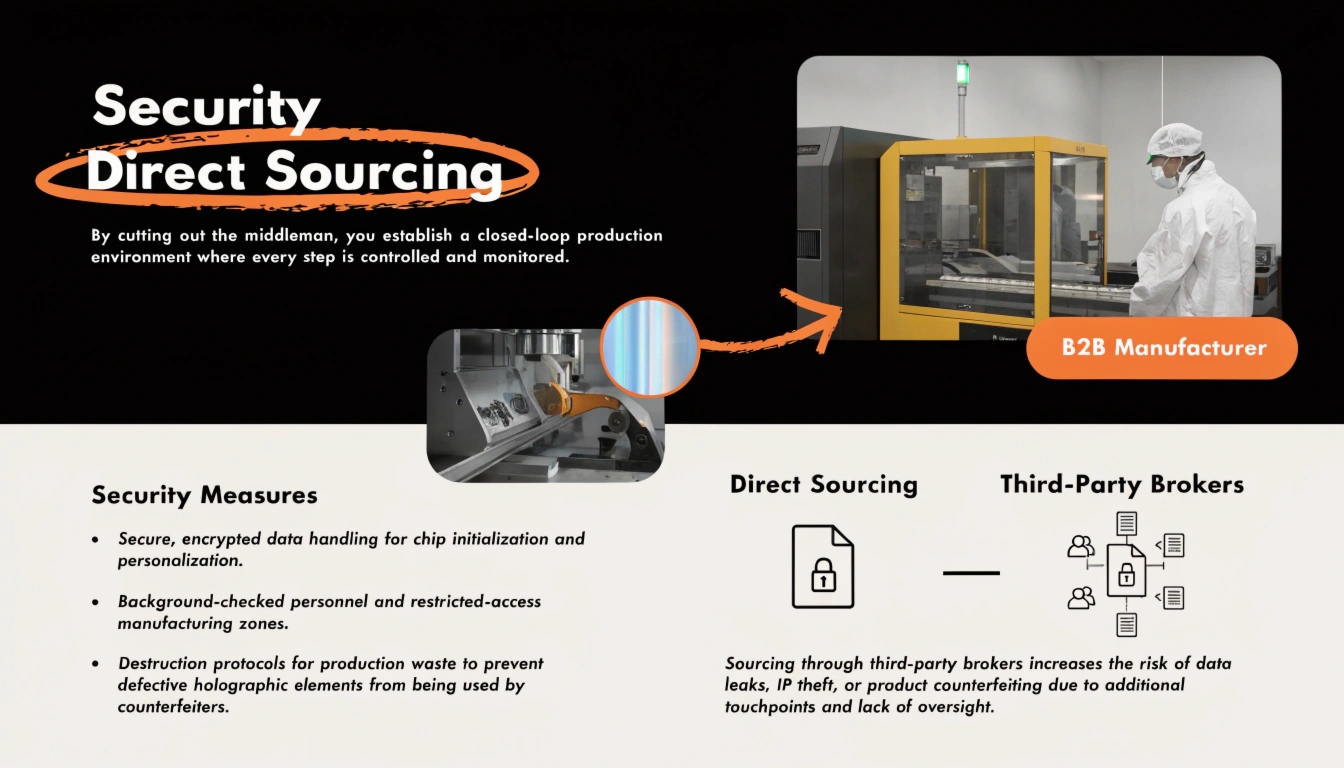
If you cannot answer “who issued this card, to whom, and when” in an audit, the program fails regardless of how the cards look. Log every issue, revocation and reissue against the enrollment record. Maintain chain of custody from blank stock to handed-over card. Keep the records long enough to satisfy your sector — and align the card itself to a documented service-life standard such as ISO/IEC 24789 so “still good?” is a measured answer, not a guess.
For buyers, sourcing from a manufacturer that already holds Common Criteria and ISO certifications turns the audit from a scramble into a checkbox. Our factory-direct vs reseller breakdown covers the certification questions to ask before you sign.
Frequently asked questions
Central or desktop issuance — which should a mid-size company choose?
It depends on replacement urgency versus volume. If most cards are issued in one big batch and replacements are rare, central issuance is cheaper and more secure. If you onboard constantly and cannot wait days for a mailed card, a desktop unit (or one per region) wins. Many programs do both: central for the launch, desktop for ongoing replacements.
How long should we keep enrollment and issuance records?
Long enough to satisfy your regulator and your own incident response. A practical floor is the credential’s active life plus several years; align with your sector’s retention rules and document the policy so audits are routine rather than reactive.
What is the single biggest enrollment mistake?
Treating enrollment as paperwork. Dirty source data — wrong names, no photo standard, no dedupe — silently produces roughly a third of all re-issues. Lock one HR source of truth and a photo spec before printing anything.
How fast can a lost card be revoked?
As fast as your revocation workflow allows. With a central access-control platform, deactivation can be near-instant across all sites; with manual or per-door lists, it can take days. Define the SLA in writing before launch, not after an incident.
Do we need polycarbonate cards or is PVC enough?
For most enterprise ID programs, PVC or composite PETG is perfectly adequate and far cheaper. Reserve polycarbonate for high-security, long-life credentials (national ID, e-passport) where lifespan and tamper resistance justify the cost. Our material comparison covers the trade-offs in detail.
Your next step
Building the program is the work; choosing the right card, encoding and supplier is where cost and risk are actually decided. Talk to our team about pre-programmed, ISO-aligned credentials and request samples matched to your reader ecosystem — start on our contact page.