A flimsy name tag tells every visitor your security is optional. A properly designed ID card does the opposite: it verifies identity at a glance, controls who walks in, and quietly markets your brand every time someone wears it. For facilities managers, HR leaders, and security buyers, the card is one of the highest-leverage documents your organization issues — yet most teams still design it as an afterthought.
Why Professional ID Card Design Directly Protects Your Business

An ID card is not a plastic rectangle; it is a controlled credential. Three business outcomes ride on how you design it:
- Security: instant visual checks plus machine-readable layers (RFID, magnetic stripe, chip) stop unauthorized access before it starts.
- Branding: a consistent, properly printed card signals competence to clients, auditors, and regulators — a cheap, faded badge signals the opposite.
- Operations: encoded access levels, asset check-out, and time-and-attendance all run through the same card.
Done well, the card pays for itself in avoided incidents and faster workflows. Done poorly, it becomes a liability — a cloneable, unreadable badge that undermines both trust and safety. The business case for well-designed employee ID cards goes well beyond the front desk.
The Anatomy of a High-Performance ID Card

Before color and logos, lock the information hierarchy. The CR80 / ID-1 footprint of 85.6 × 54 mm is defined by the ISO/IEC 7810 standard — the size every wallet and card reader expects — so stay on it. Deviating breaks compatibility and raises cost.
- Essential: a high-contrast photo, full name, and role or department in large, bold type (e.g., “JAMAL PATEL — SENIOR ENGINEER”).
- Key: employee ID number, company logo, and an expiry date.
- Supporting: QR or barcode, signature, and subtle department color coding.
Typography matters as much as content. Use a sans-serif face (Helvetica, Arial, Open Sans), keep the name biggest and boldest, and maintain strong contrast — dark text on light, never light grey on white. Whitespace is not wasted space; it is what makes a card legible from two meters away.
Choosing Materials and Finishes That Survive Daily Use
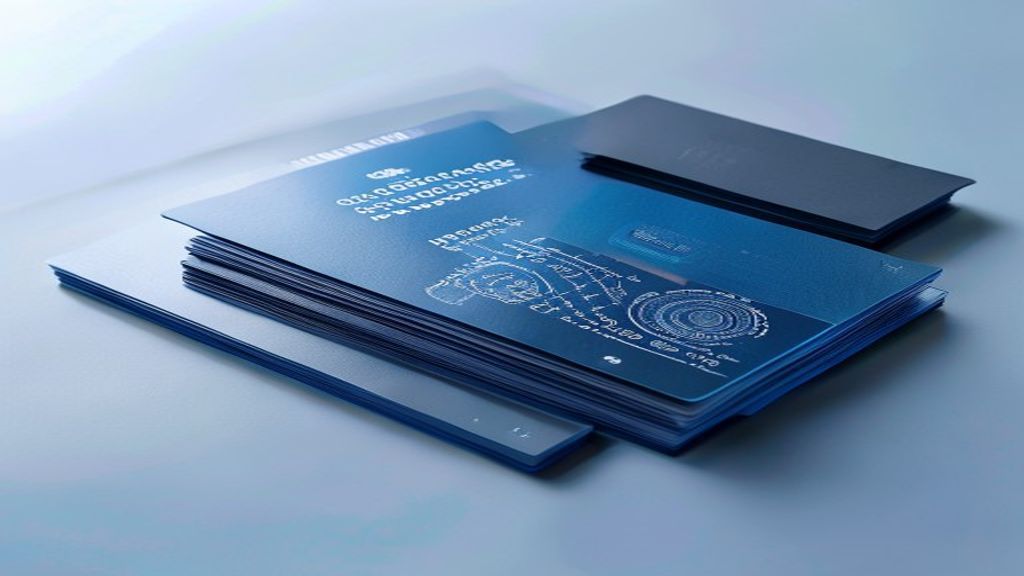
The substrate decides how long a card lasts and how well it carries security features:
- PVC: the standard workhorse — durable and cost-effective for basic visual cards.
- Composite (Teslin / polycarbonate blends): tougher and water-resistant, the right base when you embed chips or antennas.
- Finishes: matte reduces glare, gloss maximizes vibrancy, soft-touch conveys a premium feel.
Lamination is not optional. A security overlay — often carrying a hologram — protects the print and shatters if peeled, so a tampered card is obvious on sight. For government-grade durability, polycarbonate cards fused in layers outlast laminated PVC by years.
Layering Security: Visible and Covert Features
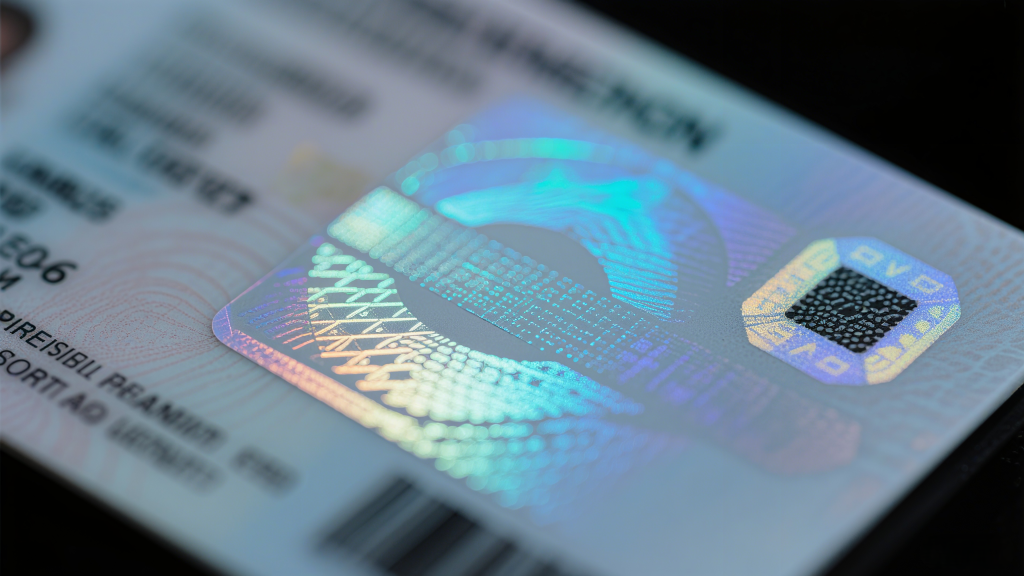
Effective card security stacks layers so an attacker needs more than a color printer:
- Visible: holograms, UV-printed artwork that only appears under UV light, microtext, and guilloché patterns let staff spot a genuine card instantly.
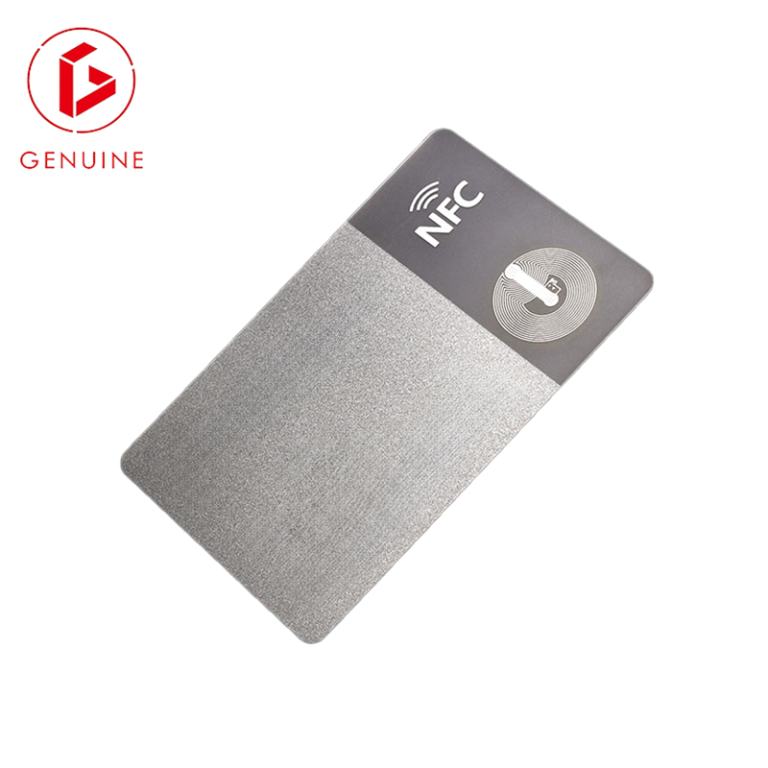
- Covert: RFID/NFC chips, magnetic stripes, and smart chips carry identity data machines verify — and laser-engraved photos prevent swap-in fraud.
- Tamper-evident: holo-seals or security laminates that fragment when removed.
Counterfeiting of credentials is treated as a serious crime by agencies such as INTERPOL’s Intellectual Property Crime unit, which is why documented, standards-based features matter for audit and prosecution. When you specify contactless technology, align it to ISO/IEC 14443 — the 13.56 MHz proximity standard — so readers and cards interoperate. Match the feature set to real risk using our ID card security tier framework.
Your Step-by-Step ID Card Design Process
- Define audience and risk: staff, contractors, visitors? What facility access is required?
- Gather assets: hi-res logo, brand fonts, and exact color values (Pantone + CMYK + RGB).
- Pick the technology: visual only, magnetic stripe, proximity RFID, or smart chip.
- Lock security to risk and budget using a tiering approach.
- Mock up at actual size and proof readability before sign-off.
- Partner with a professional printer for production (next section).
Printing a full-size paper mockup sounds trivial, but it is the single step that catches unreadable text and cramped layouts before you pay for 2,000 cards.
Why In-House Printing Undercuts Your Investment

Office printers and budget online vendors produce cards that fade, delaminate, and carry security features poorly — exactly the “we don’t take this seriously” signal you want to avoid. Professional printing changes the equation:
- Industrial-grade durability rated for 3–5+ years of daily use.
- Real holograms, precise UV printing, and laser engraving integrated during manufacture.
- Flawless encoding of magstripes, RFID, and chips — no read failures at the door.
A professional supplier also advises on materials, security, and compliance for your specific risk profile — the area where most DIY projects fall short. That reliability is the core of a dependable ID card system.
Launching Your ID Program the Right Way

Design is half the work; governance is the other half:
- Policy: define who receives a card, how it is issued, and exactly what happens when one is lost or stolen.
- Photo standards: uniform background, even lighting, neutral expression — and enforce them.
- Data vault: store cardholder data and access rights securely, with instant revocation.
- Training: staff wear cards correctly, security spots fakes, reception verifies visitors.
- Audit: review validity regularly and upgrade technology every few years.
This is also where RFID earns its keep — encoded access logs let you account for every cardholder in an emergency, not just count badges at the door. Understand the underlying technology in our introduction to RFID tags.
Frequently Asked Questions
What size should a professional ID card be?
The ISO/IEC 7810 ID-1 / CR80 format — 85.6 × 54 mm — is the global default. Any deviation breaks wallet and reader compatibility and raises per-card cost.
Which security features are worth the upgrade?
Start with a UV or hologram layer and tamper-evident lamination; add RFID or a chip only where you need machine-verified access or stored data. Match the feature to the risk, not the brochure.
Can we print secure ID cards in-house?
For low-risk visual IDs, a quality desktop printer is acceptable. For anything carrying access control, financial, or personal data, use a professional printer — home output cannot deliver durable, clone-resistant security features.
How often should ID card photos and cards be replaced?
Refresh photos at least annually and re-issue cards on role change or every 2–3 years. An expiry date printed on the card makes this enforcement straightforward.
A well-designed ID card is one of the cheapest security and branding investments you will make. If you want a card that survives, reads cleanly, and deters counterfeiting, talk to our team about materials, security layers, and encoding — request a sample or scope your program at genuine-printing.com/contact/.