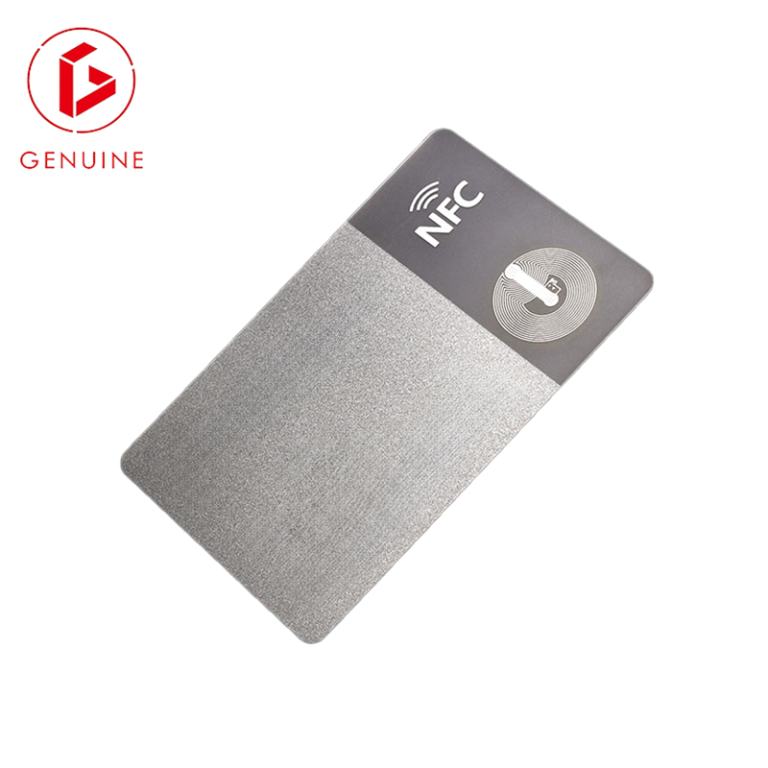
Most card programs are specified backwards. Buyers obsess over the card — chip, material, print, encoding — and treat the reader as an afterthought the integrator drops in later. That is a mistake. A credential is only as strong as the device that reads it. A DESFire card behind a Wiegand reader that only reads the plaintext serial number is, in practice, a cloneable badge. To get the card you paid for, specify the reader and terminal half with the same discipline you apply to the card.
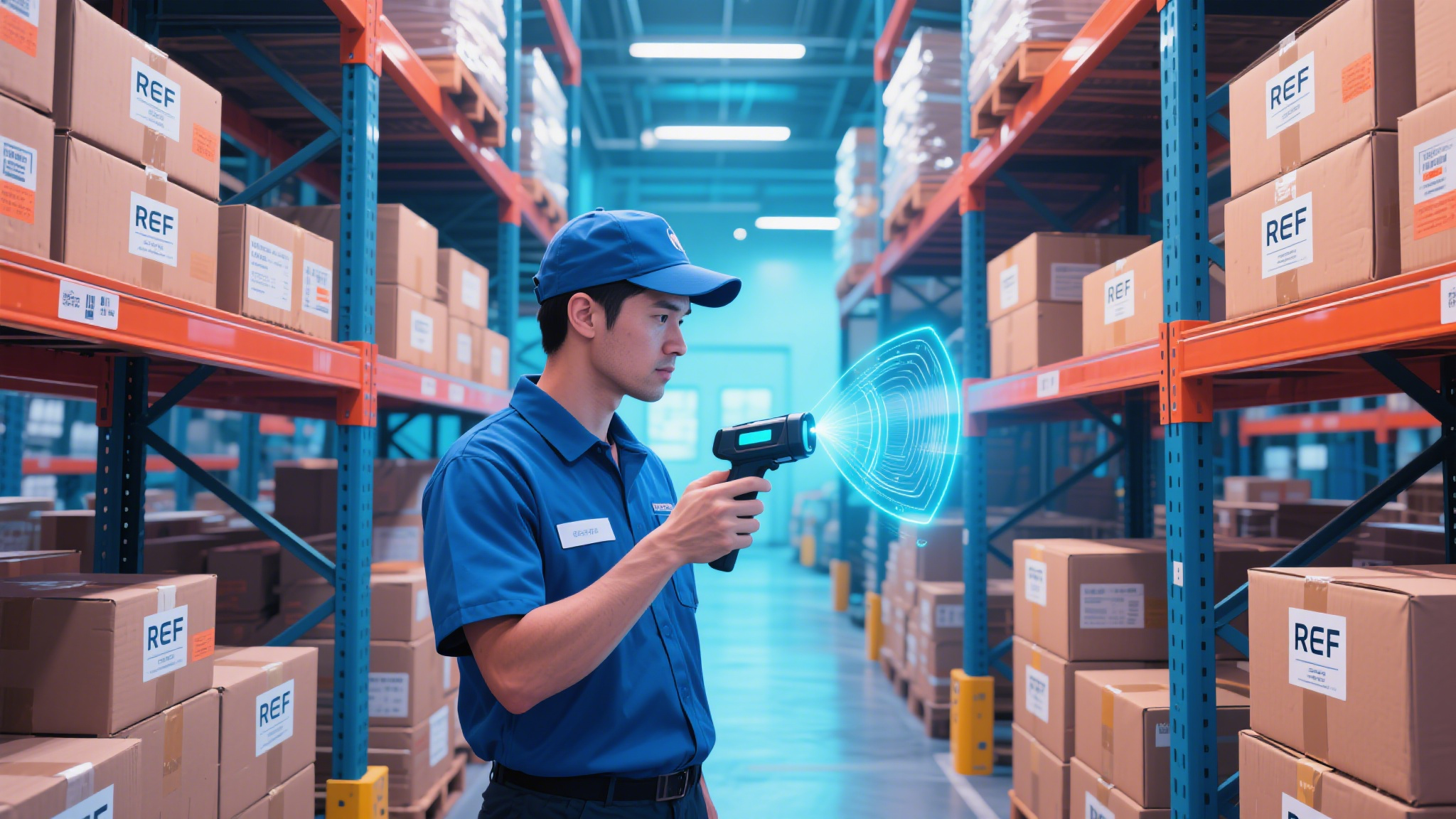
Contact Readers: When You Need ISO/IEC 7816

The contact interface — the gold pad on the card governed by ISO/IEC 7816 — is non-negotiable for high-assurance programs: PIV and other government credentials, banking and payment cards (see EMVCo), and many enterprise ID schemes. A contact reader must do more than physically connect: it drives the card’s Answer-to-Reset (ATR), negotiates the right protocol, and usually hosts a Secure Access Module (SAM) that holds the cryptographic keys.
Two specs trip up buyers. First, not every contact reader supports every operating voltage and protocol class — confirm ISO/IEC 7816 class A/B/C and the exact APDU profiles your cards use. Second, the reader must match the card’s operating system (Java Card, MULTOS, native). A mismatch means the reader powers the card but cannot load the applet your application depends on. If you are still finalising the encoding side, align it with our card encoding specification guide so reader and card are specified as one RFQ.
Contactless Readers: 13.56 MHz and ISO/IEC 14443
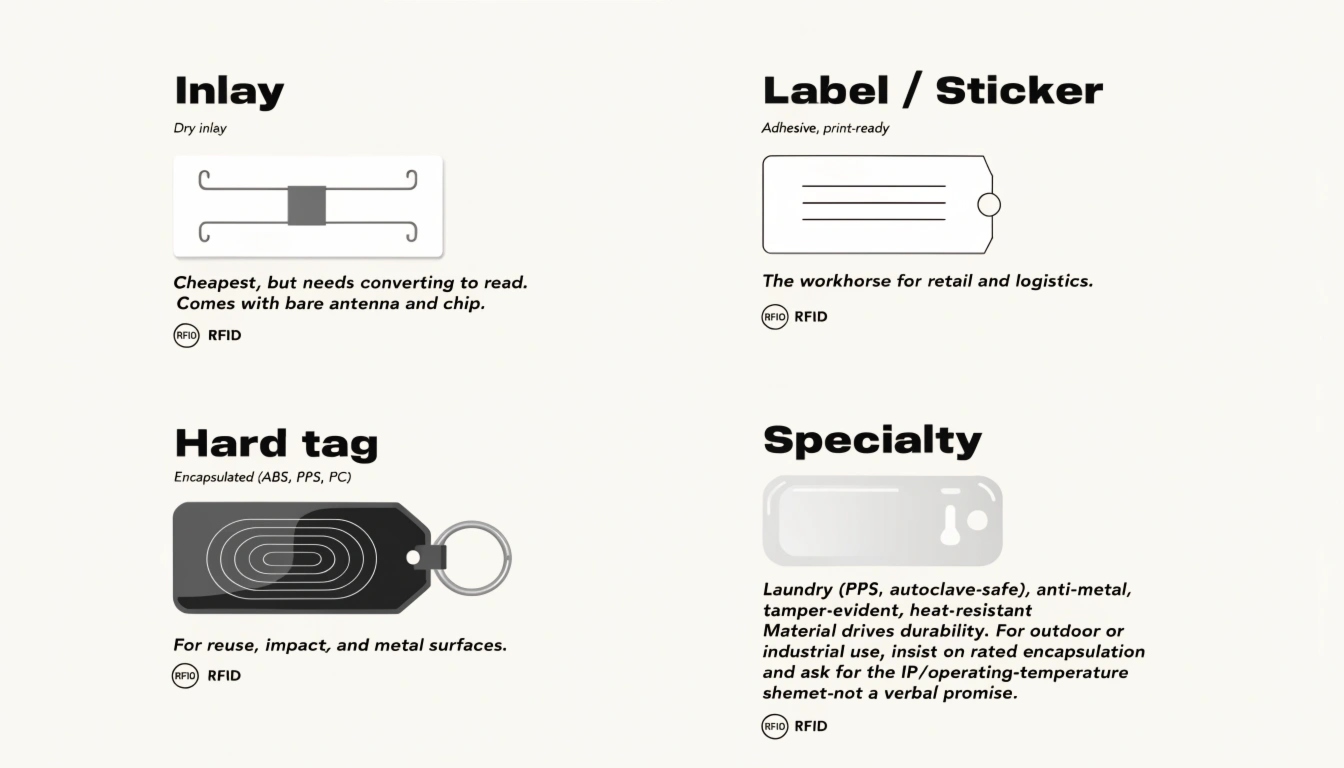
For access control, transit, and membership, the contactless interface dominates: HF at 13.56 MHz under ISO/IEC 14443 (or ISO/IEC 15693 for vicinity reads). The single most important buying point is this: a reader that only reads the card serial number (CSN/UID) throws away everything the chip can do. Your security then rests on a plaintext number any cheap cloner can copy. Insist the reader talks the card’s actual application layer — DESFire, MIFARE, or Java Card applets — and performs mutual authentication, not just a UID read.
Read range, antenna size, and the card’s chip all interact. A reader marketed as “RFID” that silently expects a different frequency or application will fail first read or force you back to CSN-only mode. Map the wireless decision to our RFID vs NFC vs BLE interface guide before you commit hardware.
SAM-Equipped Readers and Where the Keys Belong

Keys are the crown jewels of any card program. They should live in a Secure Access Module (SAM) inside the reader — never in the host PC, a spreadsheet, or the application code. A SAM means that even if the back-office software is compromised, the attacker cannot extract the diversification keys needed to mint valid credentials. For PIV/PKI and transit, a SAM (or a backend HSM reached over a secured channel, per GlobalPlatform) is effectively required.
Buyers often discover key-custody gaps only after deployment. If your reader has no SAM slot and your vendor proposes “soft keys,” treat that as a red flag and revisit the architecture with our reader-compatibility buyer’s guide, which covers how the credential, reader, and host must agree before a single card is issued.
Mobile and NFC Readers: Convenient, Not a Replacement
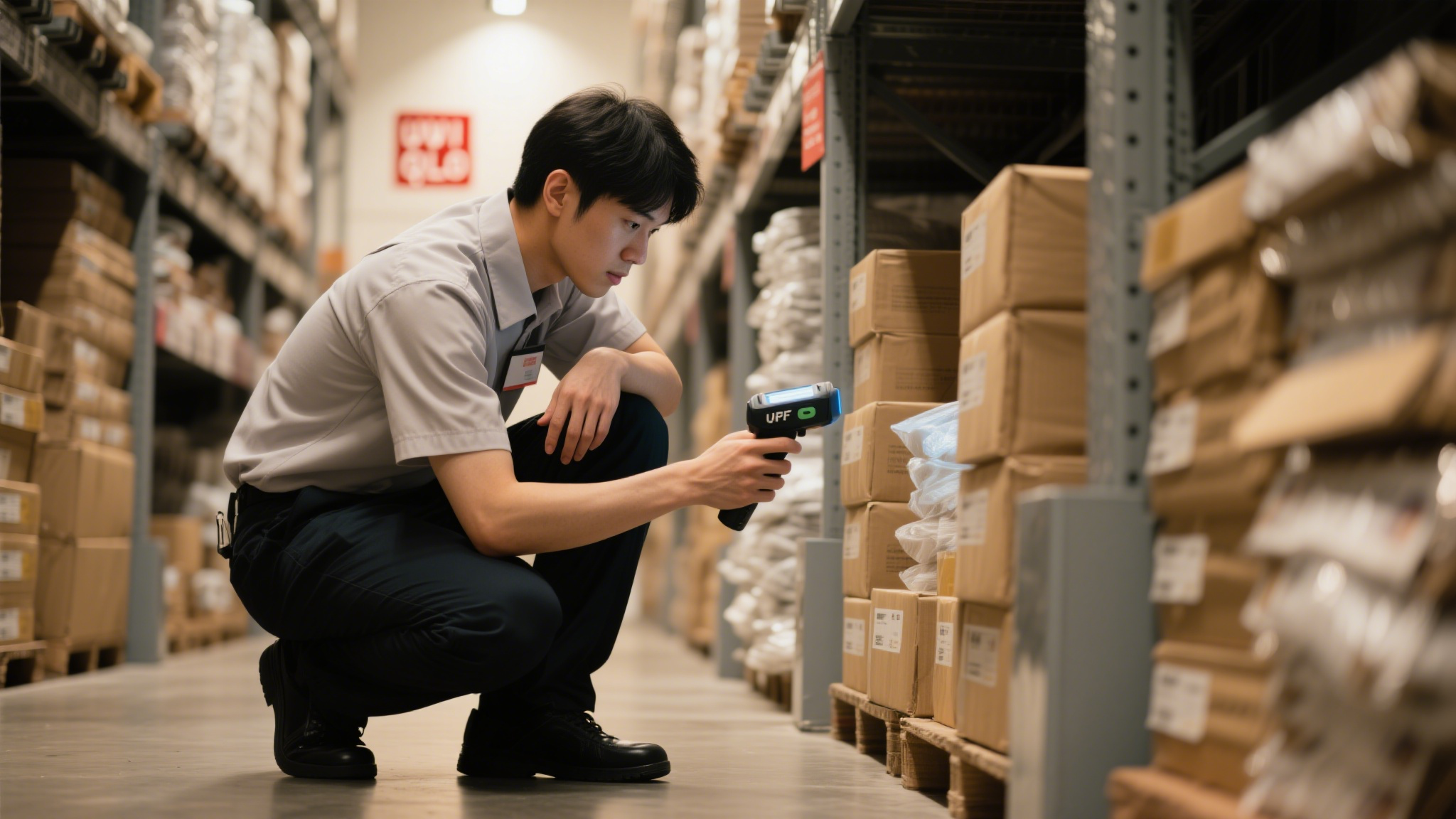
Smartphones with NFC make tempting readers. For enrollment, one-off validation, and low-volume field work they are genuinely useful and cheap. But they come with hard limits: they depend on battery and OS state, fragment across Android and iOS, and almost never work offline. A phone is a good secondary reader; it is not a substitute for a fixed reader at a gate, turnstile, or POS lane where uptime and offline operation matter. The NFC Forum defines the interface, but the deployment constraints are yours to specify.
Terminals and Validation Devices: Specify the Environment

“Terminal” covers the panel at the door, the gate reader, the POS, and the bus validator. The buying questions shift from interface to environment: ingress protection (IP) rating, operating temperature, power (PoE vs 12V), mounting, and the wired protocol back to the controller. The wired protocol is where programs quietly lose their security. OSDP is encrypted and bidirectional; Wiegand is plaintext and trivially cloned. If your reader speaks only Wiegand, you have defeated the card’s crypto at the wire. Reader-to-host standards such as the PC/SC Workgroup spec matter for desktop and kiosk readers too.
Specify OSDP for any new access deployment and read our OSDP vs Wiegand breakdown for the contract language that keeps integrators honest. For guidance at the system level, NIST SP 800-116 covers credential and reader assurance for federal-style programs.
How to Specify Readers in Your RFQ
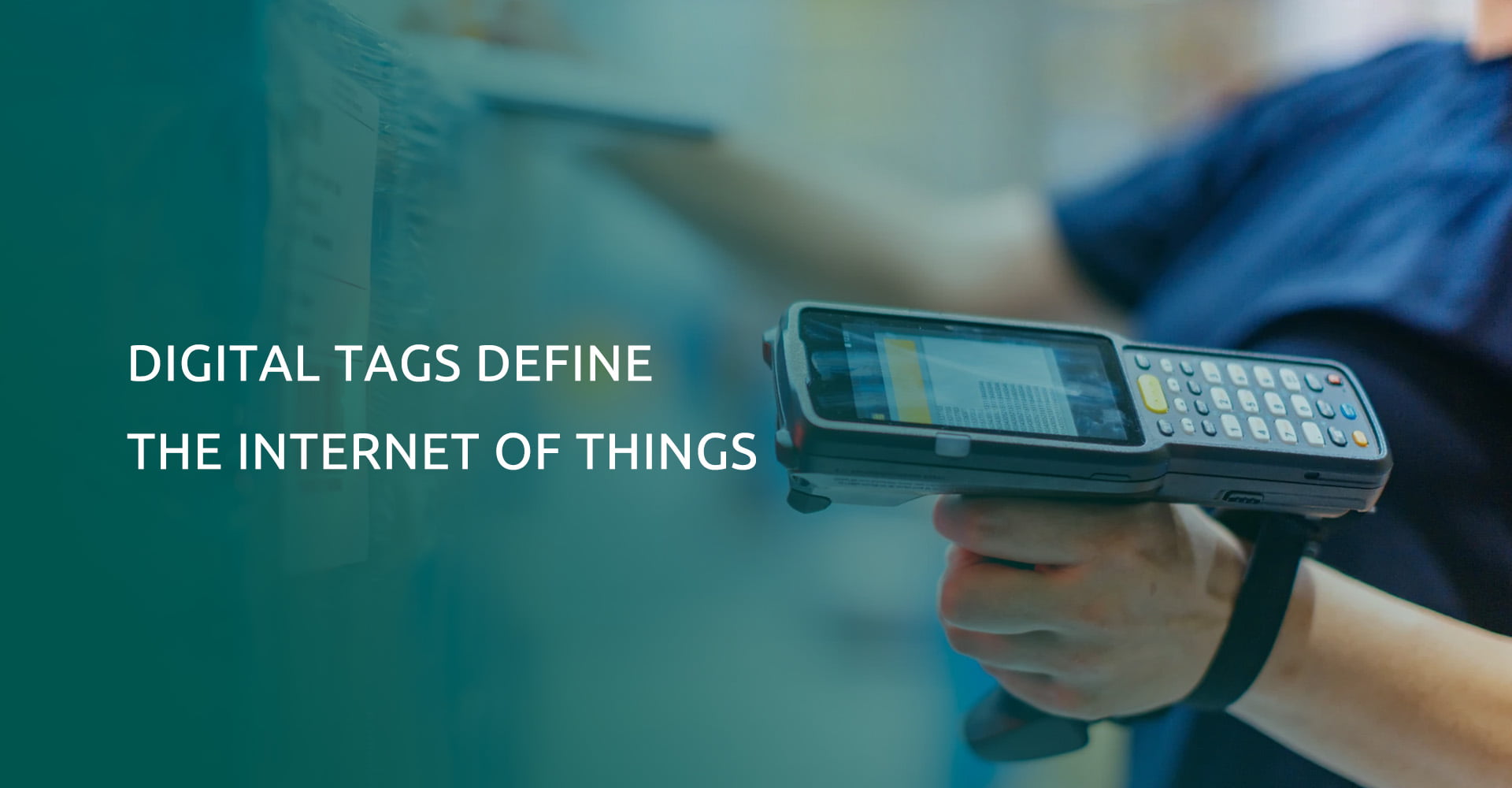
Fold the reader into the same RFQ as the card. A compact specification table keeps everyone aligned:
| Reader type | Use case | Standard | Watch-out |
| Contact | PIV, banking, high-assurance ID | ISO/IEC 7816 + SAM | Confirm ATR/class and card OS support |
| Contactless | Access, transit, membership | ISO/IEC 14443 + app layer | Do not rely on CSN/UID alone |
| Mobile / NFC | Enrollment, field checks | NFC Forum | Offline and OS limits |
| Terminal / panel | Gate, POS, validator | OSDP + IP rating | PoE vs 12V; avoid Wiegand-only |
Finally, always request a sample reader paired with your actual card and validate the full read — not just a demo video. End-to-end testing before volume is the cheapest insurance against a fleet of readers that cannot authenticate the credentials you manufactured.
Frequently Asked Questions
Do I need a SAM if my cards already use AES?
Yes, in most secure deployments. AES on the card protects data at rest, but the keys still have to be presented somewhere to authenticate. A SAM keeps those keys in tamper-resistant hardware instead of host memory, which is exactly what prevents a compromised server from minting clones.
Is Wiegand still acceptable?
For new installs, no. Wiegand sends the credential in plaintext and offers no tamper signaling. OSDP is the current secure standard and should be written into any access-control specification from this point forward.
Can a smartphone replace a fixed reader?
For enrollment and occasional field validation, yes. For gates, turnstiles, and POS lanes where uptime and offline operation are required, no — use a dedicated contactless reader.
What IP rating do outdoor readers need?
For exposed outdoor locations, specify at least IP65, and verify the operating-temperature range against your climate. Indoor-only readers rated IP54 will fail early once condensation and dust get in.
How do I validate a reader before buying?
Request a sample reader with your real card and run an end-to-end authentication test, including the failure cases (wrong key, revoked card, offline mode). If the vendor only offers a video, that is not validation.
Your Next Step
Readers and terminals are where your card program actually meets the real world. Specify them with the same rigor as the card, and the whole system holds together. Talk to our card engineering team about matching readers, terminals, and credentials in one factory-direct specification — see our factory-direct sourcing guide to start the conversation.