You were asked to “just order some ID cards.” Simple enough — until the new cards don’t read at the turnstile, the integrator blames the cards, and half your staff are queuing at the front desk with a permanent badge gap. The truth most buyers learn the hard way: a card is only one component of a Physical Access Control System (PACS). Get the system context wrong and no amount of card quality saves you. This guide explains what a PACS actually is, where your card decision fits, and the questions to ask before you buy — so the next order is the last reissue.

What a PACS is actually made of
A Physical Access Control System has four layers working together: the credential (the card or fob you carry), the reader at the door, the controller that makes the allow/deny decision, and the communication link between reader and controller. The card you order is the credential — and it is usually the only layer your procurement team controls end-to-end. The controller and reader are typically specified by your security integrator, which is exactly why a mismatch surfaces only after delivery.
A useful mental model: the credential is the question (“who are you?”), the reader is the microphone, the controller is the brain, and the link is the wire. If any layer speaks a different language, the door stays shut. That is why “the cards don’t work” is almost never a card problem alone — it is a system-spec problem.
The credential is where you have the most control
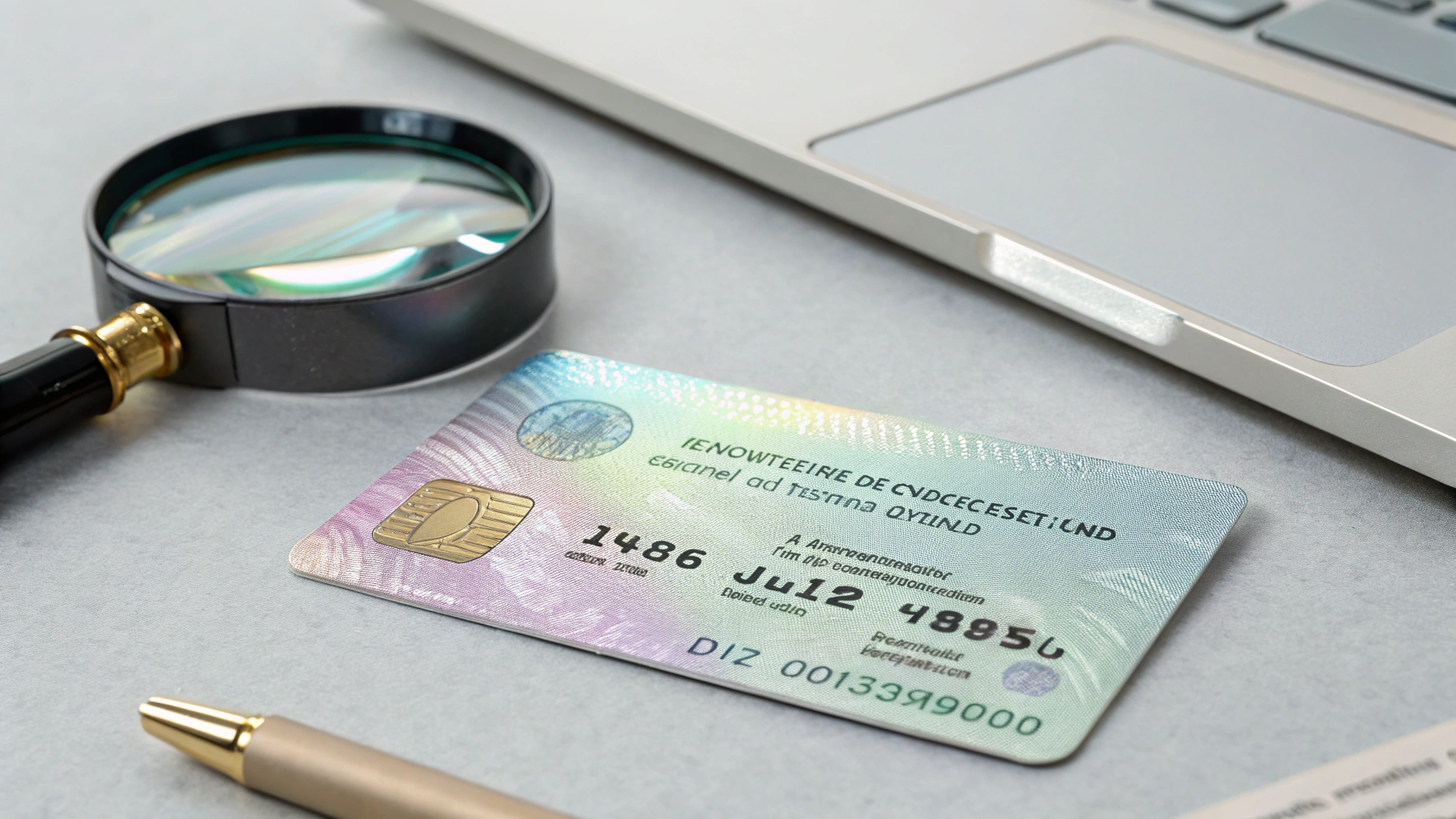
Buyers often assume the integrator picks the card. In practice, the card format, material, and encoding are your call — and the place where small choices create big savings or big reissue costs. Three credential form factors dominate:
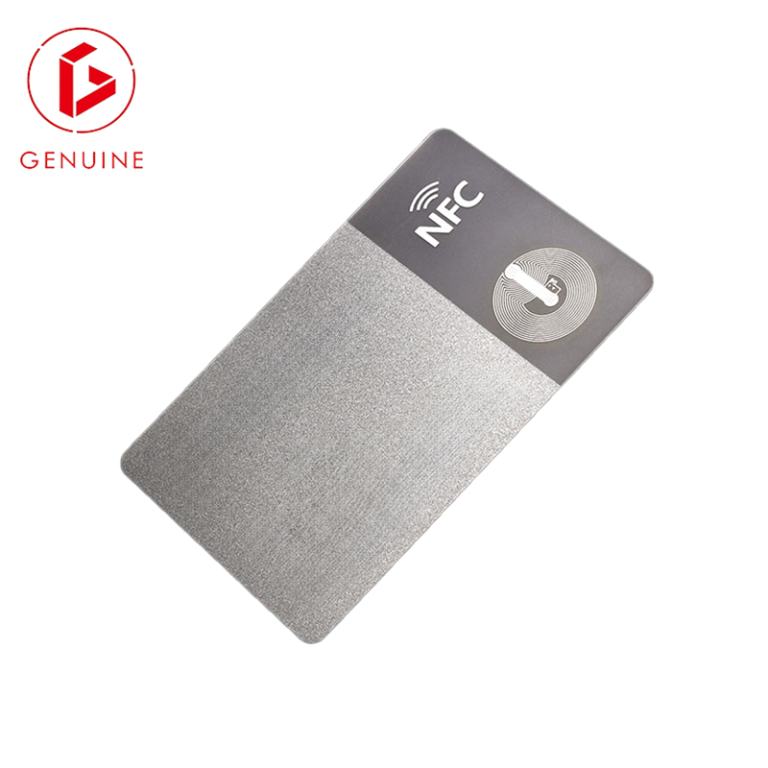
- Contactless smart card — the workhorse for most enterprise programs; printable, brandable, and readable on modern 13.56 MHz readers.
- Key fob — convenient and durable, but harder to print, brand, and visually verify at a glance.
- Mobile credential — a phone-based credential, increasingly common, but dependent on readers that explicitly support it.
For most facilities teams, a printed contactless card remains the safest default: it carries a photo for visual verification, prints in your house style, and still works on readers installed a decade ago. If your program is weighing phone-based access, our mobile vs physical card comparison breaks down when each one wins.
Wiring it together — OSDP vs Wiegand, and why the match decides everything
The link between reader and controller used to be Wiegand — a 1970s-era, unencrypted, proprietary signaling format that is still everywhere. Wiegand sends credential numbers in the clear, which is exactly why “clone a card” attacks exist. OSDP (Open Supervised Device Protocol), standardized as IEC 60839-11-5 and championed by the Security Industry Association, is the modern replacement: encrypted, bidirectional, and able to report reader tampering back to the controller.
The catch for card buyers: OSDP secures the link, not the card. Your card still needs the right chip and frequency for the reader. A 125 kHz EM4102 fob will not suddenly become secure on an OSDP line — the credential technology must match too. That is why we always recommend confirming both the reader’s supported frequency (typically 13.56 MHz for modern smart cards, per the NFC Forum specifications) and the card chip family before ordering. Our RFID frequency guide maps read range and environment to the right choice.

Questions to ask your integrator before you buy a single card
Before releasing a purchase order, brief your integrator with these questions — and write the answers into the spec:
- Which card technology does our reader actually support — 125 kHz, 13.56 MHz, or both?
- Is the reader OSDP or Wiegand, and can we move to OSDP at the next reissue?
- Which chip family and memory size do we need (MIFARE, DESFire, or a Java Card for multi-application)?
- Do we need a contact chip, a magnetic stripe, or contactless only — and does our payroll or visitor software require any of these?
- What card material survives our environment — office, warehouse, or outdoor gate?
Treat the answers as a binding specification, not a chat. A one-page spec prevents the classic “the cards don’t work” blame game between supplier and integrator. If you plan to run multiple applications on one card, our smart card operating systems guide explains what to put in the RFQ.

Common mistakes that turn credentials into a permanent risk
- Buying on price per card alone. A cheap PVC card that cracks in three months costs more in reissues than a composite card that lasts. Weigh material against lifecycle, not unit price.
- Ignoring encryption. Ordering writable, unencrypted 125 kHz clones invites card copying. Insist on a modern, hardened chip — and check its Common Criteria certification level for high-assurance programs.
- No termination plan. Deactivated cards that still open doors are a liability. Your system needs instant revocation, not a monthly export.
- Skipping the sample. A printed proof catches color, encoding, and read-range problems before 5,000 cards are in staff wallets.
Your 2026 PACS procurement checklist
A compact checklist to drop into your next RFQ:
- Confirm reader frequency and OSDP/Wiegand before specifying cards.
- Choose card material by environment (PVC / composite / polycarbonate).
- Specify chip family, memory, and required interfaces (contact / contactless / magstripe).
- Require a sample proof and a read-range test before full production.
- Define revocation and lifecycle (reissue interval, expiry date).
- Ask for factory certifications and a reference site.
Request a free sample pack and a compatibility check from a factory that can personalize and encode to your exact spec — it turns a guessing game into a one-line purchase order. For the reader-compatibility and materials angle, our published Employee ID Card Buyer’s Guide is the natural companion read.

Frequently asked questions
Do I need OSDP to use smart cards? No. OSDP secures the reader-to-controller link; smart cards work on Wiegand lines too, but you lose link encryption. Move to OSDP at the next reissue if your readers support it.
Can one card work on both old and new readers? Yes — a dual-interface card, or a 13.56 MHz + 125 kHz combo card, can bridge generations. Specify both technologies if your reader estate is mixed.
Are mobile credentials replacing cards? They are growing fast, but cards remain the reliable default for photo ID and legacy readers. See our mobile vs physical comparison to decide for your sites.