You have narrowed the project down to the chip family, the frequency, and the card format. Then the datasheet hits you with “1K”, “4K”, “144 bytes of user memory”, and a file list you have never had to think about. For many RFID and smart card rollouts, memory is the silent variable that either dooms a deployment to a costly re-issue or quietly drains budget on capacity nobody uses. This guide shows systems integrators and procurement leads how to size chip memory realistically and structure it so the data model survives contact with the field.
Why chip memory size decides your project’s fate
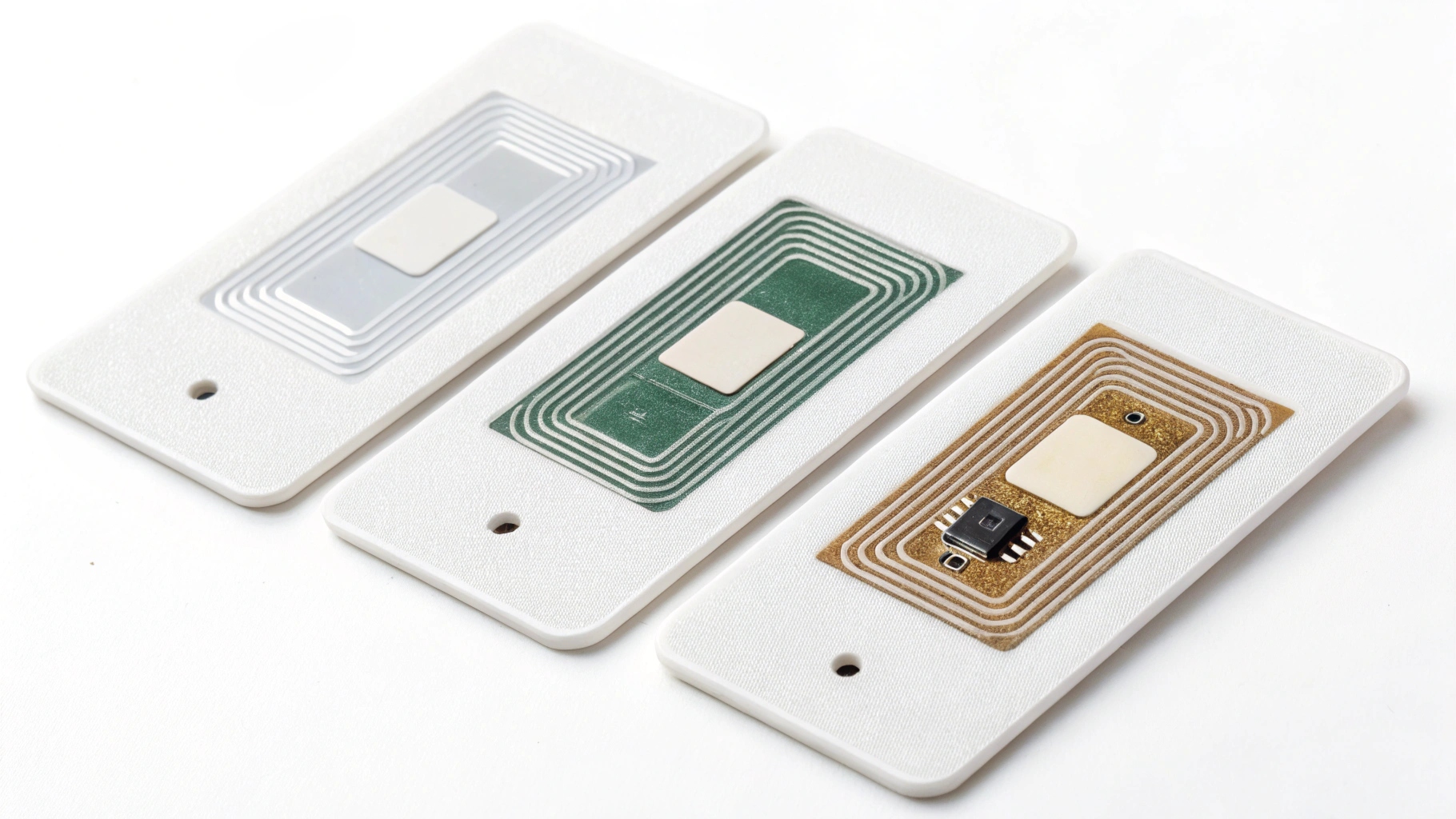
Memory is rarely the first line item buyers scrutinize, yet it is one of the most expensive to get wrong after cards are printed and encoded. The failure modes are predictable. Under-specify and your application data, keys, or counters simply do not fit—cards fail in the field, an entire batch becomes unusable, and you absorb the cost of re-issuing every credential plus the personalization and logistics that go with it. Over-specify and you pay a per-byte premium on every unit; at a million-card volume, the gap between a 1K and a 4K chip is a line item nobody wants to explain.
The right answer is not the biggest chip on the shelf. The right size is the smallest chip that holds your data model plus a realistic safety margin. That requires you to know your data model before you write the purchase order—not after the first reader rejects a card. If you are still comparing chip families, our MIFARE vs NTAG vs ICODE comparison maps how each family’s memory profile fits different applications.
How RFID memory is actually measured
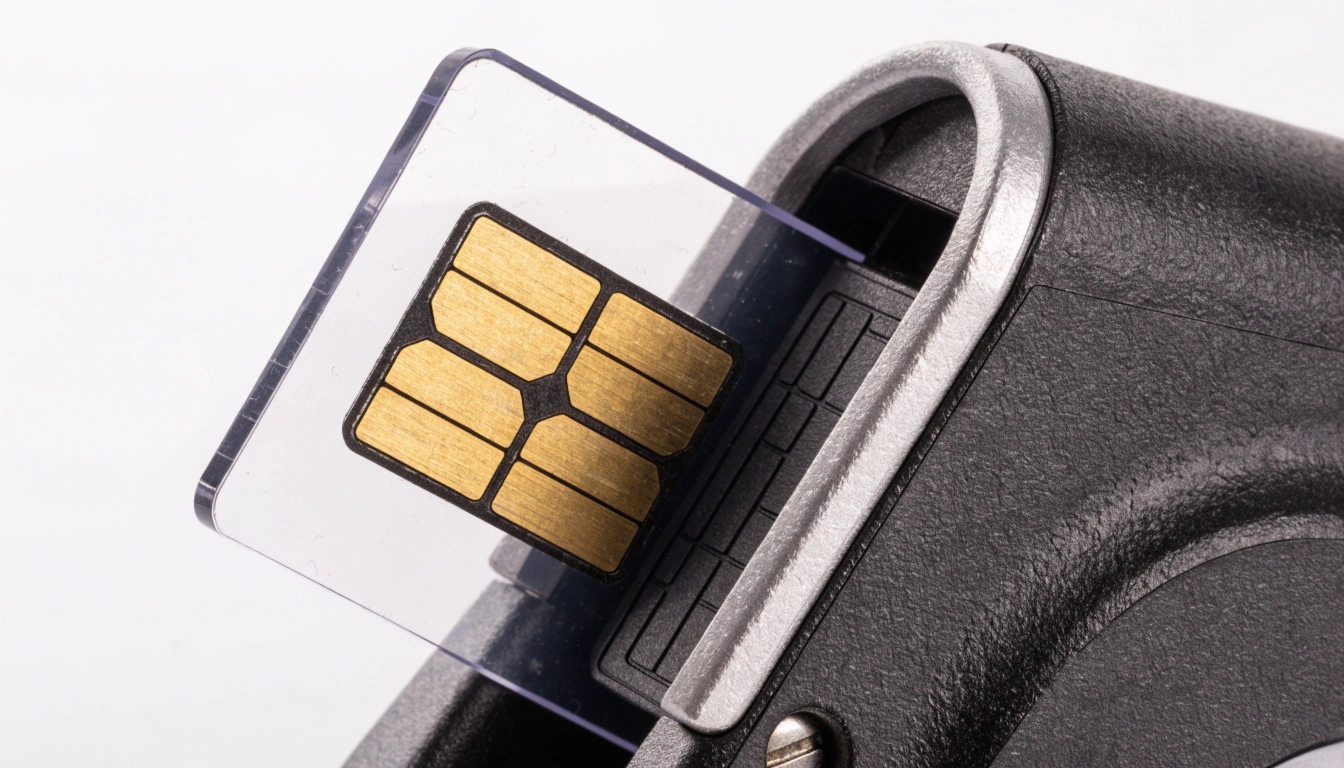
The first trap is treating the marketing number as usable space. A chip sold as “1K” usually refers to about 1 Kbyte of total EEPROM, but the card operating system, cryptographic routines, and factory-reserved settings occupy a slice of it before your data arrives. The figure that matters is free user memory—the bytes left for your application after the OS overhead—and many datasheets list it separately, or not at all.
Contactless chips built to ISO/IEC 14443 express capacity differently across families: NTAG and Ultralight parts offer modest user memory (tens to a few hundred bytes), MIFARE Classic comes in 1K and 4K blocks, and modern DESFire EV3 parts scale to 8K and beyond with a flexible file system. Never assume “1K” means 1024 bytes you can freely use—always ask the vendor for the free user-memory figure, not just the nominal capacity.
Mapping memory needs to real applications
Memory requirements track the job the card does. The table below is a starting point, not a substitute for counting your own bytes, but it shows how wide the spread is.
| Application | Typical data stored | Suggested memory |
| Basic access control (UID + small app) | UID, one application file | 48–512 bytes |
| Transit / stored-value | Balance counter, ride log, keys | 1–4 KB |
| Loyalty / membership | Member ID, points, offers | 256 bytes–1 KB |
| Multi-application or e-purse + ID | Several apps, keys, counters | 4–8 KB+ |
| Health or citizen record | Structured records, certificates | 8 KB+ or off-card |
These are planning ranges, not specifications. A stored-value transit card with offline anti-cloning counters needs far more than a UID-only badge, and a “simple” loyalty card that later adds a second program can outgrow its chip overnight. The encoding standards that govern how this data is laid down are worth reading alongside this table—see our breakdown of ISO 7811, 7816, and 14443 encoding.
ISO/IEC 7816 file structures: MF, DF, EF, and why they shape your data
Smart card chips—contact and dual-interface alike—organize memory as a tree defined by ISO/IEC 7816-4: a Master File (MF) at the root, Dedicated Files (DF) that behave like folders, and Elementary Files (EF) that hold your records or binary data. This is not cosmetic. The file structure determines how many independent applications, key sets, and record groups you can host, and how an offline reader navigates to them in milliseconds.
A flat “dump everything into one binary blob” design works until the day you need a second application, per-record access control, or a segregated secure area. Design the file tree for the program you will have in two years, not the one you have today—it is far cheaper to leave room in the structure now than to re-personalize a population later.
NFC NDEF: when a simple record beats a structured file system

For NFC tags and many NFC cards, the friendliest path is NDEF (NFC Data Exchange Format), a typed message—URL, plain text, vCard, or similar—that any smartphone reads natively through the NFC Forum specification. It is ideal for marketing links, quick authentication tokens, and device pairing, and it needs no custom reader software.
But NDEF capacity is limited and shared with the tag’s management area. A long URL, a detailed vCard, or several records can consume a surprising fraction of a small NTAG, leaving nothing for anything else. When you need secure, application-specific, or multi-record storage, a structured file system (DESFire or 7816) is the better tool. Our RFID vs NFC vs BLE guide helps you choose the right wireless interface before you commit to a memory architecture.
The hidden overhead: keys, counters, and security files

Memory is not just your payload. Cryptographic keys (3DES, AES, or ECC), key versions, secure counters for offline transactions or anti-cloning, and access-condition tables all reserve bytes before your data claims a single one. A “secure” DESFire application carrying three to five keys plus several value counters can quietly consume hundreds of bytes of overhead.
If you budget only for the visible data, your “1K” chip effectively becomes a 512-byte chip by the time the security layer is in place. Plan for key slots and counters explicitly in your memory worksheet—this is exactly the kind of overhead that GlobalPlatform card content management frameworks are designed to organize across multi-application cards.
How to calculate your real memory requirement

Use this five-step worksheet to move from a guess to a number you can put in an RFQ:
- List every data element with its maximum byte size—UID, records, binary blobs, certificates.
- Add file-system overhead: MF/DF/EF headers and record descriptors, which vary by chip family.
- Add security overhead: each key (~16–48 bytes), each counter (~4–8 bytes), and the access rules that guard them.
- Add a 20–30% growth margin for schema changes and fields you will inevitably add after launch.
- Round up to the next standard chip size, then confirm the free user-memory figure with the vendor—not the nominal capacity.
In short: Total ≈ payload + file system + keys + counters + margin. The single most useful line in any card specification is “minimum free user memory: X bytes”, because it removes ambiguity between you and every factory quoting the job. Understanding how a card is built helps here too—see how smart cards are made for where the chip and its memory sit in the stack.
Common mistakes buyers make when specifying chip memory
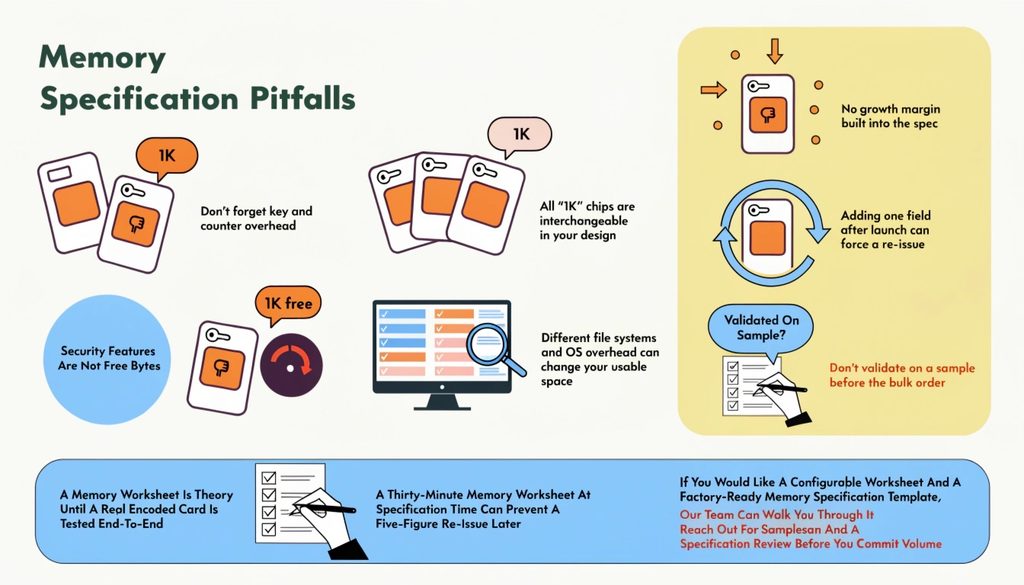
- Specifying nominal capacity and ignoring free user memory. “1K chip” and “1K free” are different products.
- Forgetting key and counter overhead. Security features are not free bytes.
- Assuming all “1K” chips are interchangeable. Different file systems and OS overhead change the usable space.
- Leaving no growth margin. Adding one field after launch can force a re-issue.
- Not validating on a sample before the bulk order. A memory worksheet is theory until a real encoded card is tested end-to-end.
A thirty-minute memory worksheet at specification time prevents a five-figure re-issue later. If you would like a configurable worksheet and a factory-ready memory specification template, our team can walk you through it—reach out for samples and a specification review before you commit volume.