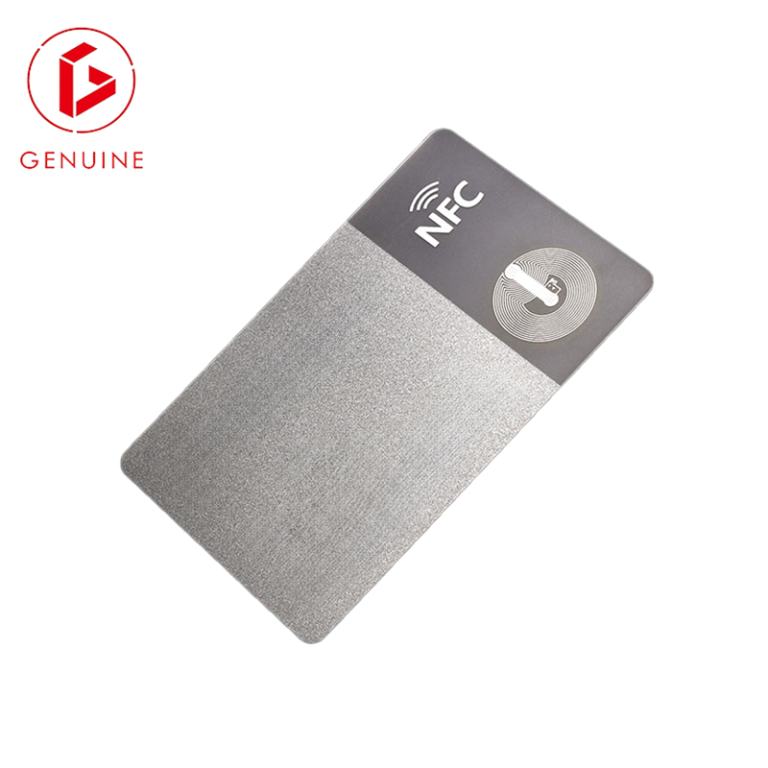
Every few months a new headline promises the “cardless office” — your phone becomes your badge, your wallet app becomes your key. For security, facilities, and procurement teams the pitch is seductive: no more plastic to print, issue, or replace. But the deployment reality is more nuanced than the marketing. This guide separates the hype from what actually happens on a busy site, and helps you decide where mobile credentials genuinely add value — and where a physical smart card remains the safer, cheaper, and sometimes mandatory choice.
What “mobile credentials” actually are (and are not)
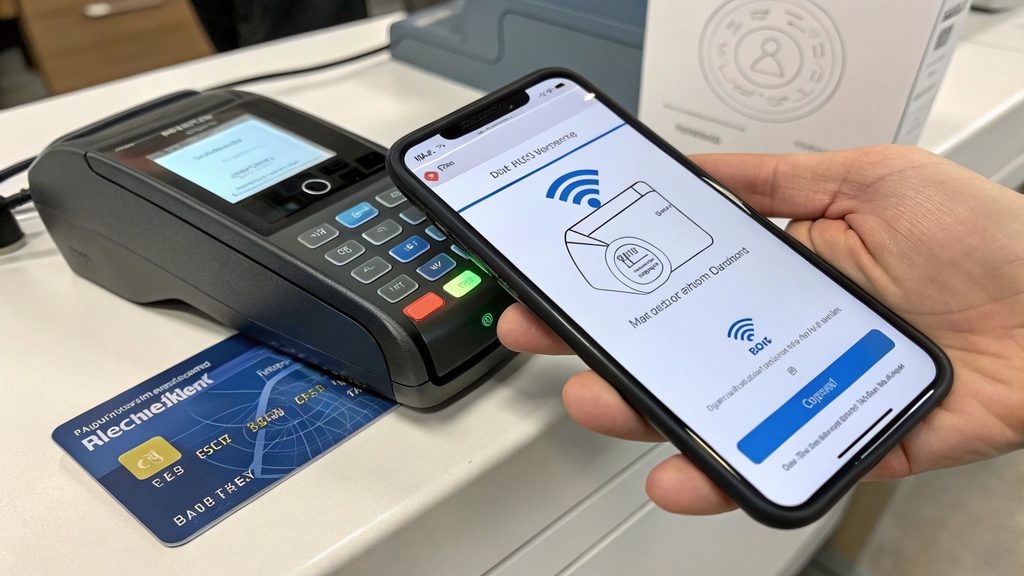
A mobile credential is a digital access token stored inside a phone’s secure element, presented to a reader over Bluetooth Low Energy (BLE) or NFC. It is not a new security technology — it is the same logical credential you would put on a card, simply re-hosted onto a personal device. That distinction matters to buyers: you are not buying “phone access,” you are re-issuing an existing credential onto a phone, which means you still need compatible readers, a backend access control system (PACS), and a provisioning workflow.
From a B2B view, the real question is never “cards or phones?” but “which readers, which credential lifecycle, and which failure modes are we willing to accept?” A phone that cannot reach a compatible reader is no credential at all. On the physical side, the credential lives on a card operating system that is purpose-built and independently evaluated — see our breakdown of smart card operating systems to understand what that evaluation actually covers.
Reliability: the phone-battery problem
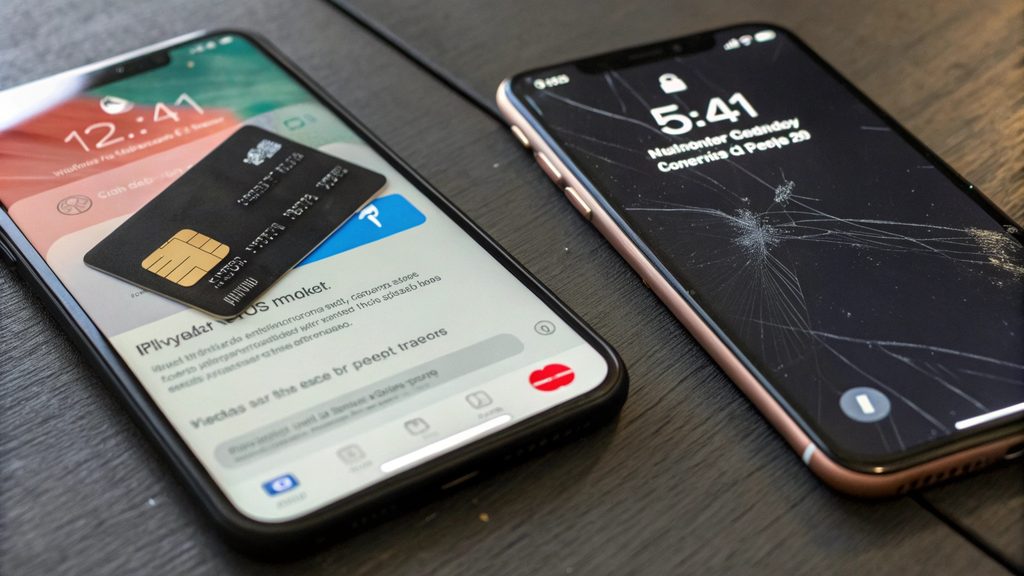
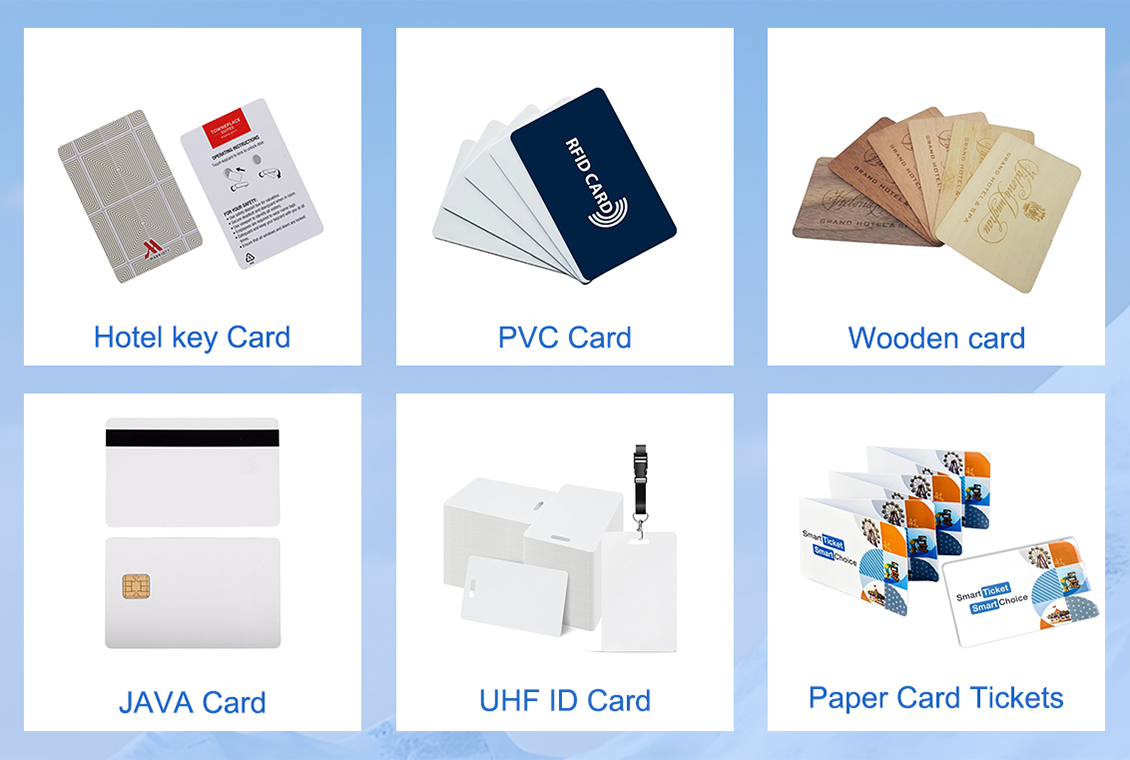
Phones run out of battery, install operating-system updates that quietly break wallet apps, and lose BLE in crowded radio environments. Screens crack. A physical smart card has none of these dependencies. A physical smart card has no battery, no operating system, and no app to break — it presents the same way on day one and day five thousand. For 24/7 operations, a shift worker with a dead phone is a locked-out worker and a help-desk ticket; a card in the wallet simply works.
The Secure Technology Alliance and other industry bodies consistently flag device health as the primary operational gap between mobile and physical credentials. When you model uptime for a real site, the phone’s dependencies are your uptime risk.
Offline and shared-device access: where phones fall short
High-assurance facilities, data centers, clean rooms, and shift-based shared terminals expose the limits of personal devices. In no-phone environments — common in government, defense, and critical-infrastructure sites — a mobile credential cannot be presented at all. On shared or shift workstations, the credential must follow the person, not live on a device someone else picks up next.
In no-phone zones and on shared or shift workstations, a personal mobile credential simply cannot be presented — only an issued card can. For programs built on high-assurance standards such as FIPS 201 / PIV, the physical card is the reference credential the standard was written around; the GSA FICAM guidance on FIPS 201 implementation makes clear that the evaluated personal identity verification card is the baseline.
Privacy and revocation: whose device carries the credential
When the credential lives on an employee’s personal phone, that phone becomes a surface tied to corporate access — its location, app state, and availability are now part of your security equation. A physical card keeps the credential on an employer-controlled object. Issuing the credential on a company-controlled card maintains a clean line between personal-device privacy and corporate access rights — and makes revocation a one-step act (disable the card) rather than a negotiation with someone’s personal hardware.
Under data-protection regimes such as the EU General Data Protection Regulation (GDPR), minimizing what corporate systems can infer from a personal device is a defensible design choice. Keeping the access credential off the personal phone reduces the data surface you are responsible for.
Total cost of ownership: beyond the price of a card
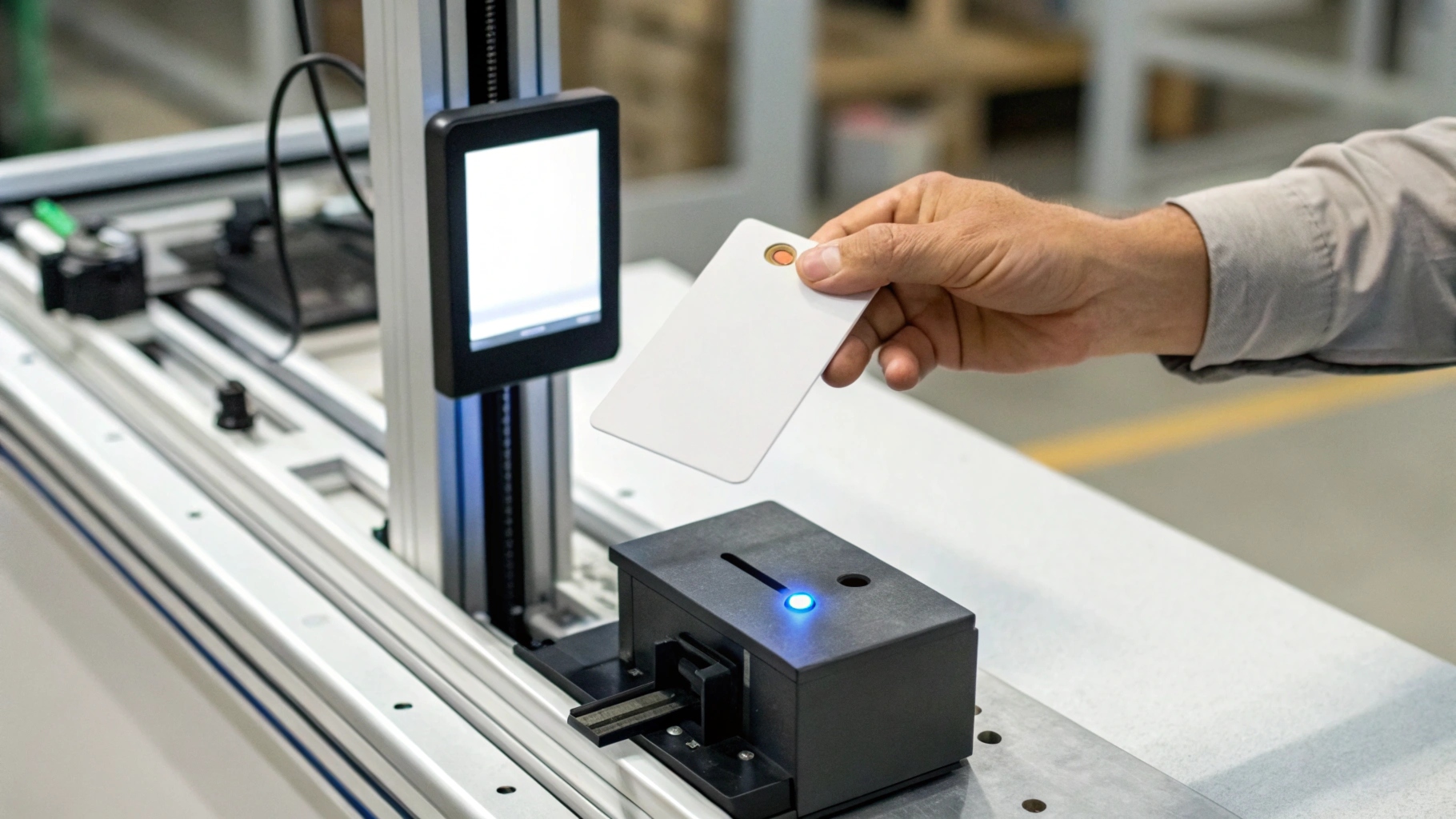
“Mobile is free — everyone already has a phone” is the most expensive assumption in this discussion. Real costs include mobile device management (MDM) licenses, lost-phone help-desk calls, re-provisioning after device changes, reader firmware upgrades, and ongoing app support across iOS and Android versions. Consider the failure event: a lost phone triggers a security incident, a help-desk ticket, and a credential re-issue; a lost card triggers one re-issue. A physical card has a known, low unit cost and a trivial replacement path.
For many B2B programs, the all-in cost per active credential is lower with plastic than with phones — especially once you price the support overhead of thousands of personal devices you do not own.
Where plastic is still mandatory: a buyer’s decision checklist
Use this checklist when specifying your program:
| Choose physical smart cards when… | Mobile credentials are viable when… |
| High-assurance / PIV-FIPS 201 programs | Convenience staff in low-risk areas |
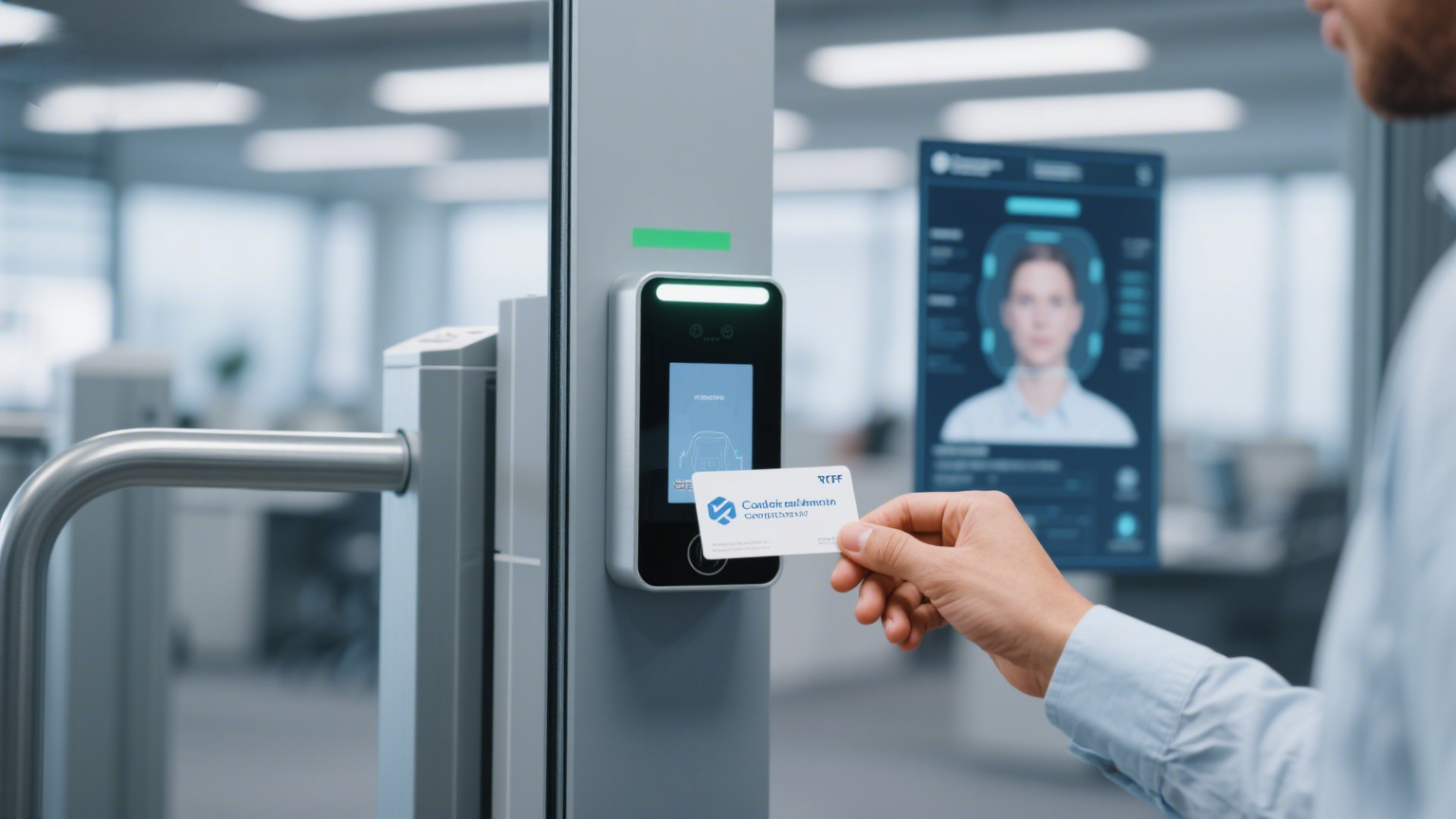
| No-phone or RF-restricted zones | Readers already support BLE/NFC mobile |
| Shared or shift workstations | Users carry a managed, charged device |
| Long-life credentials (5–10 years) | Short-term or rotating access |
| Visitors, contractors, temporary badges | A clear physical fallback card is also issued |
| Disaster recovery / must-work-without-phone | MDM and provisioning are already in place |
If any row on the left applies, plastic is not optional — it is the specification. Plan mobile as a convenience layer on top of a physical-card baseline, never as its only form. For high-assurance programs specifically, our guide to PIV and PKI smart cards compliant with FIPS 201-3 covers the evaluation and procurement detail buyers need.
Building a hybrid program that works
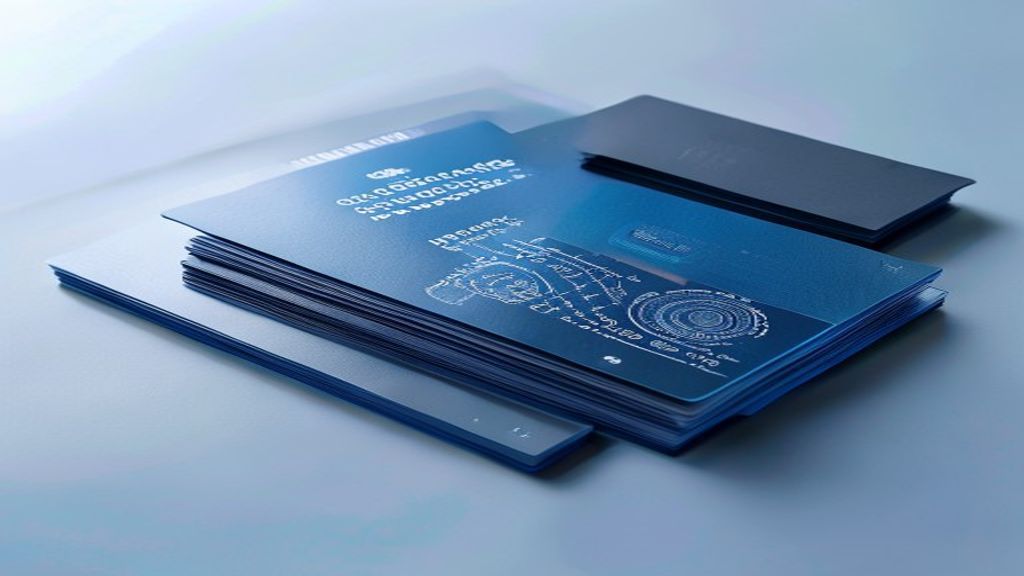
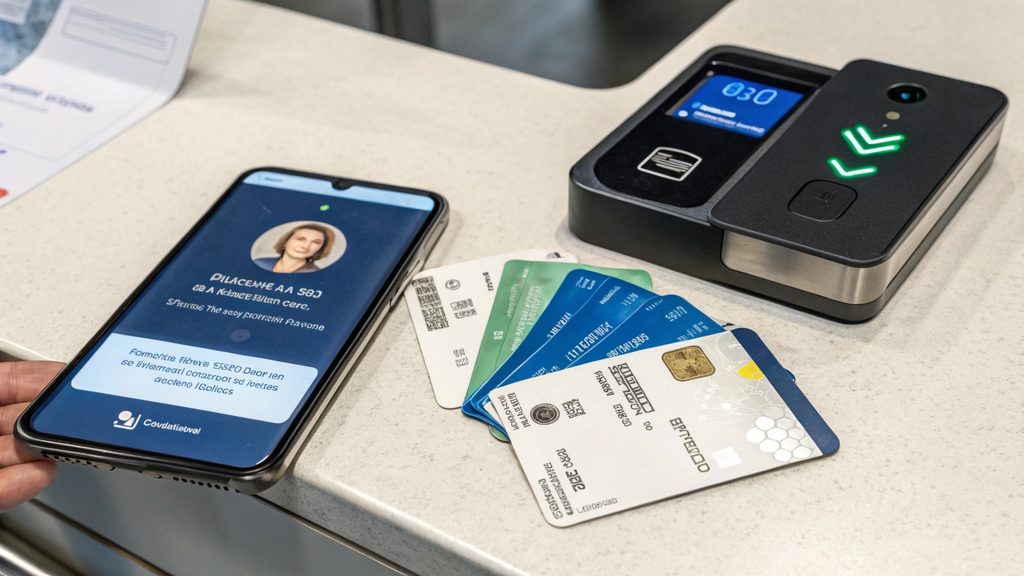
The most mature B2B access programs today are hybrid: mobile credentials for day-to-day convenience, physical smart cards for high-assurance areas, visitors, and fallback. The keys to getting it right are reader compatibility (confirm BLE/NFC and current firmware), a single provisioning workflow for both formats, and a hard rule that every mobile user also holds a physical backup. When you specify the physical side, the details still decide outcomes — chip type, durability, encoding, and personalization method all affect whether the card survives years of daily use. Understanding how smart cards are made helps you buy the right plastic rather than the cheapest.
Frequently asked questions
Are mobile credentials more secure than smart cards?
Not inherently. Both rely on the same cryptographic credential; the difference is the host. A phone adds a secure element but also battery, OS, and app dependencies. For high-assurance use, a physical PIV card evaluated to FIPS 201-3 remains the stronger baseline.
Can I use my existing readers for mobile credentials?
Only if they support BLE and/or NFC and have firmware compatible with the mobile credential standard your vendor uses. Many legacy readers need a firmware update or replacement — budget for it during planning. The GlobalPlatform specifications define how secure elements on both cards and phones are managed.
What about visitors and contractors?
Issue physical cards or temporary badges. You cannot assume a visitor’s phone is compatible, charged, or allowed on-site. Plastic remains the universal, no-dependency option.
Do mobile credentials work offline?
Limited. They depend on the phone’s state — battery, unlocked, app installed. A physical card works offline by design, which is why it stays mandatory for critical and shared access.
Conclusion: keep plastic as the backbone
Going cardless is a great story; running a reliable, auditable, compliant access program is the job. Specify mobile credentials where they reduce friction, but keep physical smart cards as the backbone — for high-assurance areas, no-phone zones, shared devices, visitors, and disaster recovery. When you are ready to specify the plastic, our card printer buying guide helps you weigh in-house vs outsourced personalization, and you can request samples and a quote to validate chip, durability, and encoding against your PACS before committing a volume order.