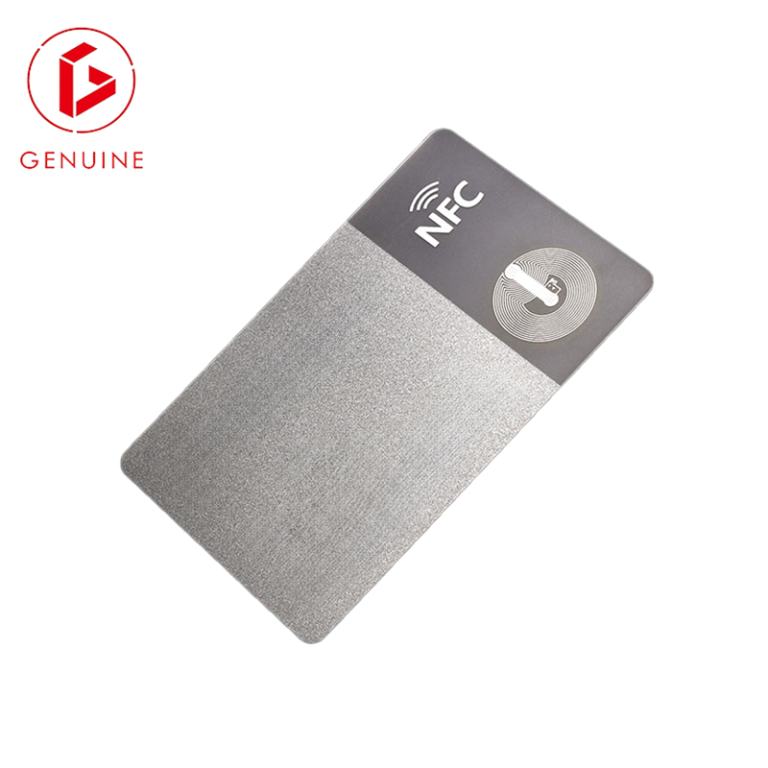
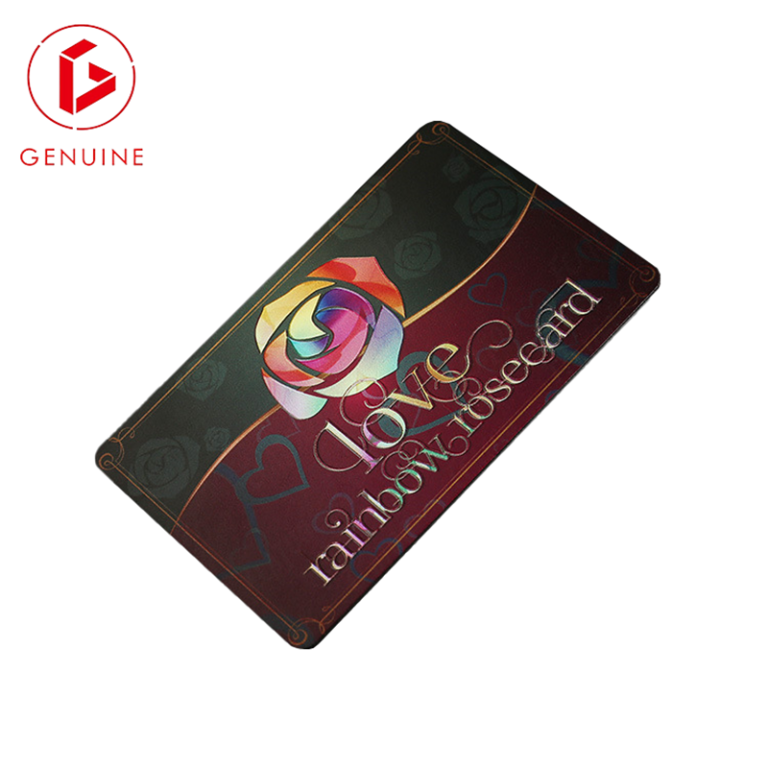
Choosing the right ID card security features is less about picking one impressive effect and more about building layers that work together. A single feature can be studied and defeated; a combination of UV printing, microtext, guilloche, and hologram overlays forces a counterfeiter to solve several unrelated problems at once. This guide explains how each feature works, what it protects against, and how to specify them so your ID program stays trustworthy from the first card to the last.
Why ID Programs Need Layered Security Printing
No two ID programs face the same risk. An employee badge in a controlled office has a different threat profile than a national citizen ID, a university card used for payments, or a contractor pass that opens a secure site. The most resilient programs combine two or three independent feature families so that a weakness in one does not collapse the whole system. Security printing is the foundation because it is baked into the card at manufacture and cannot be added later by an attacker.
When you brief a supplier, think in terms of overt (visible to the eye), covert (needs a tool or light to reveal), and forensic (verified only by the issuer) features. A balanced ID card usually carries at least one of each. The sections below cover the four printing features most requested by government, enterprise, and education buyers.
UV Printing and Fluorescent Features: Invisible Until You Need Them
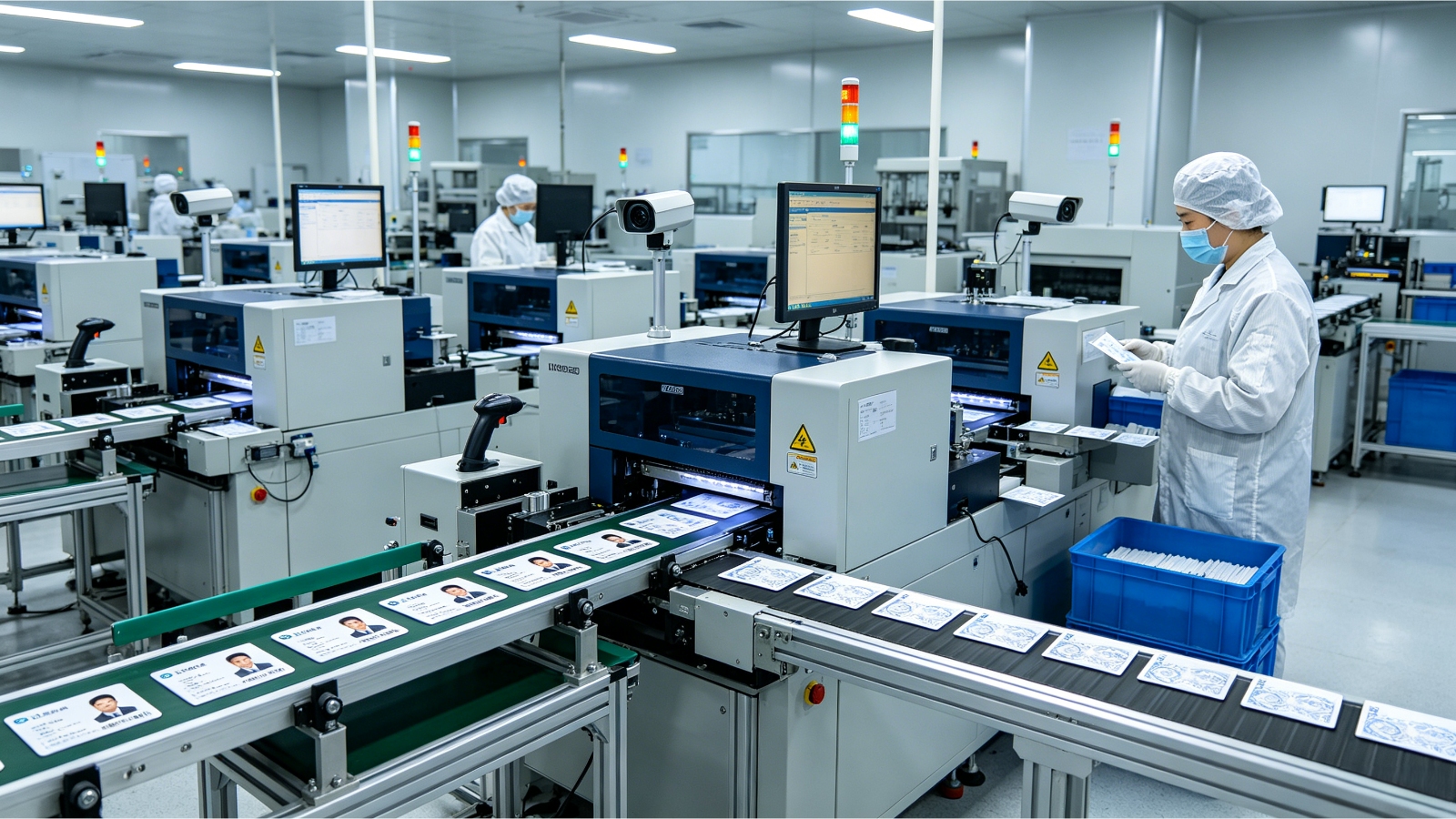
UV (ultraviolet) features are printed with inks that are invisible under normal light and glow under a UV or blue-light source. They are the classic covert layer: a guard can verify a card in seconds with a small torch, but a forger working under room light sees nothing to copy. Common UV elements include logos, serial patterns, and full-bleed fluorescing backgrounds.
Modern lines also offer UV variable data, where the fluorescent mark changes with the cardholder, making mass forgery uneconomic. Because UV sits within the card’s printed layers rather than on the surface, it is also resistant to abrasion and lamination wear. For programs that need a quick, low-cost second check at every entrance, UV is usually the first feature we recommend after the visual design.
Microtext: Small Print That Defeats Casual Counterfeiting
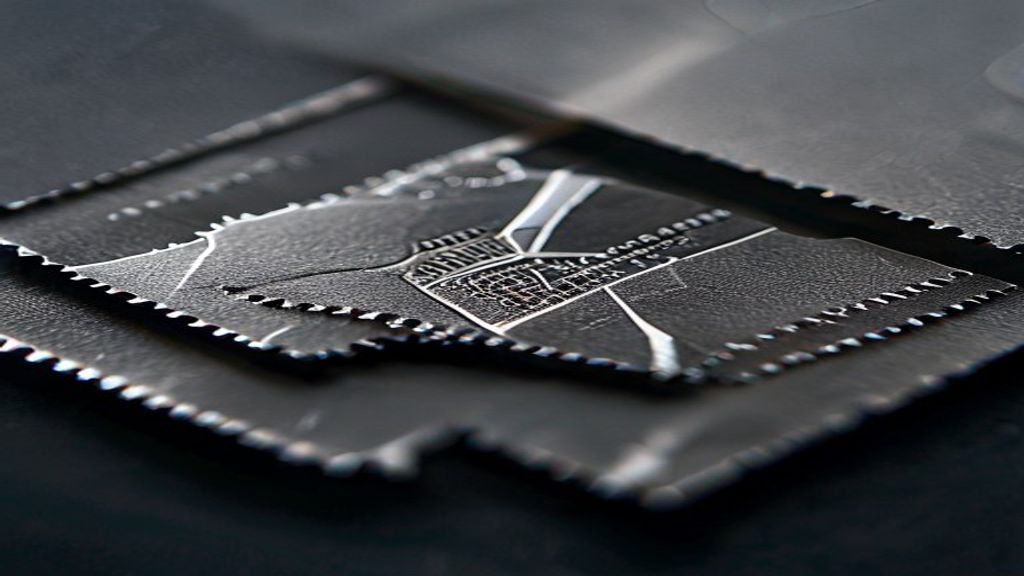
Microtext is exactly what it sounds like: lines of text or patterns set at a scale (often below 0.5 mm) that turn into a solid line when photocopied or scanned. A casual counterfeiter using a desktop printer cannot reproduce it; the moment they try, the words blur into a smudge. That makes microtext a powerful, low-cost deterrent against the most common attack: the office photocopier.
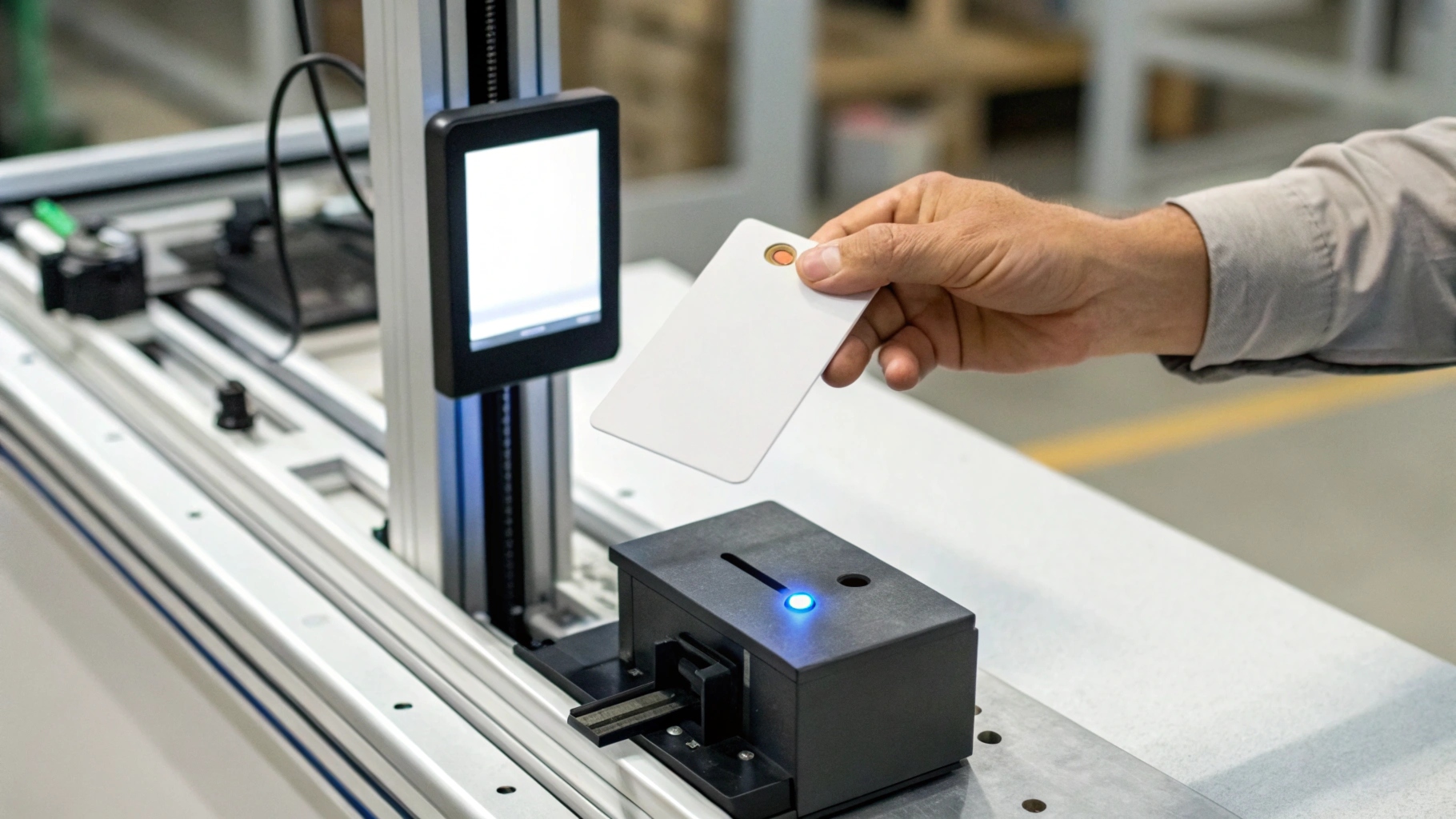
Used well, microtext doubles as a brand element. We frequently print a sponsor line, a URL, or a card series reference as microtext along a border or inside a guilloche band. Because it reads as normal print to the holder but collapses under reproduction, it gives your verification staff an instant tell-tale without special equipment. It pairs especially well with RFID and contactless chips, as covered in our RFID tag procurement guide.
Guilloche Patterns: Mathematically Hard to Reproduce
Guilloche is the intricate, interwoven line work you see on banknotes and secure certificates. Built from mathematically generated curves, a true guilloche pattern cannot be photographed and re-printed at the same resolution without visible artifacts. Even a high-end scan loses the fine intersections, so the pattern becomes a reliable authenticity signal.
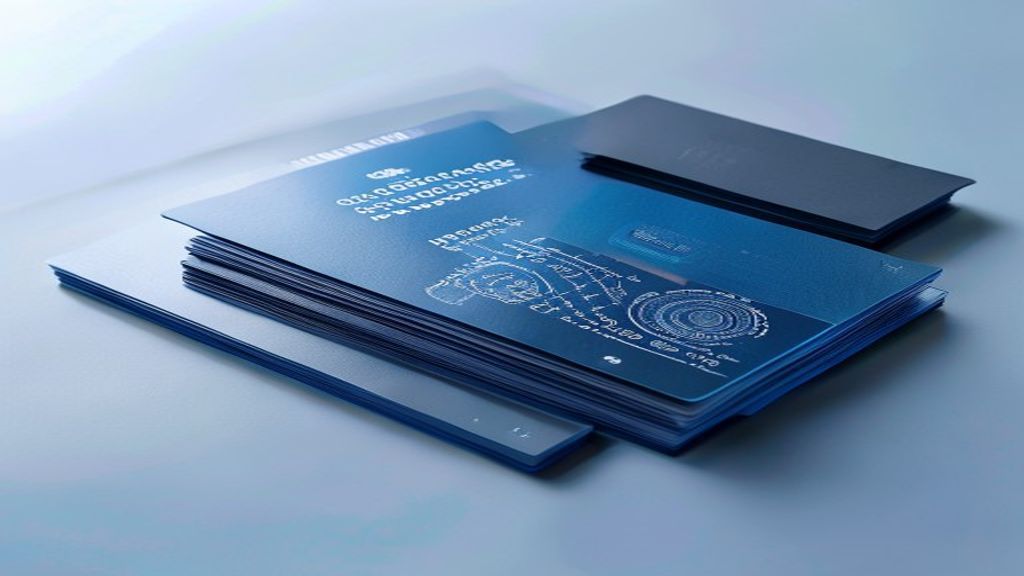
For ID programs, guilloche is usually combined with microtext and a tinted background to create a single, self-validating design field. The geometry can be tied to your organization so that any deviation is obvious. Specified correctly, guilloche is one of the highest-value features relative to cost, which is why it appears across the card materials shown for government and e-passport programs.
Hologram Overlays: Tamper Evidence You Can See
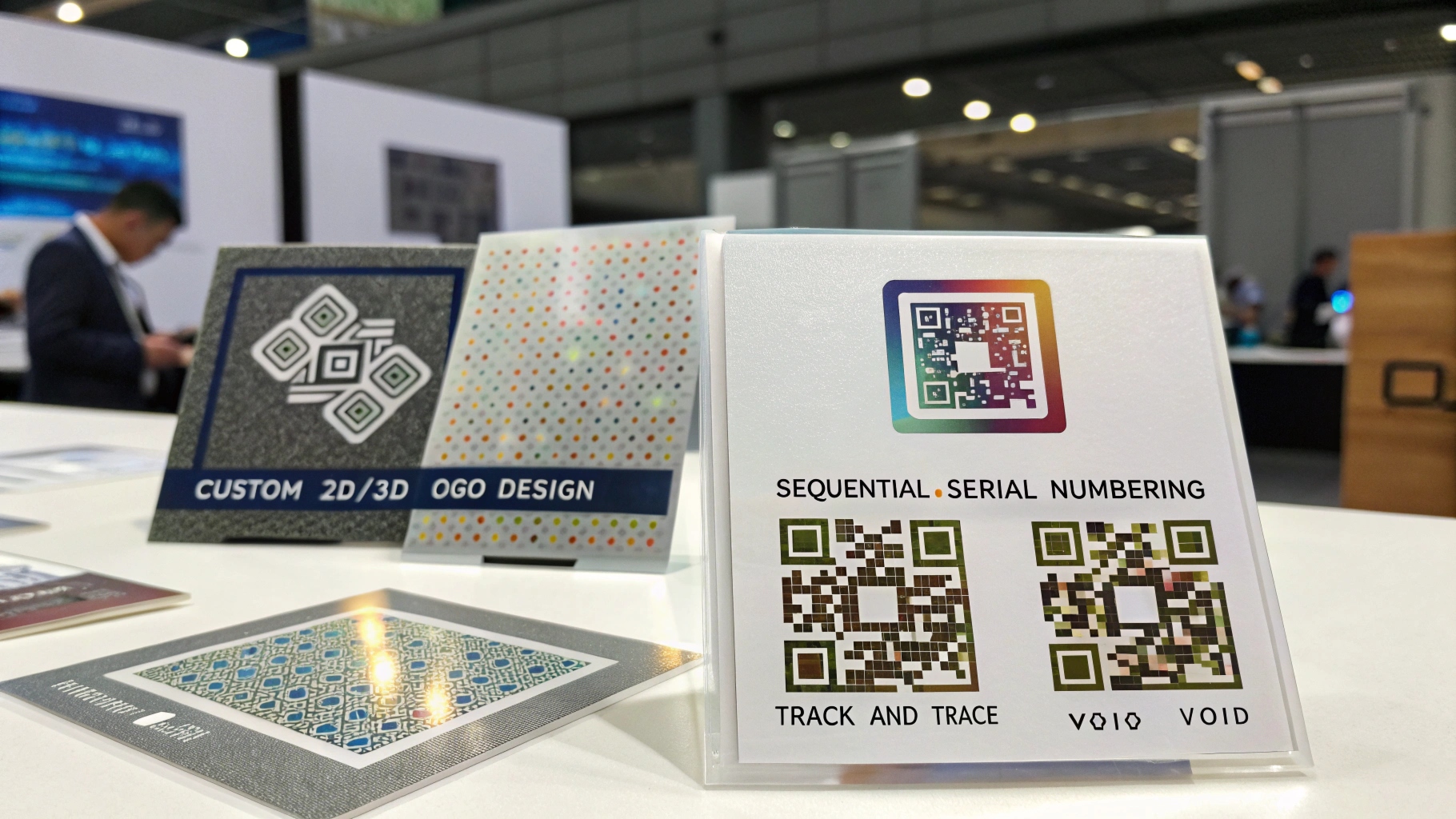
Hologram overlays sit on the card surface as a foil or laminate and provide an overt feature visible from any angle, plus a tamper-evident function: attempt to peel or re-apply the overlay and the hologram distorts or delaminates. That dual role makes holograms popular for cards that must be recognized at a glance, such as event credentials, loyalty and membership cards, and high-assurance employee badges.
Holograms range from generic stock foils to custom registered designs unique to your program. A custom hologram raises the bar for forgers because they cannot buy your exact foil off the shelf. For buyers comparing options, our smart card category archive collects related specifications and case notes that help frame the trade-off between stock and custom foil.
How to Combine Features Into a Cohesive Card Specification
The mistake most first-time buyers make is listing features like a wish list. A better approach is to map each feature to a threat: UV for quick covert checks, microtext for copy resistance, guilloche for scan resistance, and holograms for overt recognition plus tamper evidence. Then confirm the card substrate (PVC, PET, or polycarbonate) supports the chosen print methods, because some features require specific lamination or laser-engraving steps.
Finally, define verification. A feature no one checks is decoration. Document which features guards verify, with what tool, and how often, and keep one forensic feature (known only to the issuer) as your final arbiter. Standards bodies such as ISO/IEC JTC 1/SC 17 and ICAO publish the card and travel-document baselines your specification should sit alongside, while NIST offers measurement and testing guidance worth citing in procurement documents.
FAQ: Specifying ID Card Security Features
Which feature should I add first?
If budget allows only one covert feature, start with UV printing for fast visual verification. Add microtext next for copy resistance, then guilloche and a hologram overlay as the program’s risk profile grows.
Can these features be added to existing cards?
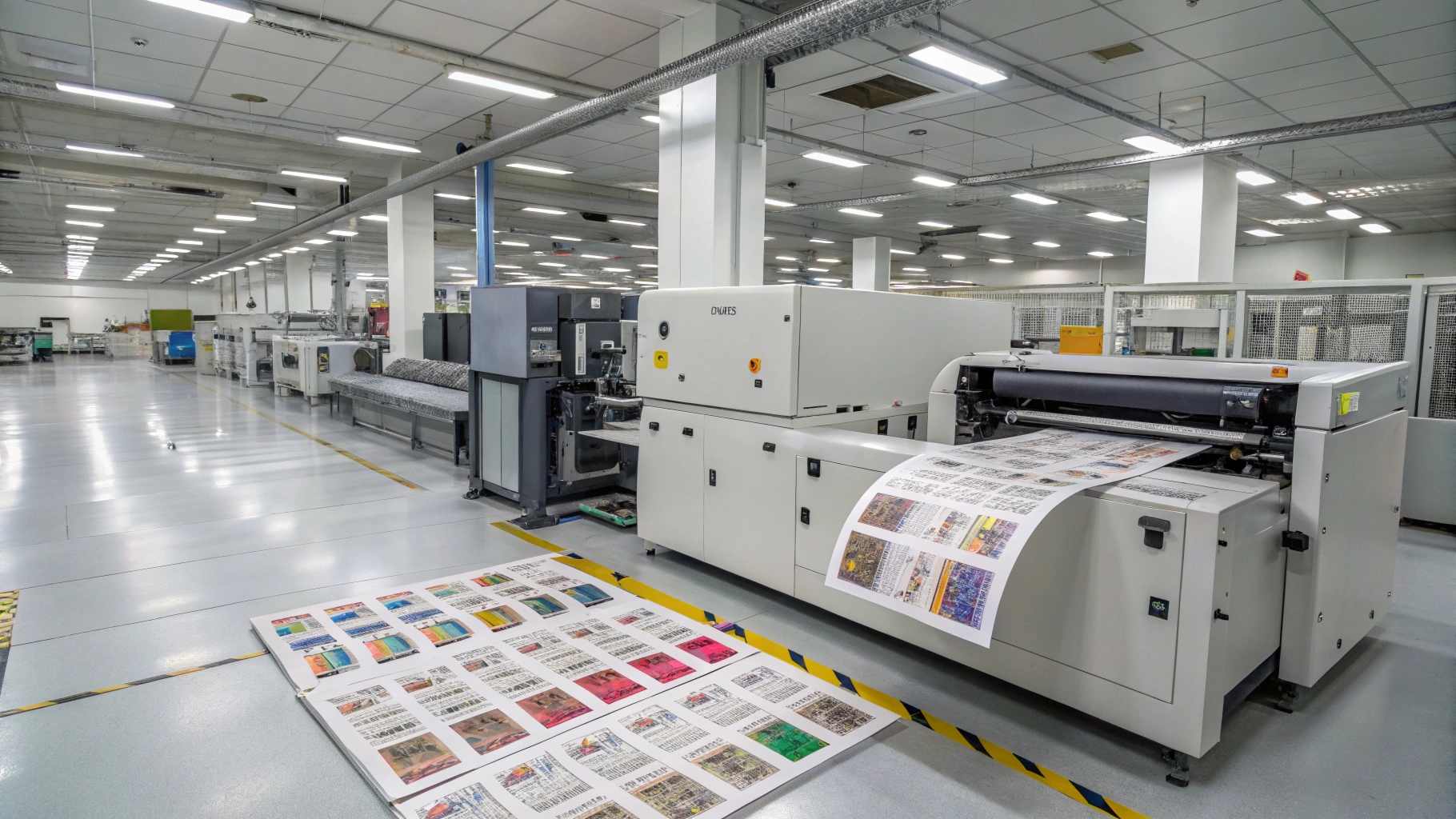
Printed features must be applied during manufacture. Surface-only additions like a hologram overlay laminate can sometimes be applied to blank stock, but UV, microtext, and guilloche require the original print run. Plan them at the ordering stage.
Do security prints work with RFID or smart cards?
Yes. Printing features and chip technology solve different problems and complement each other: the chip carries encrypted identity, while printing features provide visual and forensic authentication. Most enterprise ID programs run both.
Build Your ID Card Security Specification
The right ID card security features depend on your threat model, budget, and verification routine, not on a generic checklist. If you are scoping a new program or upgrading an existing one, share your use case and we will propose a layered feature set—UV, microtext, guilloche, and hologram overlays—matched to your cards, volumes, and readers. Start with a sample run so your team can validate the look, the feel, and the verification workflow before a full rollout.