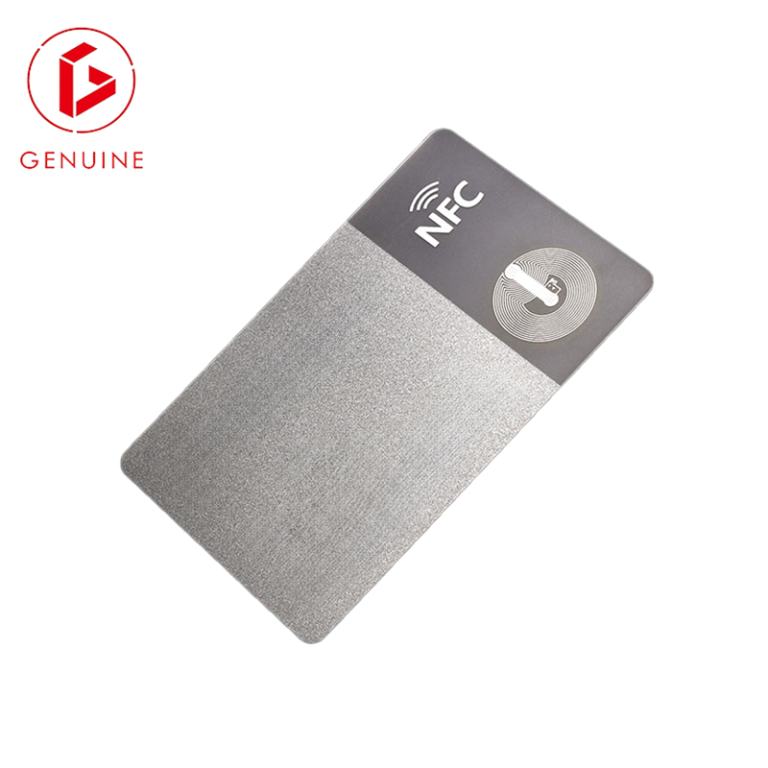
Struggling with outdated key systems? Unauthorized access is a constant threat. [HID proximity cards](https://en.wikipedia.org/wiki/Proximity_card)[^1] offer a secure, reliable, and modern solution for your business’s safety.
**Companies trust [HID proximity cards](https://en.wikipedia.org/wiki/Proximity_card)[^1] because they are a [global standard for reliable access control](https://en.wikipedia.org/wiki/HID_Global)[^2]. They offer proven security, are easy to use, and integrate seamlessly with existing systems, providing a durable and cost-effective solution for managing facility access and protecting assets.**
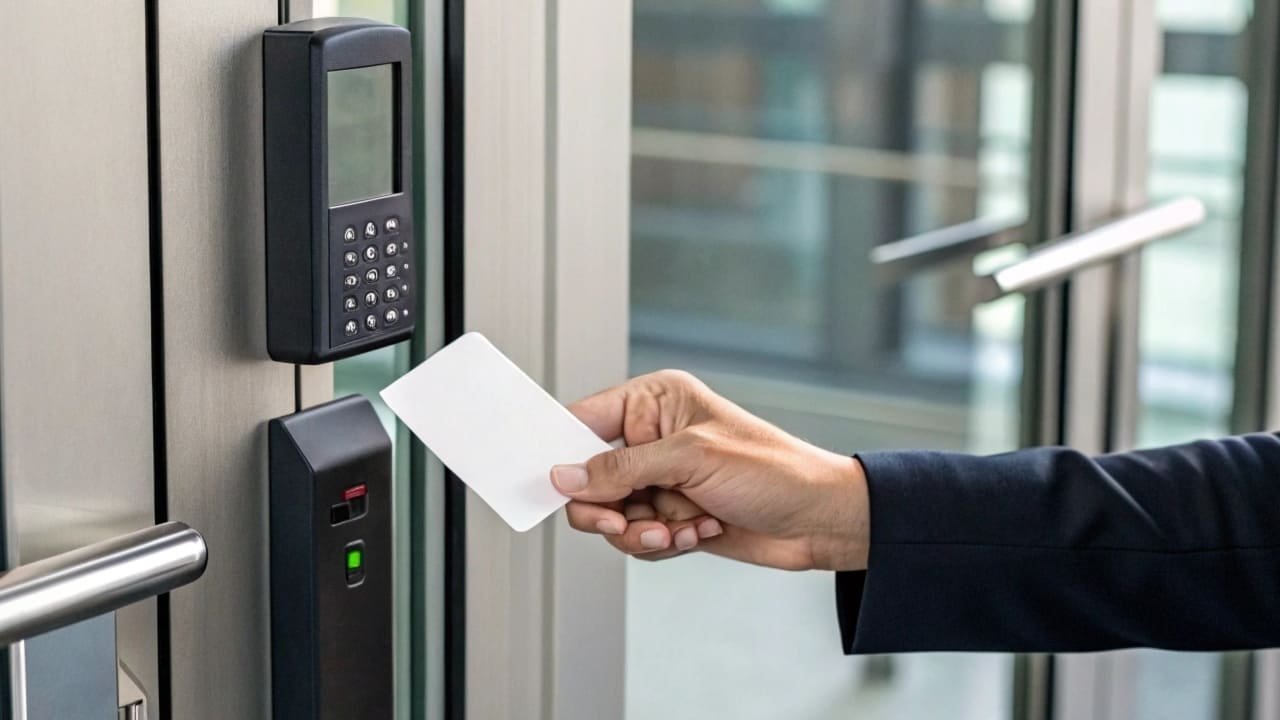
But HID is more than just a brand name. The real value comes from understanding which card is right for you, how much it will really cost, and how to implement it correctly. I’ve spent over 20 years in this industry, and I’ve seen that making the right choice from the start saves a lot of headaches later. Let’s break down the entire process, so you can make a decision with confidence.
## How Do You Choose the Right HID Proximity Card Model for Your Business?
Confused by all the different card models? Choosing the wrong one can lead to wasted money and security gaps. We can help you find the perfect fit.
**To choose the right HID card, first assess your security needs. The [ProxCard II](https://www.hidglobal.com/products/1326)[^3] is great for basic access. The [iCLASS series](https://identityweek.net/hid-global-expands-access-control-offering-2/)[^4] offers higher security with smart card technology. Consider your environment, required security level, and if you need to print on the card.**
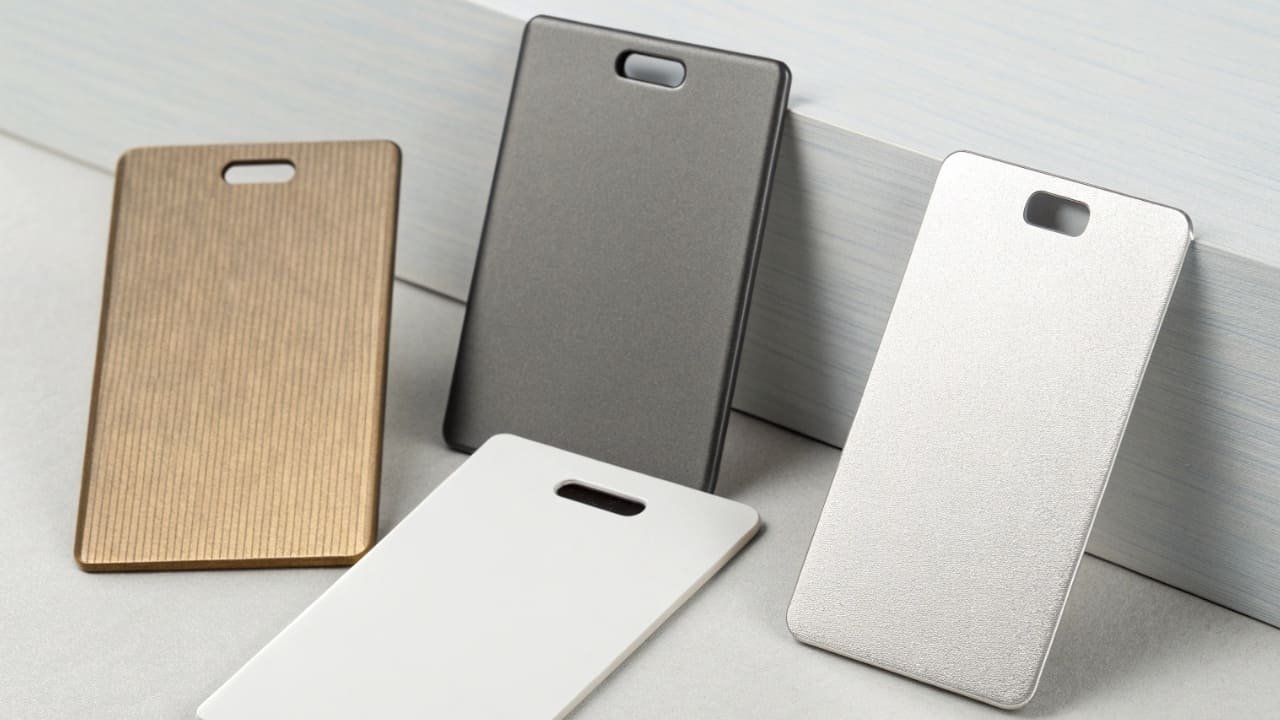
Choosing the right card is the first critical step. It’s not just about what opens the door; it’s about matching the technology to your specific security and operational needs. Let’s dive a bit deeper into the most common options.
### Understanding the Technology: 125 kHz Proximity
Most standard [HID proximity cards](https://en.wikipedia.org/wiki/Proximity_card)[^1] operate on a [125 kHz frequency](https://en.wikipedia.org/wiki/Proximity_card)[^5]. This is a reliable and widely adopted technology that has been the industry standard for decades. It’s simple: the card gets power when it’s near a reader, and it transmits its unique ID number to the reader. This simplicity is its strength, making the cards durable and affordable. At GENUINE PRINTING, we have produced millions of 125 kHz compatible cards, and their reliability is a key reason clients stick with them for general access control.
### Comparing Popular HID Proximity Card Models
Not all proximity cards are created equal. They differ in form factor, durability, and whether you can print on them. I once had a client who ordered thousands of “clamshell” cards without realizing they couldn’t print employee photos on them. It was a costly mistake that we helped them fix. Here’s a simple breakdown to avoid that situation:
| Model Name | Key Feature | Best For | Printable Surface |
| ————— | ———————————————– | ————————————————– | —————– |
| **[ProxCard II](https://www.hidglobal.com/products/1326)[^3]** | Thick, “clamshell” design, extremely durable. | Harsh environments like factories or construction. | No (use adhesive) |
| **ISOProx II** | Standard credit card thickness, image-printable.| Corporate offices needing photo ID cards. | Yes (Direct-to-card) |
| **DuoProx II** | Printable surface with a magnetic stripe. | Integrating with older magnetic stripe systems. | Yes (Direct-to-card) |
While these are standard HID models, remember that a specialized manufacturer like us can create custom-designed cards with the same core technology but tailored to your brand, often with added security features like holograms or UV printing.
## What Are the Real Costs Involved in an HID Proximity Card System?
Worried about hidden costs in your security budget? An unclear budget can stop a project before it starts. Let’s reveal the [total cost of ownership](https://identityweek.net/bhutan-opts-for-hid/)[^6] for you.
**The real cost includes more than just the cards. You must budget for the cards themselves, readers, the [access control panel and software](https://identityweek.net/efficiency-in-secure-issuance-what-are-government-expectations-of-suppliers/)[^7], and [installation fees](https://en.wikipedia.org/wiki/Headlamp)[^8]. Ongoing costs include replacement cards and potential software maintenance fees.**
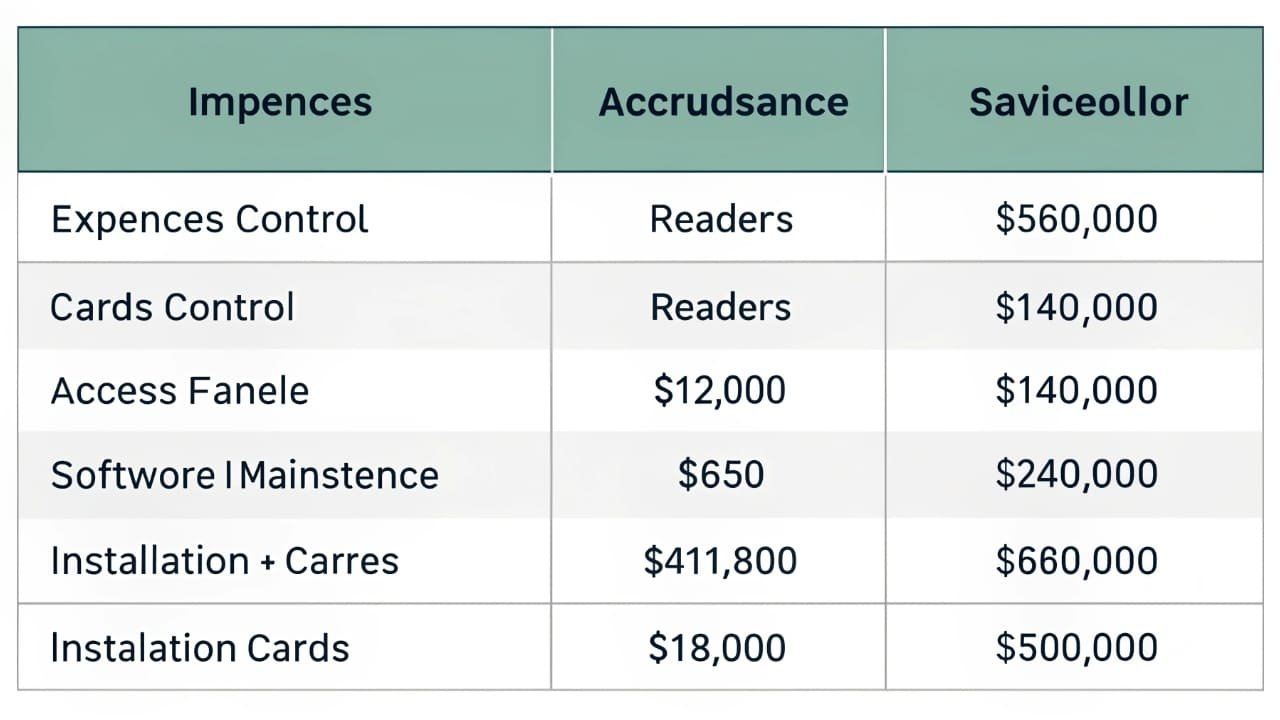
A procurement director I work with, Michael in the UK, always says, “The sticker price is never the real price.” He’s right. When planning for a new access control system, you must look at the [total cost of ownership](https://identityweek.net/bhutan-opts-for-hid/)[^6], not just the price per card. Let’s break down the budget into clear categories so there are no surprises.
### Initial Investment: Hardware and Software
This is your main upfront cost. It includes the physical components and the brains of the system.
* **Cards:** The price per card can range from $2 to $10+ depending on the model, technology, and custom features. Buying in bulk always reduces the per-unit cost.
* **Readers:** Each door or access point needs a reader. These can cost anywhere from $100 to $400 each, depending on the model and environmental rating (e.g., weatherproof).
* **Control Panel & Software:** This is the central hub that manages all the readers and user permissions. A basic system for a small office might start around $1,000, while enterprise-level solutions can be much more.
### Installation and Ongoing Costs
Don’t forget the cost of getting the system up and running and keeping it that way.
* **Installation:** Professional installation involves running wires and mounting hardware. This can be a significant cost, often billed by the hour or per door.
* **Ongoing Costs:** Plan for replacing lost or damaged cards. You should also ask about software licensing. Some providers charge an annual fee for software updates and support, which can be a recurring operational expense.
Here is a sample budget for a small business with 5 doors and 50 employees:
| Item | Quantity | Estimated Cost/Unit | Estimated Total |
| ———————– | ——– | ——————- | ————— |
| ISOProx II Cards | 50 | $5 | $250 |
| Proximity Readers | 5 | $150 | $750 |
| Access Control Panel | 1 | $1,200 | $1,200 |
| Software License | 1 | $500 (one-time) | $500 |
| **Subtotal (Hardware)** | | | **$2,700** |
| Installation Labor | 20 hours | $75 | $1,500 |
| **Grand Total** | | | **$4,200** |
This is just an example, but it shows how the costs add up beyond the cards themselves.
## What Are the Key Steps to Successfully Implement an HID Proximity Card System?
Ready to upgrade but unsure where to start? A poor implementation process can cause major disruptions. Follow these simple steps for a smooth and successful rollout.
**Successful implementation involves four key stages. First, plan your access levels. Second, install the hardware. Third, configure the software and enroll user cards. Finally, train your employees and launch the system. A [phased rollout](https://en.wikipedia.org/wiki/Headlamp)[^9] is often recommended.**

A system is only as good as its implementation. I’ve seen companies invest in top-tier hardware only to have it fail because the rollout was rushed and poorly planned. A structured, phased approach is always the best way to go. It minimizes disruption to your daily operations and ensures everyone is on board. Let’s walk through the key phases of a successful project.
### Phase 1: Planning and Design
This is the most important phase. Do not skip it. First, walk through your facility and create a map of all doors and access points you want to control. Next, define your user groups. Who needs access to where, and when? For example:
* **All Staff:** Access to main entrance and common areas, 8 AM – 6 PM, Mon-Fri.
* **IT Department:** 24/7 access to main entrance, common areas, and server room.
* **Management:** 24/7 access to all areas.
Getting this right on paper first will save you countless hours of reprogramming later.
### Phase 2: Hardware Installation and Software Configuration
This is where you bring in the professionals. A certified installer will run the necessary wiring from the control panel to each door reader. This work should be clean and discreet. While they install the hardware, your IT team or security manager can begin configuring the access control software based on the plan from Phase 1. They will create the [user groups and time schedules](https://en.wikipedia.org/wiki/User_interface)[^10] in the system.
### Phase 3: Card Enrollment and System Testing
Now it’s time to connect the physical cards to the digital identities. You will enroll each card into the system and assign it to a specific user. This process can be time-consuming for large organizations, so plan accordingly. Once cards are assigned, you must test everything. I always advise my clients to test every single card on every single reader it’s supposed to work on. It’s tedious, but it ensures there are no surprises on launch day.
### Phase 4: Training and Go-Live
The final step is preparing your people. Communicate the change well in advance. Hold brief [training sessions](https://en.wikipedia.org/wiki/Node_graph_architecture)[^11] to show employees how to use their new cards. Explain the security benefits and what to do if a card is lost or stolen. On launch day, it’s often best to have support staff near the main entrances to help with any issues. A smooth transition makes employees feel secure and confident in the new system.
## Can You Integrate HID Proximity Cards with Other Security Systems?
Is your access card just for opening doors? You might be missing out on powerful integration possibilities. Unlock the full potential of your security investment.
**Absolutely. Modern HID systems and compatible cards can be integrated with other business systems. You can link them to [time and attendance software](https://en.wikipedia.org/wiki/Proximity_card)[^12], (https://en.wikipedia.org/wiki/Wiegand_interface)[^13], and even [canteen payment systems](https://en.wikipedia.org/wiki/Smart_card)[^14], creating a single-card solution for your entire facility.**
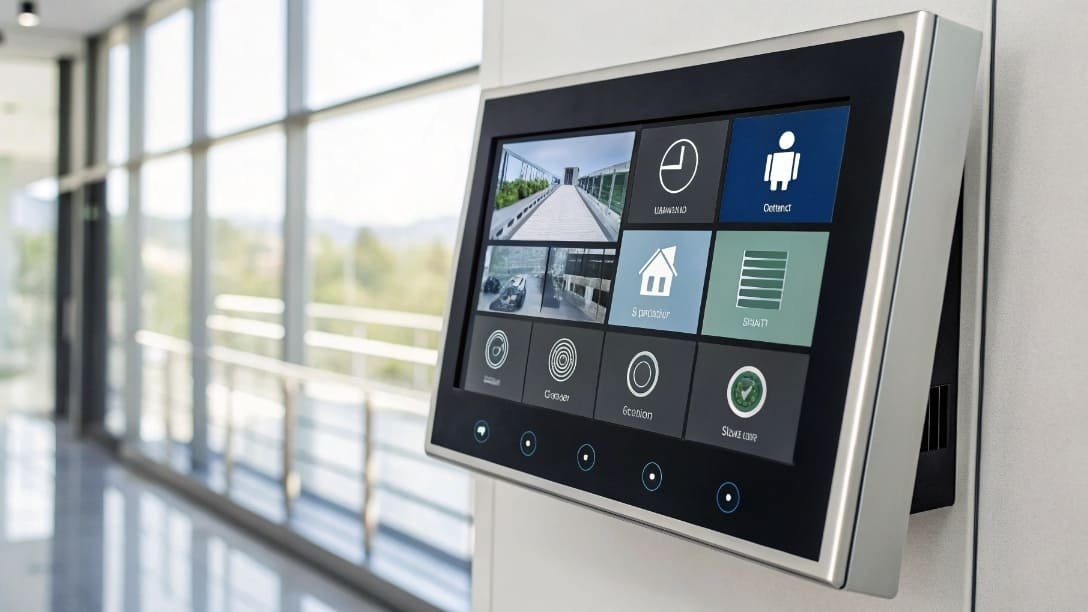
The true power of a modern access control system lies in its ability to talk to other systems. A simple proximity card can become the key to a much smarter and more efficient building. At GENUINE PRINTING, we specialize in creating [multi-technology cards](https://identityweek.net/zwipe-access-integrated-with-legic-security-platform/)[^15] that make these integrations possible. Think of the card not just as a key, but as a unique identifier for each person that can unlock a range of services.
### Tying Access Events to Video Surveillance
This is one of the most powerful integrations. You can configure your system so that whenever a card is used on a reader, the nearest CCTV camera automatically records a short video clip and tags it with the user’s information. If a door is forced open, it can trigger an alarm and bring up live video feeds for security staff. This transforms your security from a passive system to an active one, making it much easier to investigate incidents.
### Creating a One-Card Solution
Why carry multiple cards when one can do it all? We recently worked with a large university to solve this exact problem. Students had one card for dorm access, another for the library, and a third for paying for meals. We helped them design a single hybrid card that included:
1. **A Proximity chip:** For secure access to buildings.
2. **An NFC chip:** For cashless payments at the cafeteria and vending machines.
3. **A barcode:** For checking out books at the library.
This simplified life for everyone and reduced the administrative burden of managing three separate card systems. This is the future of access control: a single, intelligent credential that streamlines operations across an entire organization.
## Conclusion
Choosing the right HID-compatible system is about security, cost, and smooth implementation. We can help you navigate these choices to build a truly effective and reliable access control solution.
—
[^1]: Understanding HID proximity cards can help you decide if they are the right solution for your business’s security needs.
[^2]: Learn why HID proximity cards are trusted worldwide for their reliability and security in access control systems.
[^3]: Discover why the ProxCard II is ideal for harsh environments and basic access control needs.
[^4]: Explore the advanced security features of the iCLASS series and how they enhance access control.
[^5]: Learn about the technology behind the 125 kHz frequency and its role in HID proximity cards.
[^6]: Get a comprehensive view of the costs involved in setting up and maintaining an HID proximity card system.
[^7]: Learn about the importance of access control panels and software in managing HID systems effectively.
[^8]: Understand the potential costs associated with the professional installation of HID systems.
[^9]: Discover why a phased rollout can ensure a smooth transition to a new HID access control system.
[^10]: Learn how to effectively manage access permissions using user groups and time schedules in HID systems.
[^11]: Explore the role of training sessions in ensuring successful adoption of new HID systems by employees.
[^12]: Learn how integrating HID cards with time and attendance software can streamline employee tracking.
[^13]: Find out how linking HID cards with CCTV can enhance security monitoring and incident investigation.
[^14]: Explore how HID cards can simplify transactions in canteens by serving as a payment method.
[^15]: Understand how multi-technology cards can offer versatile solutions for various access and payment needs.